

Do you have a powerful message to share but feel like the technical side of podcasting is holding you back?
Many podcast hosts want to reach a wider audience but get stuck on the “how” of podcast creation.
The good news is, you don’t need a fancy studio to start a podcast. You can start with your phone and other devices you have, plus a reliable podcast making app.
Let’s look at the 17 best podcast making apps and their key features.
Whether you’re a beginner at podcasting or a seasoned podcaster, these tools help streamline your workflow.
17 Top Podcast Maker Apps (2027 Snapshot)
Here’s a quick overview of the best apps for making podcasts that we’ll cover in this guide.
- Riverside: Best for high-quality remote interviews with guests in different locations.
- Spreaker Create: Best for streamlined processes and ready-to-use resources.
- Spotify for Creators: Best for beginners looking for a free, all-in-one solution.
- Podbean: Best for livestreaming and monetization.
- Alitu: Best for automating your podcast production.
- Libsyn Studio: Best for creators already using Libsyn for podcast hosting.
- GarageBand: Best free editor for Apple users.
- Podcastle: Best for AI tools and text-to-speech features.
- Buzzsprout: Best for podcast hosting and website-building.
- Apple Podcasts for Creators: Best for having a creator’s dashboard for Apple Podcasts.
- iMovie: Best for creating simple video podcasts on Apple devices.
- Audacity: Best for free, powerful audio editing.
- Descript: Best for text-based audio recording and editing.
- Adobe Audition: Best for professional-grade post-production.
- Hindenburg Pro: Best for storytelling and journalism podcasts.
- Zoom: Best for conducting remote interviews with a familiar video conferencing tool.
- Talks: Best for matching with high-quality podcast guests after recording your podcast.
What Is a Podcast Making App?
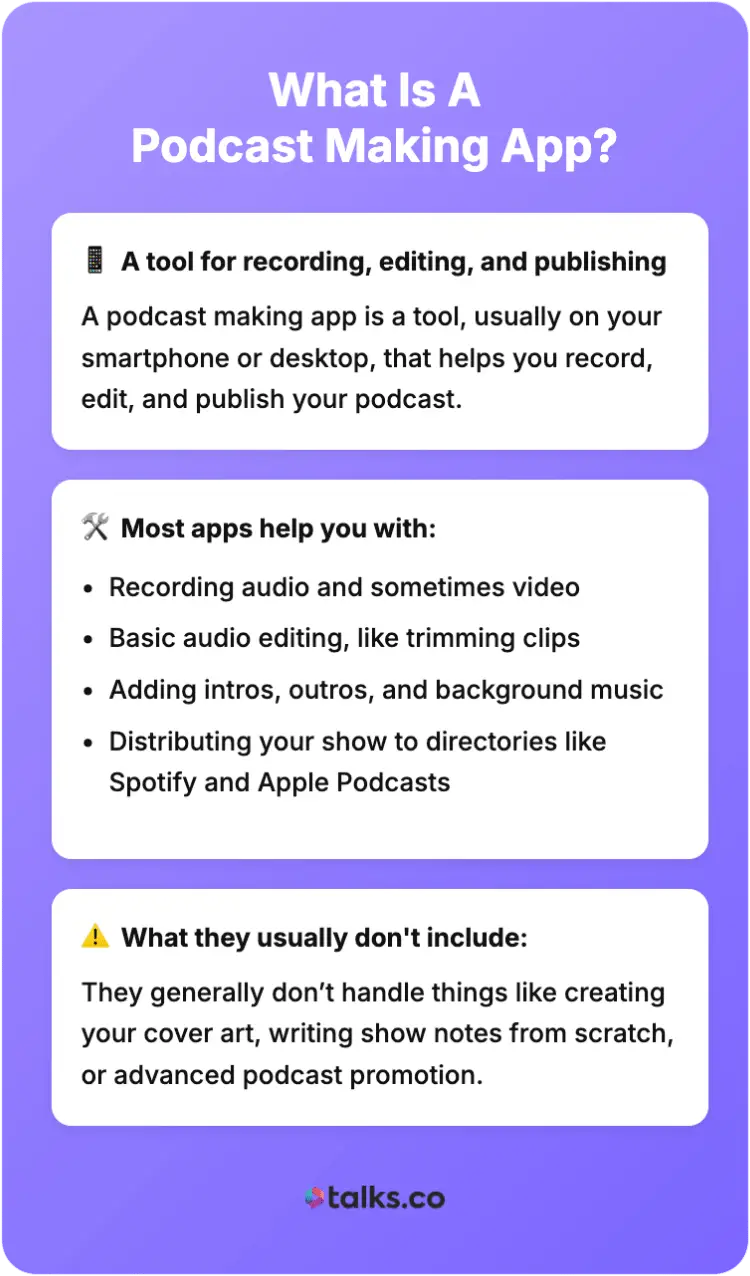
A podcast making app is a tool, usually on your smartphone or desktop, that helps you record, edit, and publish your podcast. It’s designed to simplify the podcasting process from start to finish.
Typically, these apps designed for podcasting will help you with:
- Recording audio and sometimes video
- Basic audio editing, like trimming clips
- Adding intros, outros, and background music
- Distributing your show to podcast directories like Spotify and Apple Podcasts
They generally don’t handle things like creating your cover art, writing your show notes from scratch, or advanced podcast promotion. For that, you need a different set of podcast tools.
How a podcast works
To understand how these apps work, it’s helpful to know the basics of how a podcast works.
The process of creating a podcast involves:
- Recording an audio file
- Editing your raw files to have a polished episode
- Uploading it to a podcast hosting service, which generates an RSS feed
- Podcast apps like Spotify use your RSS feed to deliver your podcast episodes to listeners
Podcast-making apps streamline this by combining recording, editing, and sometimes even hosting into one seamless workflow.
17 Top Podcast Making Apps
The right tools save you time and energy to make a podcast. Instead of weeks in your studio and struggling with every single step, a podcast making app can help you produce episodes easily.
That means consistently providing content and showing up for your loyal listeners.
Let’s explore these podcast-making software in more detail to help you find the perfect fit.
1. Riverside: Apps to start a podcast
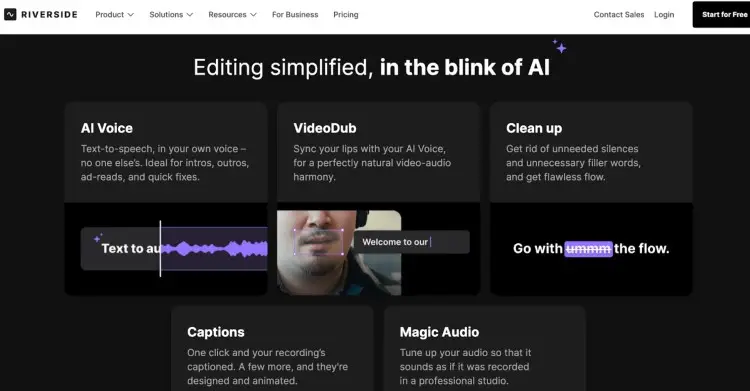
Riverside is a powerful mobile app and browser-based platform designed for recording studio-quality remote interviews. Perfect for podcasters who want to interview guests without sacrificing audio quality.
Key features:
- Locally records high-quality audio (up to 48kHz WAV) and video (up to 4K).
- Separate audio and video tracks for each participant.
- Automatic transcription for repurposing content.
- Text-based editor to edit your podcast as easily as editing a text document.
- Magic Clips feature to easily create video clips for social media.
Price: 14-day free trial. Paid plans start at $24/month.
2. Spreaker Create
Spreaker Create is a versatile podcast creator app for those who want to create on the go. It simplifies the creation process with ready-to-use templates and sound effects.
Key features:
- Available on Google Play and App Store.
- Offline recording mode.
- In-app editing tools like trimming and auto-ducking.
- Library of sound effects and music
Price: Free plan available.
3. Spotify for Creators: Apps for podcast making
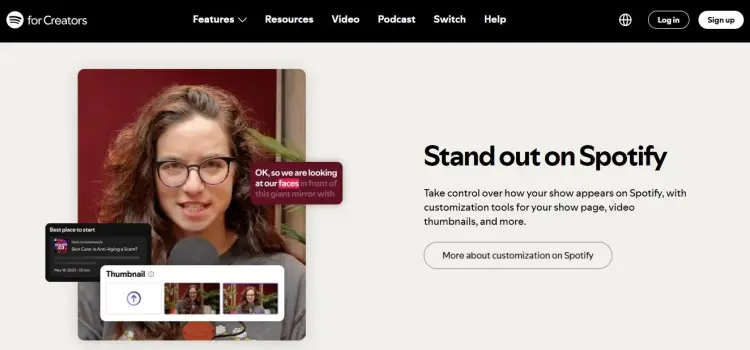
Formerly known as Spotify for Podcasters, Spotify for Creators is one of the most popular free options for new podcast creators. It’s an all-in-one platform that lets you record, edit, and host your podcast for free.
Key features:
- Unlimited free podcast hosting.
- Easy distribution to Spotify and other major podcast directories.
- Basic editing tools and a library of free music and transitions.
- Built-in analytics to track how your podcast is performing.
- Supports video podcasts.
Price: Free
4. Podbean: Podcast app for Android free
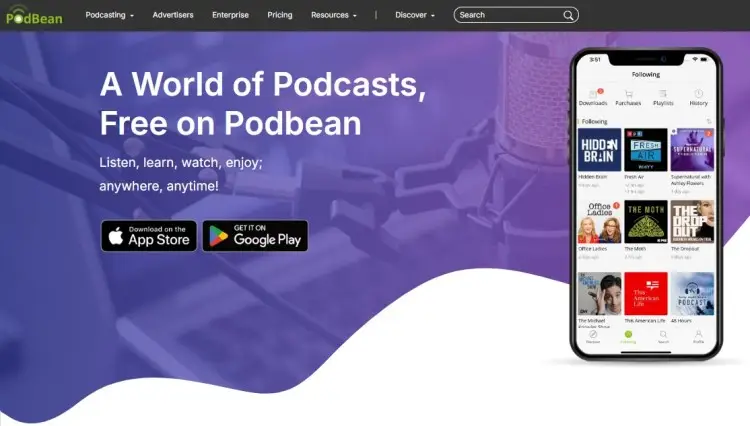
The Podbean Podcast App is a great choice for podcasters who want to engage with their audience through live streaming. It also offers a ton of monetization tools to help you earn money from your show.
Key features:
- Live streaming with virtual gifts and listener call-ins.
- Podcast hosting with detailed analytics.
- Monetization options, including a patron program and an ad marketplace.
- Lets you mix in sound effects and music during recording.
Price: Free plan available. Paid plan starts at $9/month.
5. Alitu
This web app is designed to make podcast production as simple as possible. Alitu automates many of the technical parts of editing, making it ideal for creators who want to focus on content creation.
Key features:
- Automated audio cleanup, including noise reduction and leveling.
- Text-based editor for easy editing.
- Episode builder to assemble your segments, music, and ads.
- Built-in podcast hosting and publishing.
Price: $38/month
6. Libsyn Studio
Libsyn Studio is the in-house podcast maker from Libsyn, a long-standing name in podcast hosting. It integrates smoothly with their hosting service, making it a convenient option for existing Libsyn users.
Key features:
- Solo and remote recording capabilities.
- Royalty-free music and sound effects library.
- Automatic audio leveling.
- Text-based editing with their “Easy Editing” tool.
Price: Included with Libsyn hosting plans (starts at $5/month)
7. GarageBand
For Apple users, GarageBand is a surprisingly powerful and free Digital Audio Workstation (DAW). While it’s known for music production, it has everything you need to record a podcast and edit it professionally.
Key features:
- Multi-track recording and editing.
- A library of loops and sound effects.
- Visual EQ and compression tools.
- Easy-to-learn interface for beginners.
Price: Free on Apple devices
8. Podcastle: Podcast maker app Android
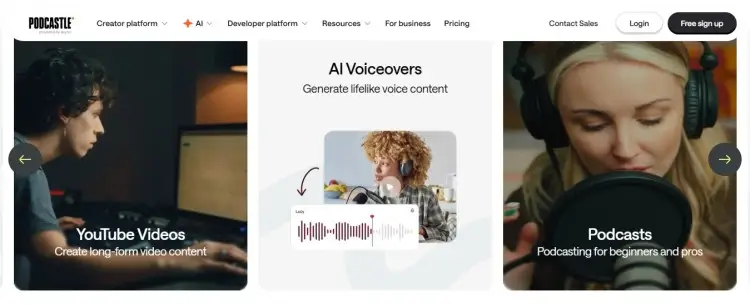
Podcastle is an AI-powered all-in-one studio for easy podcast recording, editing, and publishing. Perfect for beginners making audio or video eps right in your browser.
Key features:
- AI noise removal (Magic Dust) and auto-leveling audio functions.
- Multi-track remote recording
- Text-to-speech voices
- Intuitive drag-and-drop editor
Price: Free trial available. Paid plan starts at $11.99.
If you’re an Android user, finding a good, free podcast app for creation is key. Podcastle is our top recommendation.
9. BuzzSprout
Buzzsprout’s a super user-friendly podcast hosting platform that gets your show live on major listening platforms like Apple, Spotify, and more, and includes a free website builder.
Key features:
- Auto directory submissions and embeds.
- Advanced listener analytics.
- Unlimited storage on paid plans.
- Free episode import from other hosts.
Price: Free plan available. Paid plan starts at $19/month.
10. Apple Podcasts for Creators: Best podcast making app iPhone
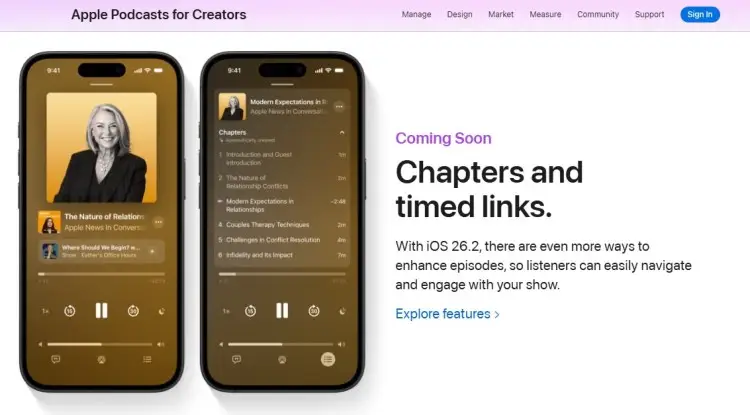
Apple Podcasts for Creators is a powerful platform where podcasters manage their shows, access in-depth audience analytics like episode retention graphs, and monetize through native subscription tools.
Key features:
- Episode analytics with listener drop-off insights.
- Native subscription management with multiple pricing tiers.
- Seamless integration of “buy” buttons in the app.
- Tools for episode and channel management.
- Support for chapter art, timed links, and subscriber-only content.
Price: Free
11. iMovie: Podcast creator app for iPhone
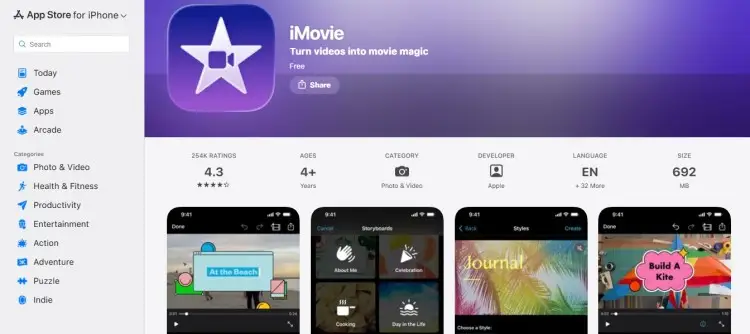
While primarily a video editor, iMovie is a reliable podcast creator app for iPhone users, especially for those creating video podcasts. You can easily edit your video, add titles, and refine your audio track.
Key features:
- Intuitive, user-friendly interface.
- Multi-track audio editing.
- Add visual elements, titles, and effects.
- Seamlessly integrates with the Apple ecosystem.
Price: Free on Apple devices
12. Audacity: Podcast making app free
Audacity has been a go-to free podcast software for audio editing for years. It’s an open-source platform that offers a surprising amount of power for no cost.
Key features:
- Multi-track editing capabilities.
- Features like noise reduction, equalization, and compression.
- Supports a wide range of audio file formats.
- A large community of users for support.
Price: Free
13. Descript: Podcast editor app
Descript revolutionized podcast editing with its text-based approach. You edit the audio by simply editing the auto-generated transcription, which is an incredibly intuitive way to work.
Key features:
- Edit audio by editing text.
- “Overdub” feature to create an AI clone of your voice to fix mistakes.
- Filler word removal (“uhm,” “uh”).
- Screen recording and video editing features.
Price: Free plan available. Paid plans start at $24/month.
14. Adobe Audition: Podcast editing tools
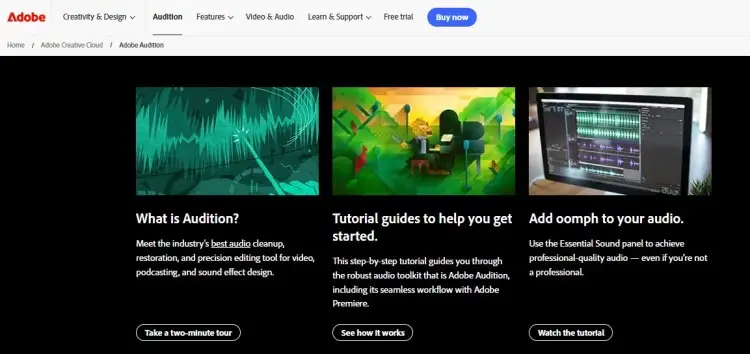
Adobe Audition is a professional-grade DAW that’s part of the Adobe Creative Cloud suite. It’s packed with advanced features for recording, mixing, and audio restoration.
Key features:
- Powerful multitrack editing and mixing environment.
- Advanced noise reduction and audio cleanup tools.
- The “Essential Sound” panel simplifies the mixing process.
- Seamless integration with other Adobe apps like Premiere Pro.
Price: $22.99/month
15. Hindenburg Pro
Hindenburg Pro is a podcast editing software designed specifically for storytellers and radio journalists. It focuses on spoken-word production, with features that automate many of the technical aspects of editing.
Key features:
- Automatic audio leveling.
- Voice Profiler tool to automatically apply EQ.
- Organize clips with a clipboard feature.
- Direct publishing to podcast hosting platforms.
Price: Starts at $13.44/month
16. Zoom
Zoom is a popular video conferencing tool often used for podcast recording because it’s easy to use and familiar to most guests.
Key features:
- Local and cloud recording of video and audio.
- Separate audio track recording per participant.
- Audio-only recording option on paid plans.
- Real-time audio level monitoring.
- Easy setup and usability for remote guest interviews.
Price: Free (with time limit). Paid plan starts at $16.99/month.
17. BONUS: Talks
Finding the right guests can be time-consuming, and having access to a curated network of industry experts and thought leaders saves hours of research.
With Talks, you can quickly match with guests who align with your podcast niche, schedule interviews, and manage communications all in one place.
Key features:
- AI-powered guest matching based on your niche and show goals.
- Streamlined scheduling and messaging within the platform.
- Helps you book repeat or one-off guest appearances easily.
- Keeps track of past guests, interviews, and communications.
Price: Free to create a profile; paid plans for as low as $19/month.
What Is the Best App to Make a Podcast?
Podcasting is such a powerful tool for gaining visibility that even I wanted a piece of the pie. I considered launching my own show years ago… but I needed money fast so I launched summits first. (I’m planning to start one soon!)
So just like you, I’m also looking for the “best podcast making app”. But even I know, the best is what fits your specific needs, budget, and workflow.
What works for a solo podcaster recording a hobby show might not be the right choice for a business owner conducting remote interviews.
What is the best app to create a podcast?
To know what the best app to create a podcast is for you, consider these factors:
- Your budget: Are you looking to start a podcast for free, or are you willing to pay for more advanced features?
- Your format: Will you be doing solo episodes, or do you need to record interviews with guests in different locations?
- Video or audio: Do you want to create video podcasts? Not all podcast tools support video.
- Ease of use: How much time do you want to spend learning new podcast software? Look for a user-friendly and intuitive interface.
- Editing needs: Do you need simple trimming tools, or do you require more powerful podcast editing tools like multitrack editing and noise reduction?
Check out guides on the best software for podcast interviews and a comparison of Zencastr vs. Riverside to get more ideas.
How to Make a Podcast on Android and iPhone
It has never been easier to make a podcast using just your phone. Here are some tips to start a podcast on mobile:
- Invest in a good microphone: While your phone’s built-in microphone can work in a pinch, an external microphone will dramatically improve your sound quality.
- Find a quiet space: Minimize background music and echo by recording in a room with soft furnishings, like a closet.
- Use headphones: This helps you monitor your audio and prevents feedback.
- Write a podcast script: Even a simple outline can help you stay on track and deliver a more polished episode. Podcast script templates can be a great starting point.
- Choose the right app: Use one of the best podcast editing software options mentioned above to produce high-quality audio episodes.
Making It Happen
The world of podcasting is at your fingertips, and you have all the podcast making apps you need to get started. Don’t let technical hurdles stop you from sharing your message.
Ready to take the next step to boost your impact? Create a FREE Talks profile to be discovered by fellow creators and potential guests.
Making connections has never been this quick and easy:
- Host-to-host collaborations: Match with fellow hosts and cross-promote your show.
- Relevant guestings: Find the exact guests you need for your show.
Join the Talks Network and Create a FREE Profile Today!


