

If there’s one thing I’ve learned from interviewing over 400 guests, it’s this: the right podcasting tools can take your podcast interviews from good to unforgettable.
And I’ve spent 10 years navigating what works and what doesn’t, so you don’t have to.
Regardless of your niche, the software you choose plays a huge role in how smooth your interviews run, how polished they sound, and how much your audience sticks around.
In this guide, I’ll share the best software for podcast interviews out there, what they’re best for, the standout range of features, and the quirks you need to know.
Think of this as your no catch, absolutely free rundown to help you skip the trial-and-error and get straight to creating interviews that wow your listeners, guests, and co-hosts.
26 Top Podcast Interview Recording Software (Quick List)
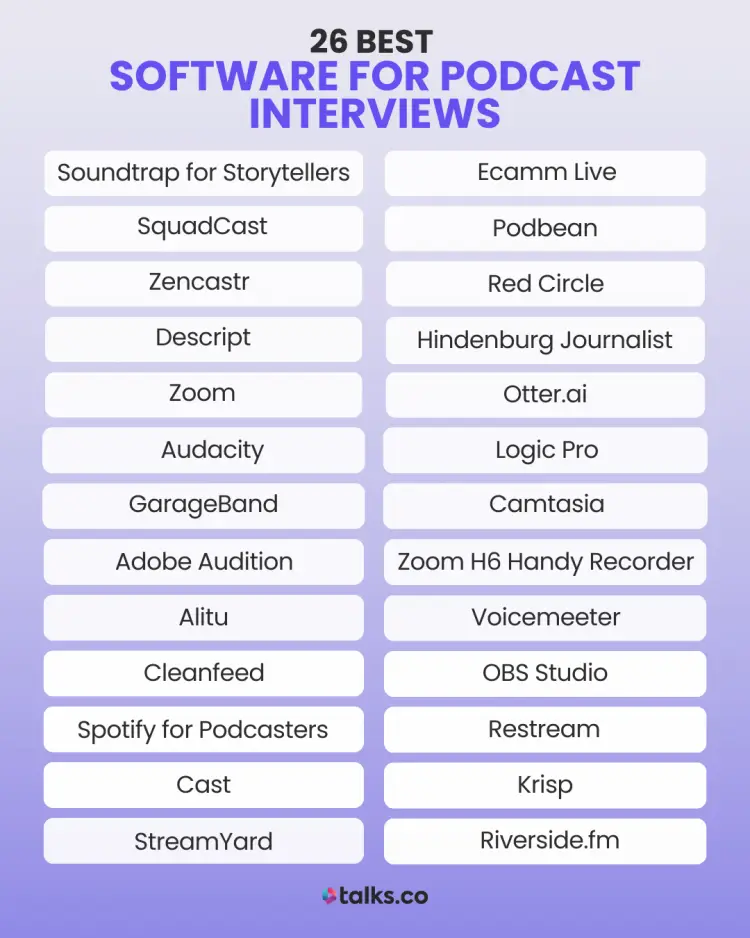
Here’s a quick snapshot of the best podcast interview recording software and what each one does best. Use this list to scan, compare, and pick the right recording and editing software fast.
- Best for collaborative podcast production: Soundtrap for Storytellers
- Best for multitrack audio and video recording: SquadCast
- Best for simple remote recording for beginners: Zencastr
- Best for editing-first podcasters: Descript
- Best for affordable group interviews: Zoom
- Best for free audio recording and editing: Audacity
- Best for Mac users starting out: GarageBand
- Best for advanced audio editing: Adobe Audition
- Best for automated podcast editing: Alitu
- Best for real-time remote audio recording: Cleanfeed
- Best for free hosting with basic recording: Spotify for Creators
- Best for long-distance recording and collaboration: Cast
- Best for live-streamed podcasts: StreamYard
- Best for Mac-based video podcasts: Ecamm Live
- Best for all-in-one hosting and recording: Podbean
- Best for monetization-focused podcasters: Red Circle
- Best for story-driven podcast production: Hindenburg Journalist
- Best for interview transcription: Otter.ai
- Best for professional-level podcast production: Logic Pro
- Best for video podcasts and tutorials: Camtasia
- Best for portable, on-the-go recording: Zoom H6 Handy Recorder
- Best for advanced audio routing and mixing: Voicemeeter
- Best for video podcasts and live streaming: OBS Studio
- Best for broadcasting to multiple platforms: Restream
- Best for noise cancellation during interviews: Krisp
- Best for studio-quality remote recordings: Riverside.fm
What Is a Podcast Interview?
A podcast interview is a recorded conversation between a host and one or more guests.
These interviews can be casual or restricted and are often used to share expertise, tell stories, or entertain audiences.
- One-on-one: A simple, direct conversation between the host and a guest. Great for remote podcast interviews and podcast episodes that dive deep into specific topics.
- Panels: Multiple podcast guests discussing a topic, often moderated by the host. Best for roundtable-style discussions.
- Remote interviews: Conducted over the internet, these require software that supports high-quality recordings for participants in different locations.
- In-person interviews: Recorded face-to-face, often using portable hardware and software setups.
How to Select the Best Podcast Interview Software (Checklist)
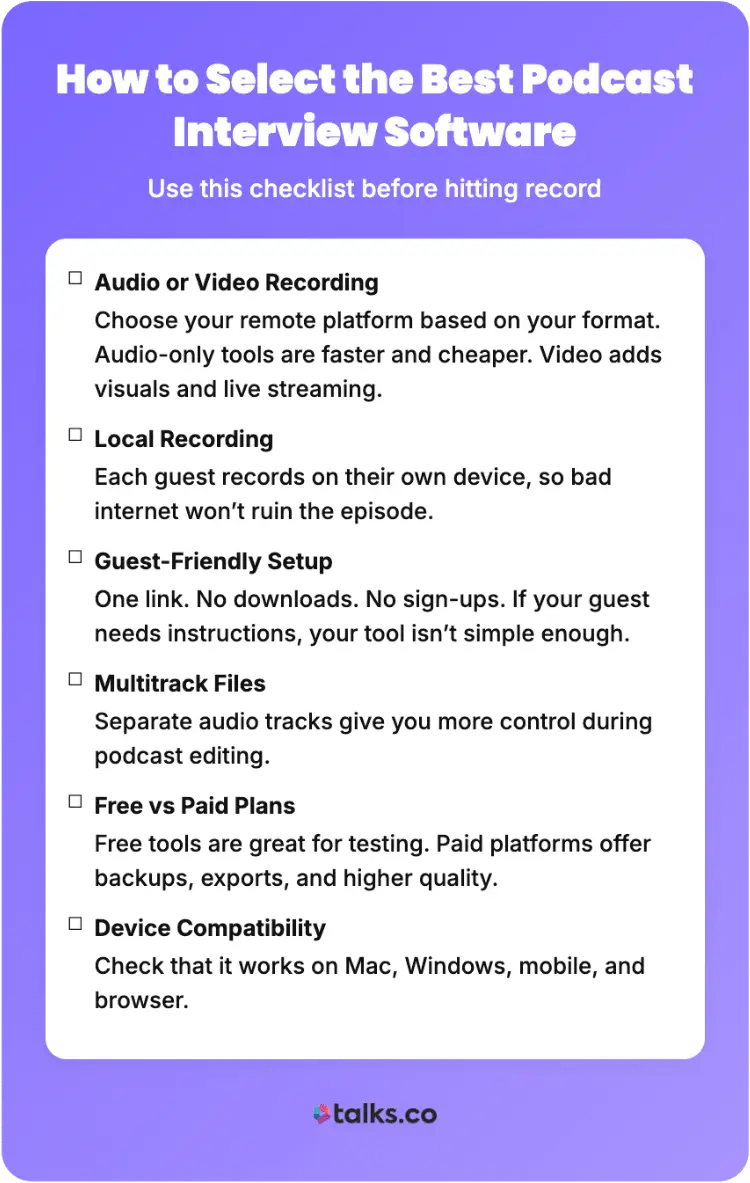
The best podcast interview software won’t impress you with features. It’ll just quietly do its job without ruining your audio, stressing your guest, or wasting your time (especially when you’re running podcast software remote interviews week after week).
What to look for:
☐ Audio or video recording: Choose your brand new remote recording platform based on your format, not trends. Audio-only software for your podcast is faster and cheaper. Video adds live streaming and visuals to your recording space, but also more things that can break when using podcast recording software interview setups.
☐ Local recording: This is non-negotiable for remote interviews. Each guest is recorded on their own device, so bad internet doesn’t ruin the episode. This is one of the biggest differentiators in podcast recording software for remote interviews.
☐ Guest-friendly setup: One link. No downloads. No accounts. If your guest needs instructions longer than one sentence, the tool is the problem (especially if you’re using a remote podcast recording app for host interviews).
☐ Multitrack files: Separate audio tracks give you real control in editing. One mixed file limits what you can fix later, no matter how good your remote interview software claims to be.
☐ Free vs paid plans: Free tools are fine for testing. Paid tools earn their keep with better quality, backups, exports, and fewer recording limits. This is important if you’re serious about finding the best platforms for interview podcasts.
☐ Device compatibility: Check Mac, Windows, mobile, and browser support upfront, especially if you host remote guests.
What to avoid:
- Cloud-only recording: If the internet drops, your audio drops with it. This is a common issue with lower-tier remote interview software.
- Tools that rely on “fix it in post”: Bad input = bad output. No editor can save clipped or distorted audio.
- Guest downloads and logins: Every extra step increases the chance something goes wrong before you even hit record.
- No automatic backups: One browser crash shouldn’t cost you a full interview.
- Overbuilt software you’ll never use: More features don’t mean better recording; just more buttons to ignore.
26 Best Software for Podcast Interviews
Finding the perfect all-in-one podcasting software to record your podcast can feel like looking for the right pair of soccer boots. There’s no “one-size-fits-all,” but the right choice makes all the difference.
Here’s a breakdown of the top podcast recording tools to record audio and video, each with a “best for” category to help you find the one that works best for your podcasting journey.
1. Soundtrap for Storytellers
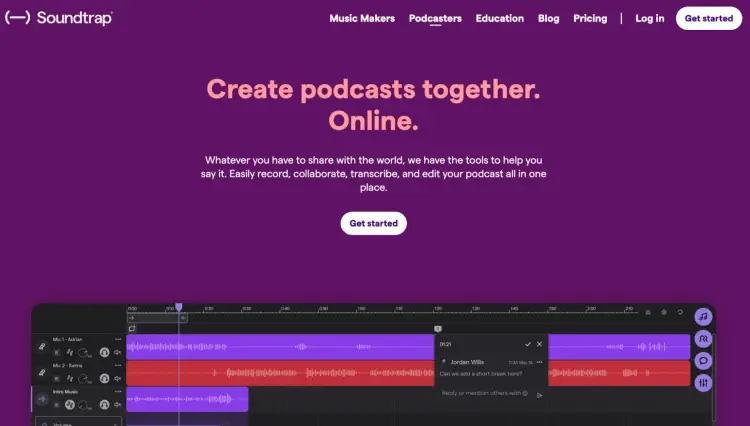
Best for: Collaborative podcast production
- Company: Soundtrap
- Price: Free plan available; Paid subscriptions start at $8.79/month
- Compatibility: Web-based, Windows, macOS, iOS, Android
- Ease of use: Intuitive and user-friendly interface
- Recording quality: High-quality multitrack audio
- Local recording: Yes
- Key features: Cloud-based editing, live collaboration, transcription tools, integration with Spotify
Pros:
- Perfect for remote collaboration
- Allows you to record multitrack for polished episodes
- Built-in transcription for editing and SEO
Cons:
- Limited advanced editing options compared to premium tools
- Requires a subscription for full features
2. SquadCast
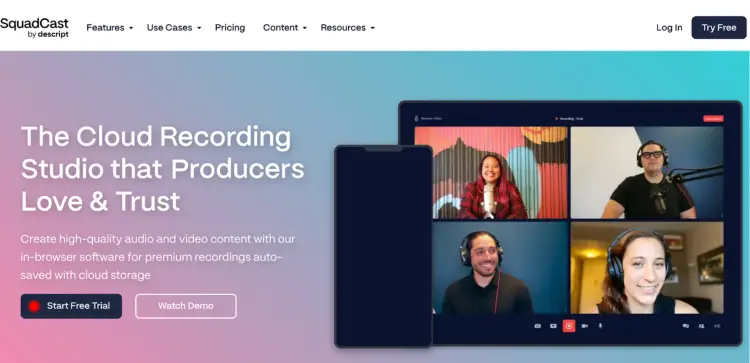
Best for: Multitrack audio and video recording
- Company: SquadCast
- Price: Free plan available; Subscriptions start at $12/month
- Compatibility: Web-based remote recording platform
- Ease of use: Simple guest interface with no app download required
- Recording quality: High-quality WAV audio, 1080p video
- Local recording: Yes
- Key features: Automatic backups, cloud storage, integration with editing tools
Pros:
- Reliable for remote interviews
- Backup functionality
- No software download required for guests
Cons:
- Limited editing capabilities
3. Zencastr
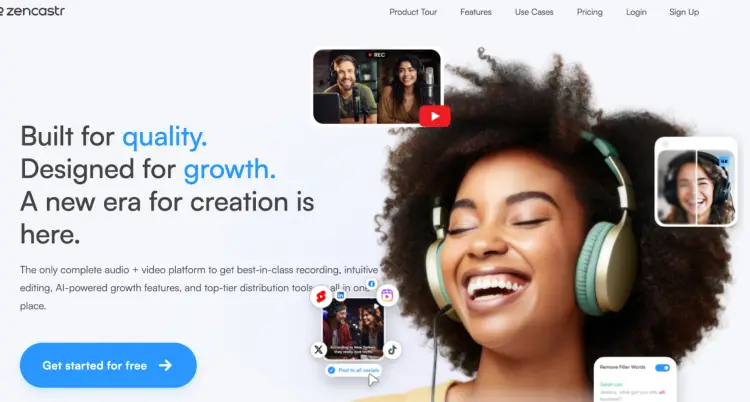
Best for: Beginners who need simplicity to record remotely
- Company: Zencastr
- Price: 14-day free trial; paid plans from $20/month
- Compatibility: Web-based
- Ease of use: Straightforward setup and navigation
- Recording quality: High-quality audio, optional HD video recording
- Local recording: Yes
- Key features: Automatic post-production, live soundboard, multi-track recording
Pros:
- Easy way to record podcasts for first-time users
- No app download needed
Cons:
- Occasional connection issues
4. Descript
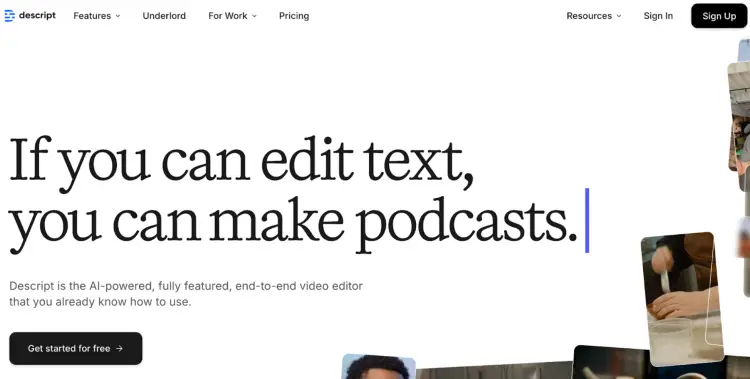
Best for: Editing-focused podcasters
- Company: Descript
- Price: Free trial available; plans start at $19/month
- Compatibility: Windows, Mac
- Ease of use: User-friendly editing tools
- Recording quality: High-quality audio and video
- Local recording: Yes
- Key features: Automatic transcription, screen recording, multitrack editing
Pros:
- Has one of the best podcast recording and editing features
- AI-based transcription
- Screen recording included
Cons:
- Steeper learning curve for beginners
5. Zoom
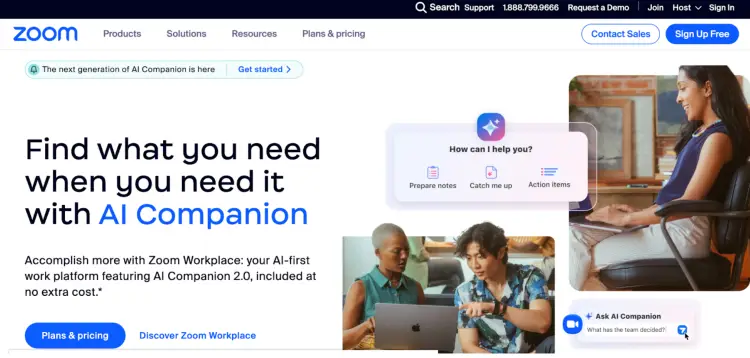
Best for: Affordable group interviews
- Company: Zoom Video Communications
- Price: Free plan available; paid plans start at $13.33/month
- Compatibility: Windows, Mac, iOS, Android
- Ease of use: Widely used and familiar to most users
- Recording quality: Decent audio and video quality for basic use
- Local recording: Yes
- Key features: Group video calls, cloud recording, virtual backgrounds
Pros:
- Affordable if you want to record group interviews
- Simple for guests to join
- Offers basic editing and recording tools
Cons:
- Limited recording quality compared to dedicated recording apps
6. Audacity
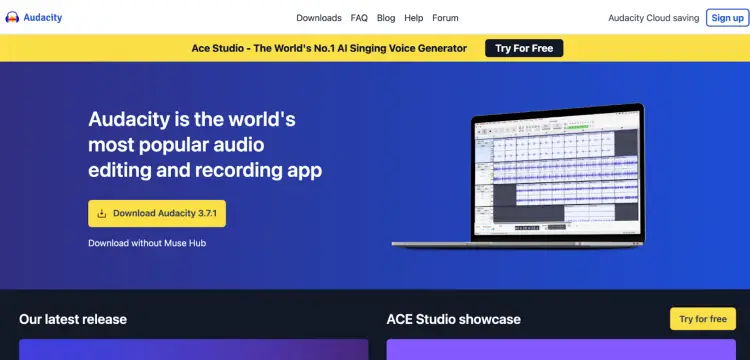
Best for: Free audio editing
- Company: Open-source
- Price: Free podcast recording software
- Compatibility: Windows, Mac, Linux
- Ease of use: Beginner-friendly interface
- Recording quality: High-quality audio recording and editing for the best audio
- Local recording: Yes
- Key features: Multitrack editing, noise reduction, audio effects
Pros:
- Completely free recording and podcast editing software
- Wide range of recording studio and editing tools
- Active community support
Cons:
- Outdated interface
- No video recording options
7. GarageBand
Best for: Mac users starting with audio production
- Company: Apple
- Price: Free remote recording tool
- Compatibility: macOS, iOS
- Ease of use: Intuitive and beginner-friendly
- Recording quality: High-quality audio recording and editing
- Local recording: Yes
- Key features: Multitrack editing, built-in sound effects, MIDI capabilities
Pros:
- Free for Apple users
- Great for basic podcast production
- Easy integration with Apple devices
Cons:
- Limited advanced features for professional production
- Not available for Windows users
8. Adobe Audition
Best for: Advanced audio editing and production
- Company: Adobe
- Price: $22.99/month (Creative Cloud subscription)
- Compatibility: Windows, macOS
- Ease of use: Steeper learning curve but powerful
- Recording quality: High-resolution audio editing
- Local recording: Yes
- Key features: Noise reduction, spectral analysis, multitrack editing
Pros:
- Industry-standard editing software
- Advanced tools for professional audio production
- Integration with other Adobe products
Cons:
- Subscription-based pricing
- Complex for beginners
9. Alitu
Best for: Automating podcast editing
- Company: Alitu
- Price: $38/month
- Compatibility: Web-based
- Ease of use: Extremely user-friendly, automation-focused
- Recording quality: High-quality podcast audio processing
- Local recording: Yes
- Key features: Audio cleanup features for recording, episode building, direct publishing
Pros:
- Automates many tedious tasks when you edit your recording
- Perfect for a beginner’s podcast journey
- Simplifies publishing
Cons:
- Limited customization for advanced users
- No video recording
10. Cleanfeed
Best for: Real-time remote audio recording
- Company: Cleanfeed
- Price: Offers a free version; Pro plan starts at $34/month
- Compatibility: Web-based
- Ease of use: Simple interface for quick setup
- Recording quality: High-definition audio recording
- Local recording: No
- Key features: Live recording and audio streaming, multitrack recording, low-latency connections
Pros:
- No downloads required compared to other remote recording apps
- Excellent platform to host a podcast and record
- Works well with multiple guests
Cons:
- No video recording features
- Podcast website interface lacks visual appeal
11. Spotify for Creators
Best for: Free podcast hosting and basic call recording
- Company: Spotify
- Price: Free
- Compatibility: Web, iOS, Android
- Ease of use: Simple drag-and-drop interface
- Recording quality: Basic recording features
- Local recording: Yes
- Key features: Built-in hosting, distribution to major platforms, ad monetization
Pros:
- Completely free
- Integrated hosting and publishing
- Mobile-friendly
Cons:
- Limited editing capabilities
- Not ideal for advanced production
12. Cast
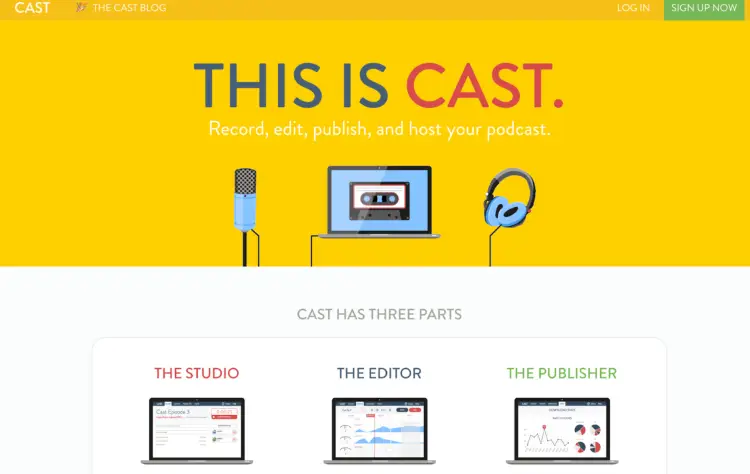
Best for: Long-distance podcast recording and collaboration
- Company: Cast
- Price: Starts at $10/month
- Compatibility: Web-based
- Ease of use: Easy to navigate
- Recording quality: High-quality WAV files
- Local recording: No
- Key features: Real-time recording, editing, and collaboration tools
Pros:
- Simple interface for recording interviews with guests
- Affordable pricing to record remotely with guests
- Offers post-production tools
Cons:
- No video recording options
- Limited advanced editing features
13. StreamYard
Best for: Live-streamed podcasts
- Company: StreamYard
- Price: Free plan available; paid plans start at $25/month
- Compatibility: Web-based
- Ease of use: Designed for live streaming with minimal setup
- Recording quality: High-quality audio and video recordings
- Local recording: Yes
- Key features: Stream to multiple platforms, branding options, guest invitations
Pros:
- Easy guest invitations
- Excellent live-streaming features
- Works without downloads
Cons:
- Limited post-production tools
- Free plan includes StreamYard branding
14. Ecamm Live
Best for: Mac users creating video podcasts
- Company: Ecamm Network
- Price: 14-day free trial; Paid plans start at $20/month
- Compatibility: macOS
- Ease of use: Intuitive with plenty of customization
- Recording quality: High-quality video recording
- Local recording: Yes
- Key features: Multicam support, overlays, live-streaming
Pros:
- Tailored for video podcasts
- Great customization options
- Integrates with popular platforms
Cons:
- Mac-only
- Steeper learning curve for beginners
15. Podbean
Best for: All-in-one podcast hosting
- Company: Podbean
- Price: Plans start at $9/month
- Compatibility: Web, iOS, Android
- Ease of use: Beginner-friendly interface
- Recording quality: High-quality audio
- Local recording: Yes
- Key features: Hosting, analytics, podcast monetization options
Pros:
- Affordable hosting
- Easy distribution to platforms
- Monetization options
Cons:
- Limited recording tools compared to dedicated software
16. Red Circle
Best for: Monetization-focused podcasters
- Company: Red Circle
- Price: 7-day free trial; Paid plans start at $34.99
- Compatibility: Web-based
- Ease of use: Straightforward dashboard
- Recording quality: Hosting only, no direct recording tools
- Local recording: Yes
- Key features: Dynamic ad insertion, cross-promotion tools, analytics
Pros:
- Great monetization tools
- Community-based promotion
Cons:
- No recording or editing features
17. Hindenburg Journalist
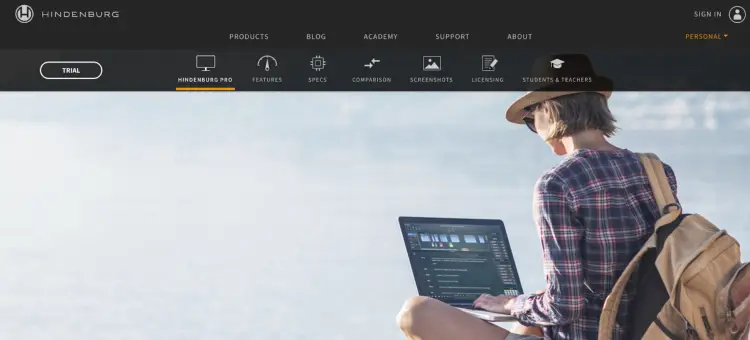
Best for: Story-driven podcasting
- Company: Hindenburg Systems
- Price: Paid plans start at $12/month
- Compatibility: Windows, macOS
- Ease of use: Beginner-friendly with a focus on storytelling
- Local recording: Yes
- Recording quality: High-quality audio editing
- Key features: Automatic leveling, voice profiler, multitrack editing
Pros:
- Designed specifically for podcasters and journalists
- Automatic audio leveling saves time
- Great for narration-heavy podcasts
Cons:
- Limited to audio editing
18. Otter.ai
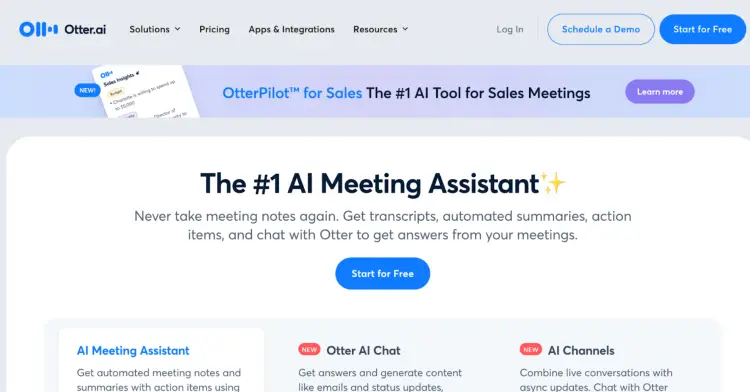
Best for: Transcribing podcast interviews
- Company: Otter.ai
- Price: Free plan available; paid plans start at $16.99/month
- Compatibility: Web, iOS, Android
- Ease of use: Very simple and intuitive
- Recording quality: Focuses on transcription rather than audio quality
- Local recording: Yes
- Key features: Real-time transcription, collaboration, AI-powered summaries
Pros:
- Affordable transcription service
- Excellent for creating episode show notes
- Mobile app support
Cons:
- Audio recording features are basic
- Relies heavily on internet connectivity
19. Logic Pro
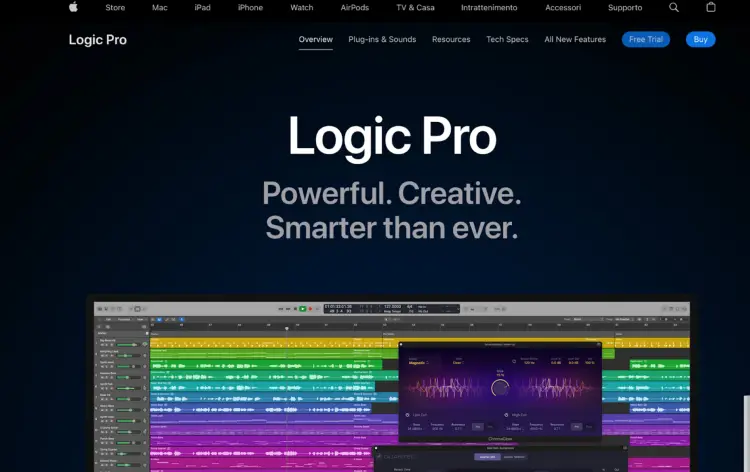
Best for: Professional music and podcast production
- Company: Apple
- Price: 90-day free trial; $199.99 one-time fee
- Compatibility: macOS
- Ease of use: Advanced, best for experienced users
- Recording quality: Studio-quality recording
- Local recording: Yes
- Key features: MIDI support, advanced EQ, sound libraries
Pros:
- Robust features for professional use
- Excellent for podcasters who need music production
- One-time payment
Cons:
- Steep learning curve
- Mac-only
20. Camtasia
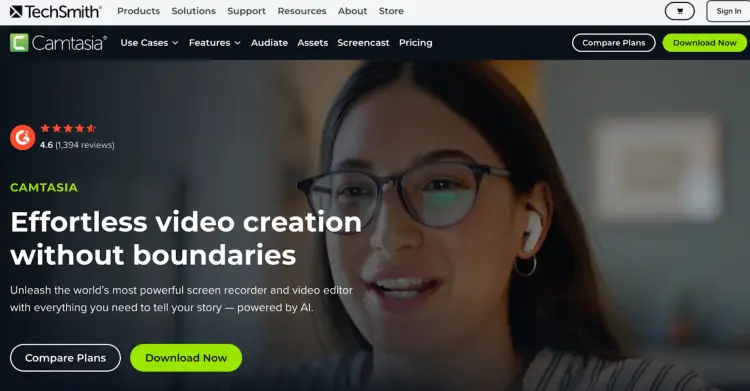
Best for: Video podcasts and tutorials
- Company: TechSmith
- Price: Paid plans start at $179.88/year
- Compatibility: Windows, macOS
- Ease of use: User-friendly for video editing
- Recording quality: High-definition video and audio recording
- Local recording: Yes
- Key features: Screen recording, video editing, annotations
Pros:
- Ideal for video-heavy podcasts
- Versatile editing tools
- Great for tutorial-style content
Cons:
- Expensive one-time fee
- Not focused on audio-only podcasts
21. Zoom H6 Handy Recorder
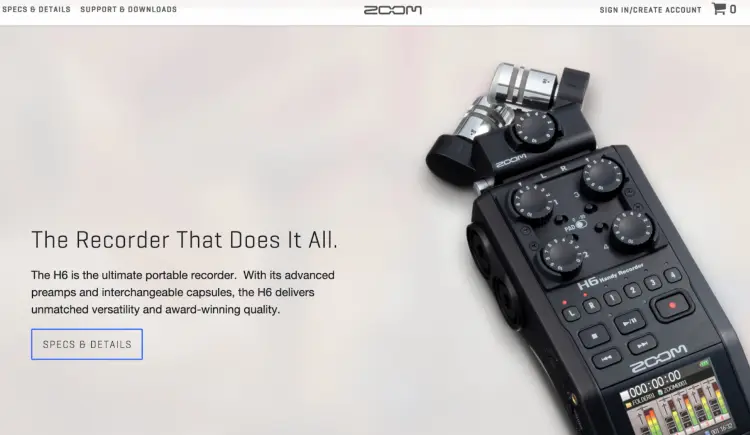
Best for: Portable podcast recording
- Company: Zoom Corporation
- Price: $319.99
- Compatibility: Standalone device
- Ease of use: Simple, on-the-go recording
- Recording quality: Studio-quality audio
- Local recording: No
- Key features: Six-channel portable recorder, XLR inputs, interchangeable microphones
Pros:
- Excellent for mobile podcast setups
- Versatile inputs for multiple mics
- High-quality audio recording
Cons:
- No editing features
- Requires separate software for post-production
22. Voicemeeter
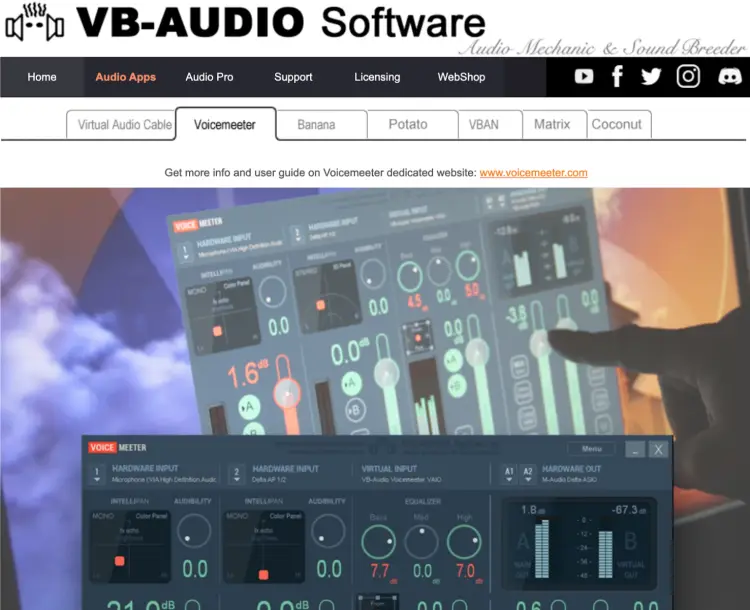
Best for: Audio routing and mixing
- Company: VB-Audio Software
- Price: Free (donationwire)
- Compatibility: Windows
- Ease of use: Challenging for beginners
- Recording quality: High-quality audio mixing
- Local recording: Yes
- Key features: Virtual audio mixer, multiple input/output routing
Pros:
- Free to use
- Great for advanced audio setups
- Supports multiple audio sources
Cons:
- Steeper learning curve
- Windows-only
23. OBS Studio
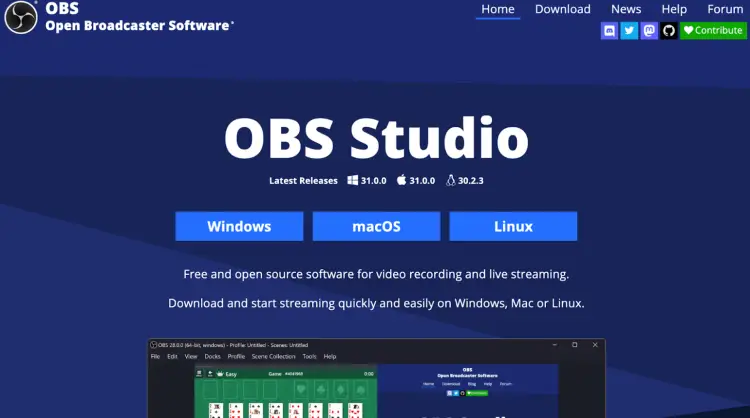
Best for: Video podcasts and live streaming
- Company: Open-source community
- Price: Free
- Compatibility: Windows, macOS, Linux
- Ease of use: Moderate; setup required
- Recording quality: High-definition video and audio
- Local recording: Yes
- Key features: Multisource streaming, customizable layouts, real-time editing
Pros:
- Completely free
- Highly customizable
- Perfect for video podcast interviews in high quality
Cons:
- Requires technical knowledge for setup
- Limited audio-specific tools
24. Restream
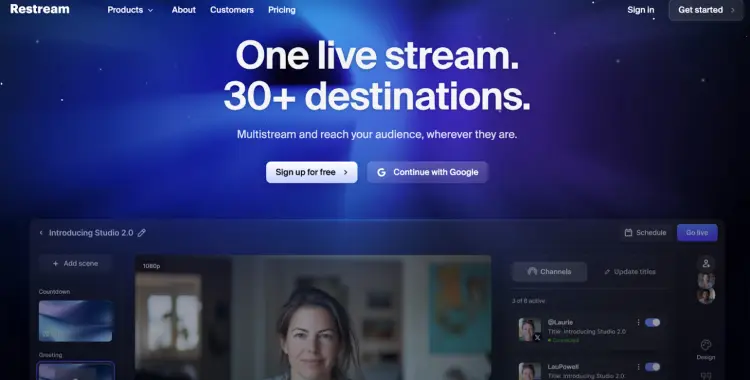
Best for: Broadcasting live podcasts to multiple platforms
- Company: Restream
- Price: Free plan available; paid plans start at $19/month
- Compatibility: Web-based
- Ease of use: Easy to set up and use
- Recording quality: High-quality live streaming
- Local recording: Yes
- Key features: Stream to multiple platforms, analytics, branding options
Pros:
- Excellent for live video podcasts
- Easy integration with major platforms
- No downloads required
Cons:
- Limited post-production tools
- Free plan has branding
25. Krisp
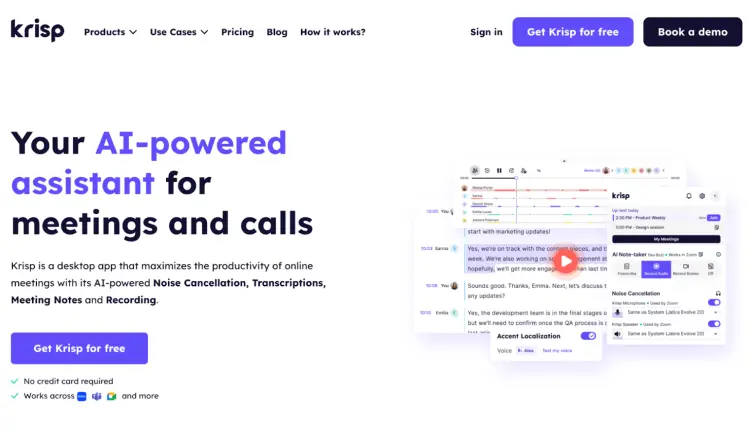
Best for: Noise cancellation during interviews
- Company: Krisp Technologies
- Price: Free and paid plans available; paid plans start at $16/month
- Compatibility: Windows, macOS, iOS, Android
- Ease of use: Extremely simple, works in the background
- Recording quality: Focuses on noise-cancellation
- Local recording: Yes
- Key features: AI-powered noise suppression, voice clarity enhancement
Pros:
- Removes background noise effectively
- Works with most recording software
- Lightweight and easy to use for podcast creation
Cons:
- Not a full recording solution
- Requires stable internet connection for best results
26. Riverside.fm
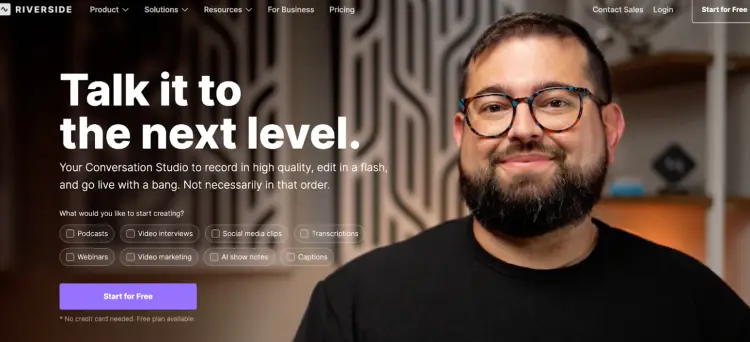
Best for: High-quality remote recording
- Company: Riverside
- Price: Free plan available; paid plans start at $19/month
- Compatibility: Web-based, iOS, Android
- Ease of use: Intuitive interface with minimal setup
- Recording quality: 4K video and consistent 24 FPS frame rate
- Local recording: Yes
- Key features: Live call-in, screen sharing, multitrack audio/video
Pros:
- Studio-quality recordings
- Works seamlessly on multiple devices
- Easy for guests to join
Cons:
- Some features require higher-priced plans
Bonus: Talks
Best for: Fast podcast matches and effortless interview bookings
- Company: Talks
- Price: Free to try; paid plans start at $19/month
- Compatibility: Web-based
- Ease of use: Super simple, designed for busy hosts and guests
- Key features: Auto-match and auto-message, free speaker page with live updates, suggested matches, and built-in calendar booking.
Pros:
- Studio-quality recordings
- Works seamlessly on multiple devices
- Super easy for guests to join
Cons:
- Some features require higher-priced plans
What Software Do I Need for a Podcast?
So, what is the best platform for interview podcasts?
There’s a whole lineup of podcast interview recording software that helps you take your show from good to great.
From editing to publishing, here’s a quick breakdown of the software that covers all the bases.
- Guest booking and podcast showcase: Talks lines you up with the right guests fast and gives your show a clean, professional one-sheet. Share your episodes, highlight your expertise, and let scheduling run itself.
- Recording: It should have the basics covered with tools that help you capture clear, quality audio or video. But some software options allow you to record in multiple tracks, giving you more flexibility in post-production. Auphonic provides multitrack recording along with audio processing tools like automatic leveling and noise reduction, ensuring professional sound quality, and specializes in audio post-production.
- Editing: After recording, you’ll need editing tools to clean up your sound, cut out the “uhm” and “like” bits, and make your podcast tight and crisp. For something beyond basic cuts, try Reaper. It’s a professional-grade tool that offers tons of customization but still keeps it simple enough for beginners.
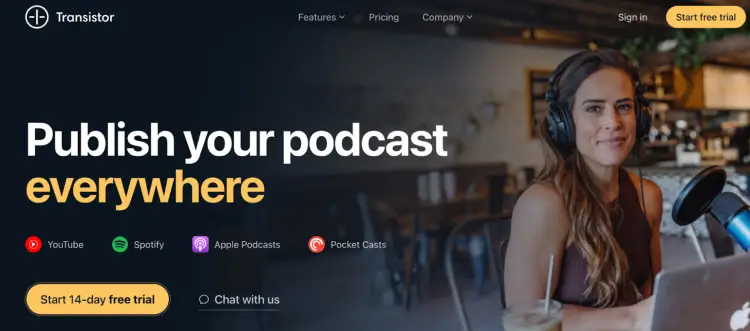
- Publishing and distribution: When you’re ready to share your work, you need a publishing platform that distributes your episodes across the major podcasting platforms. Transistor helps you host and distribute with ease, plus it includes advanced analytics to track your show’s performance.
- Monetization tools: If you’re looking to make money from your podcast, you’ll need software that supports monetization features. Patreon is a fan favorite for turning your listeners into paying supporters. Bonus: It integrates seamlessly with your podcast feed.
- Graphic design: Every podcast needs eye-catching cover art. Canva offers an easy way to design professional-looking graphics without the need for design experience. Plus, there are plenty of templates to get you started.
- Transcription: For better accessibility and SEO, transcription software is essential. Sonix is an automatic transcription tool that’ll save you time while keeping things accurate.
- Collaboration: If you’re recording with guests or co-hosts, collaboration software helps you stay organized. ClickUp is great for managing your workflow, keeping track of episode ideas, and ensuring you’re on top of everything from scheduling and podcast guest applications to podcast guest release forms and content production. We use this at Talks and we love it!
Need extra prep? Here’s how to do a podcast interview confidently.
What software to use for podcast recording (by budget)
Below is a practical way to choose based on how much you want to invest each month:
Free tools ($0)
- Audacity: Free and great for basic audio recording and editing.
- GarageBand: Free for Mac and iOS users with intuitive multitrack audio.
- Spotify for Podcasters: Free podcast hosting platform plus basic call recording and publishing.
- OBS Studio: Free video recording and streaming with customizable layouts.
Entry to mid‑range tools ($8 to $25 per month)
- Soundtrap for Storytellers ($8.79+): Cloud recording with collaboration and transcription.
- SquadCast ($12+): Reliable remote audio and video recording with backups.
- Zencastr ($20+): Simple remote recording with multitrack audio and optional video.
- StreamYard ($25+): Audio and video recording plus live streaming to platforms.
- Podbean ($9+): Hosting, distribution, and basic recording tools.
- Cast ($10+): Easy long‑distance recording and collaboration tools.
Serious pro tools ($19 to $200+ per month or one‑time)
- Riverside.fm ($19+): High‑quality remote recording with 4K video and multitrack audio.
- Descript ($19+): Combines recording with powerful editing and AI transcription.
- Adobe Audition ($22.99): Professional audio editing and studio‑level features.
- Ecamm Live ($20+): Robust video podcasting and live streaming for Mac.
- Logic Pro ($199 one‑time): Full studio audio production for experienced creators.
- Camtasia ($179/year): Screen recording and editing built for video‑heavy shows.
Specialized add‑ons for better recordings
- Krisp ($0 to $16+): Noise cancellation that improves audio clarity.
- Voicemeeter (free): Advanced audio routing and mixing for Windows users.
5 Features to Look For In the Best Podcast Software for Remote Recording
When picking the best remote recording software, think about what would really help make your podcast shine:
- Local recordings: Ensure crystal-clear audio and video, no matter the connection.
- Ease of use: Make it as easy as possible for your guests to hop on a call with you.
- Backup recordings: Protect your content with reliable backups so nothing gets lost.
- Compatibility: Whether your guest is on a Mac or a PC, make sure it works for everyone.
- Stable connections: Minimal interruptions, so your interviews flow naturally.
Talks Top Pick: Zencastr
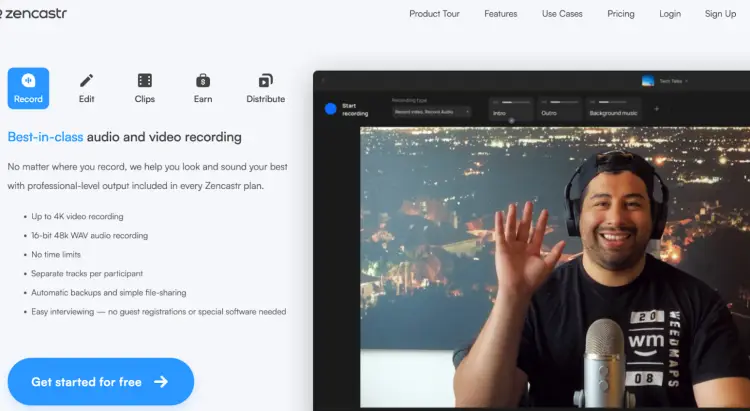
If you’re looking for simplicity and top-notch quality, Zencastr is your go-to.
It’s built to make remote recording a breeze, with multi-track recording, local backups, and crystal-clear audio even if your internet connection is spotty.
Plus, it’s intuitive enough for anyone to use without struggling with 80 different steps just to get it up and running.
Talks Runner-up: Riverside.fm
Riverside.fm offers local recordings for high-quality sound and video, and it’s a solid choice for remote interviews.
It’s a close second because it’s a bit more advanced but great for those who want to up their podcasting game.
What Is the Best Software for Video Podcast Interviews?
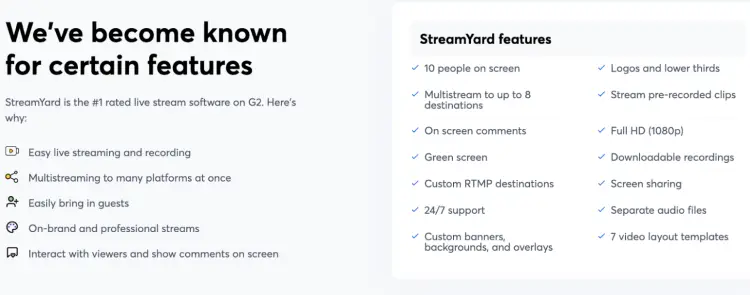
Look for these must-have features in the best software to record video podcast for content creators when you record a podcast remotely:
- Professional overlays: Customize your show with banners, logos, and transitions.
- High-quality video: Aim for 1080p or higher for that polished, crisp look.
- Live streaming options: Broadcast straight to YouTube, LinkedIn, or wherever your audience hangs out.
- User-friendly design: Guests should feel at ease and not overwhelmed by the audio and video tech.
Talks Top Pick: StreamYard
StreamYard takes the lead when it comes to the best podcast software to record video interviews.
It offers high-quality video, customizable overlays, and live streaming features to make your content stand out.
Guests can easily join without any confusion, and you’ll have everything you need to create a professional, polished show.
Talks Runner-up: Zoom
Zoom is a go-to for many podcasters (myself included, offering easy video recording and a reliable connection.
While it’s more widely known for meetings and has limited features, it works well as a video podcast recording software for interviews with its solid video and audio quality, and the option to record locally.
Zoom is great especially if you’re interviewing guests who are already familiar with the platform.
How to record high-quality video podcasts at home (Checklist)
Creating high-quality video podcasts at home is all about setting the stage and being prepared.
☐ Light it up: Use natural light from windows, or invest in a ring light or softbox to keep your face bright and even. Avoid harsh overhead lights that create shadows.
☐ Upgrade your video gear: A high-quality webcam is fine, but a DSLR or mirrorless camera can give you that cinematic feel. Pair with a tripod for stable shots.
☐ Sound matters: Even the best video is ruined by bad audio. Use a USB or XLR mic like the Shure 58 mic, and consider a pop filter to reduce harsh consonants. Test your room for echo and add soft furnishings if needed.
☐ Keep the background simple: Declutter your space. Neutral walls or a tidy, branded setup work best. Avoid distractions like messy shelves, mirrors, or flickering screens behind you.
☐ Tech check before every recording: Confirm your podcast recording software settings, frame rate, resolution, and mic input. Run a quick internet speed test, especially for remote interviews.
☐ Framing and angles: Position your camera at eye level and center yourself. Avoid sitting too close or too far; a medium shot usually works best.
☐ Guest prep: Send them a short setup guide on lighting, camera angle, and mic tips. The easier you make it, the smoother the recording.
☐ Record backups: If possible, record local video/audio in addition to any cloud recording. This saves your episode if a connection drops mid-interview.
☐ Test run: Do a 5-minute mock recording to check sound, lighting, angles, and background. Fix anything that looks off before the real session.
☐ Final environment check: Silence phones, close unnecessary apps, and notify household or office members to avoid interruptions.
How to Find Guests for Podcast Interviews Faster with Talks.co
Finding the right podcast guests can take hours of searching, messaging, and following up or you can let Talks.co do the heavy lifting for you.
Here’s how hosts are using the platform to book interviews faster and smarter:
- Create your profile: Set up your host page in minutes. Talks auto-updates your latest guest appearances, giving you exposure on Google and AI searches without extra effort.
- Browse suggested matches: Talks recommends guests who fit your show, saving you cold outreach time. Focus on the matches that align with your audience.
- Show interest and let auto-match do the work: When you like someone, Talks instantly checks if they’re a good fit to be a guest on a podcast and can connect you automatically.
- Send auto-messages: Matches get a ready-to-go message from you (customizable, of course). Link your calendar, confirm recording times. Done!
- Follow up without stress: Never lose track of a potential guest. Talks keeps everything in one place so follow-ups are quick and painless.
- Book your recording session: Lock in a time directly in your calendar, confirm if podcast guests get paid to be on your show, and record your episode using your favorite podcast recording software for remote interviews.
- Record, publish, and promote: Focus on the conversation. Talks keeps the logistics out of your way. Once recorded, share the episode and let your audience hear your great guest lineup.
- Collect reviews: Ask guests to review your show on Talks to strengthen credibility and future matches.
Why hosts love Talks:
- Free to start: Test it out without paying upfront.
- Time-saving automations: Auto-match and auto-message reduce tedious admin work.
- Higher guest quality: Matches are relevant, engaged, and ready to record.
- Time saver: No more scrolling endless directories or cold emailing strangers.
Hosts say it best:
- “My matches are right on the money. I was matched with 10 podcasts I could relate to!” – Deborah H.
- “I have found it helpful to meet new folks & have booked three guests on my show.” – Sreelatha M.
- “OMG and amazeballs!! You guys are fantastic. I have 5 guests in the works, 4 have already recorded.” – Eliane L.
Talks is a smarter, faster, less stressful way to fill your guest lineup with people who actually belong on your show.
Make Your Podcast the Kewell of Interviews
The best software for podcast interviews can take your show from “meh” to memorable.
With the right podcast tools, you’ll nail crisp audio, smooth video, and master your interviews that feel like conversations worth replaying.
Think of it like Harry Kewell on the soccer pitch: effortless, precise, and always leaving the crowd wanting more.
And when it comes to guests? Forget endless scrolling, cold emailing, and guessing if someone’s actually a fit.
Talks lines you up with the right people, automates the boring bits, and gets your calendar full with interviews that actually matter.
Your next episode shouldn’t just be another recording.
It should be a showstopper.
Claim your FREE Talks creator profile and start booking guests who make your podcast impossible to ignore.


