

Ecamm Live vs StreamYard? Well, that depends on who’s asking.
Just like anyone who’s starting a podcast knows, choosing your tools and software is always a big step.
There are so many factors to consider: key features, pricing, and real-world applications. If you’re going to trust and commit to a solution, it better be worth it.
That’s why I made this comparison guide. I’ll show you exactly what Ecamm Live and StreamYard have to offer, so you can make the right choice for your unique podcasting needs.
Comparison of Ecamm Live vs StreamYard Studio (Overview)
Choosing a live streaming studio can feel overwhelming when both options look great on paper. Here’s a detailed comparison chart to help you quickly compare Ecamm Live vs StreamYard.
| Category | Ecamm Live | StreamYard |
|---|---|---|
| Primary platform | Mac only, device download | Browser-based |
| Ease of use | Moderate | Very user-friendly |
| Camera support | DSLR or mirrorless camera, iPhone, webcams | Webcams only |
| CPU usage | Higher native processing | Lower, cloud-assisted |
| Performance | Excellent native broadcast quality | Reliable browser processing |
| Screen sharing | Yes, Mac screensharing included | Yes, share your screen easily |
| Multi-streaming | Yes | Yes, audiences on multiple platforms |
| Pricing | Subscription-based | Freemium with paid tiers |
| Free trial | 14 days | Free tier available |
| Guest capacity | Up to 8 on pro | Up to 10 on paid |
| Integration | Facebook, YouTube, Linkedin, Twitch, Periscope | Facebook, YouTube, LinkedIn, Twitch |
| Stream quality | Stream in HD quality | Stream in HD quality |
| Setup | Download and install | Instant browser access |
Both tools also work well for recording podcast interviews and online speaking appearances you secure through Talks. Whether you host webinars, interview experts, or appear as a guest, these platforms help you create polished content from those connections.
Ecamm Live vs StreamYard feature comparison
When people compare Ecamm Live and StreamYard, the biggest differences usually come down to flexibility vs. simplicity. One focuses heavily on advanced production control, while the other prioritizes ease of use.
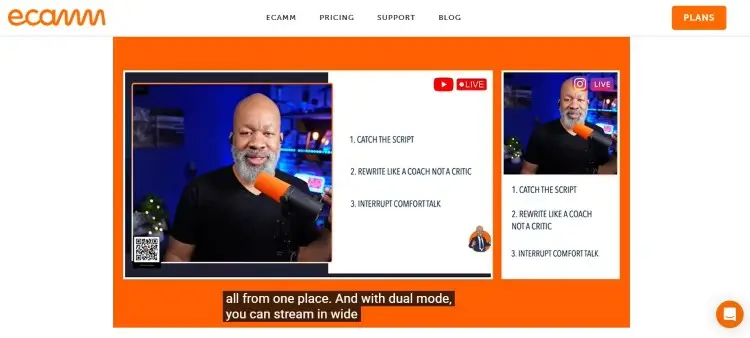
Ecamm Live is a powerful live streaming studio designed for Mac users who want deeper production features and better local recording control. It’s popular among advanced podcasters, coaches, and creators who want studio-level customization.
Key features:
- It can support multiple cameras, so you can switch between a Canon, Nikon, or Sony setup and your webcam.
- It also supports Blackmagic HDMI capture devices and other professional capture device options.
- It offers on-screen titles, lower thirds, and split screens for interviews.
- You can bring in sound effects, play pre-recorded clips, and sync comments from chat in real-time.
- You can send stream keys to custom destinations.
- The interface lets you switch scenes with a single click.
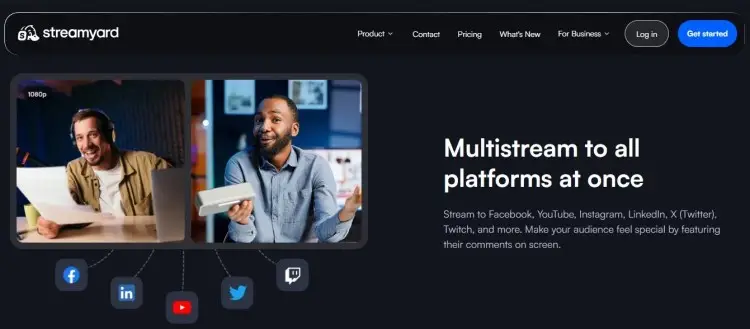
StreamYard is a live streaming platform that runs directly inside your browser, making it easy for beginners to start streaming quickly. It focuses on simplicity, guest management, and reliable cloud-based broadcasting.
Key features:
- You can interview guests by sending them a simple link with no download required.
- Streamyard-based studios work on any computer with internet access.
- StreamYard makes it easy to brand every broadcast with logos and colors.
- You can display graphic overlays, banners, and basic screenshots of your screen.
- It handles switching layouts on the fly.
Ecamm Live vs StreamYard pricing comparison
Pricing matters when choosing streaming tools, especially for creators building a business in content, coaching, or speaking. Both platforms use subscription models, but the value you get depends on how advanced your workflow needs to be.
Ecamm Live offers subscription plans after the free trial period.
- Free 14-day trial: Test out all Standard and Pro features, but with watermarks.
- Standard ($16/month): Multi-streaming, custom branding, screensharing, high-quality recording, comments, widgets, and green screen.
- Pro ($32/month): 4K streaming, integration with Zoom, live video monitoring, isolated audio or video recording, and VIP tech support.
StreamYard provides a free tier alongside paid plans.
- Free: One seat, six guests, two hours of recording.
- Core ($44.99/month): Better video quality and studio capabilities, longer recording, and streaming pre-recorded streams.
- Advanced ($88.99/month): Eight multi-streaming platforms, extra camera, transcripts, and 4K video quality.
Whichever platform you choose, you can start integrating Talks into your workflow via a free profile. Use it to connect with podcast hosts, speakers, and collaboration opportunities.
Ecamm Live vs StreamYard similarities and differences
Even though the workflow feels different, both platforms share several core features that help creators build visibility online. They also support many of the same streaming destinations and audience engagement tools.
Similarities:
- Both broadcast your live show directly to Facebook, YouTube, LinkedIn, and Twitch.
- Both work for podcasts, webinars, and interviews.
- Both allow guest interviews.
- Both support screen sharing.
- Both provide branding overlays.
- Both allow recording during live sessions.
- Both are user-friendly compared to traditional broadcasting tools.
Differences:
- Ecamm Live only works on Mac.
- Ecamm Live offers deeper production controls.
- Ecamm processes video locally while StreamYard uses cloud systems.
- Ecamm Live supports advanced camera setups and hardware integrations.
- StreamYard works in browsers across devices.
- StreamYard focuses on simplicity and speed.
- StreamYard is easier for beginners with minimal technical knowledge.
One platform gives you more production power while the other helps you get live faster. Your choice depends on whether you prioritize simplicity or advanced control.
Ecamm Live vs StreamYard pros and cons
Every streaming tool has strengths and tradeoffs. The right choice depends on your workflow, budget, and how much production control you need.
| Platform | Pros | Cons |
|---|---|---|
| Ecamm Live | Advanced production tools Excellent recording quality Supports professional cameras Customizable scenes | Mac-only Higher CPU demand Steeper learning curve |
| StreamYard | Beginner-friendly Browser-based Shorter setup time Free plan available | Fewer advanced controls Limited customization Internet-dependent |
Ecamm Live is preferred by creators who want a professional studio feel. Meanwhile, StreamYard is popular among speakers, coaches, and emcees who want to go live quickly without managing technical settings.
Whichever platform you pick, Talks helps complete your podcasting toolkit by helping you find interview opportunities, book guests, and build authority through speaking appearances.
What Is Ecamm Live?
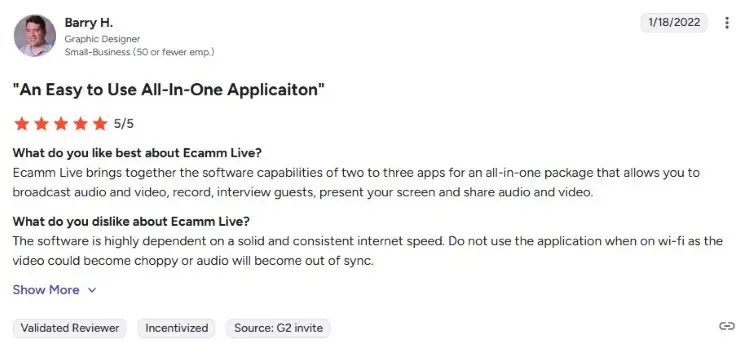
Ecamm Live is a live streaming studio and recording application built specifically for Mac users. It transforms your computer into a broadcast control center where you can mix cameras, graphics, and remote guests into one clean feed.
User reviews praise its stability and professional output. Some appreciate how its ability to direct the show with scene switching improves their entire workflow.
- Barry H. says, “Ecamm Live brings together the software capabilities of two to three apps for an all-in-one package that allows you to broadcast audio and video, record, interview guests, present your screen, and share audio and video.”
- Gary S. comments, “Very easy to put together a high-value streamed or pre-recorded production. I especially like the Interview mode, which enables me to bring on up to 4 guests to record panel-style discussions.”
What Is StreamYard?
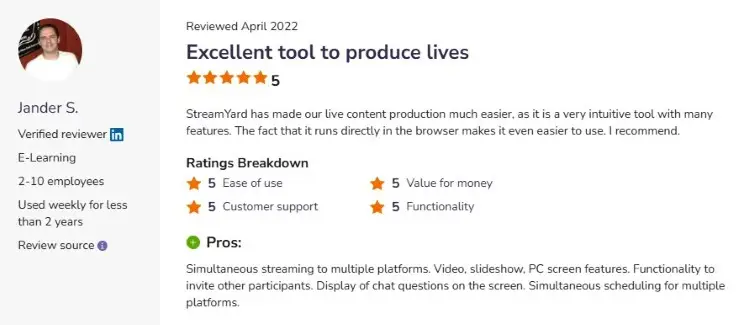
StreamYard gives you a streaming studio in your browser, which makes it easy to broadcast your live stream to multiple platforms. It’s designed for creators who want to go live without installing anything. You open a link, allow permissions, and start broadcasting within minutes.
Many appreciate that StreamYard makes it easy to bring on remote guests without technical headaches. Reviewers also mention the value of cloud recording and instant replays.
- Jander S. notes, “StreamYard has made our live content production much easier, as it is a very intuitive tool with many features. The fact that it runs directly in the browser makes it even easier to use.”
- Amr M. shares, “StreamYard allows me to run branded webinars, virtual meetings, and online training sessions anywhere with a web browser and internet connection. It provides tools to share my screen, poll my audience, and co-host colleagues.”
StreamYard data usage
Because StreamYard runs in the cloud, internet quality plays a major role in performance. The platform uploads your video feed continuously during live broadcasts, so stable upload speeds are important.
For standard HD streaming, StreamYard uses roughly 1-2 GB of data per hour, depending on resolution, bitrate, and the number of participants. But multi-streaming to several destinations can increase bandwidth demands further.
If you stream often using mobile internet or limited home data plans, monitoring usage is important. Using wired internet instead of Wi-Fi helps improve stream stability during long broadcasts.
How to go live on StreamYard
Getting started with StreamYard is fairly simple. Anyone who wants to start a podcast or livestream show can launch their first live stream within minutes.
- Create an account: Sign up at the StreamYard website with your email and pick a strong password.
- Enter studio: Click create a broadcast and choose your destination from the list.
- Allow permissions: Grant browser access to your camera and microphone so people can see and hear you.
- Add branding: Upload your logo and choose brand colors that match your website.
- Invite guests: Copy the invite link and send it to your guests through email or Slack.
- Go live: Hit the stream button and start talking to your audience.
For creators improving their audio setup, pair StreamYard with equipment like the Shure 58 microphone and Sony MDR-7506 headphones.
How to live in StreamYard
Once you’re live, StreamYard includes several features that help keep audiences engaged. Even without technical knowledge or professional broadcasting experience, you can achieve polished scenes easily.
- Comments: Display live audience comments on-screen during your broadcast.
- Banners: Add custom text banners for promotions or speaker names.
- Backgrounds: Upload branded backgrounds for a cleaner presentation.
- Layouts: Switch between solo, interview, and panel views.
- Overlays: Add logos and branded graphics to your stream.
- Private chat: Communicate privately with backstage guests.
- Screen share: Present slides, demos, and browser tabs live.
- Multistreaming: Send your live show to all audiences at once.
- Recording: Save broadcasts for future content repurposing.
- Stream keys: Connect additional custom streaming destinations using stream keys.
Is StreamYard better than OBS?
Whether StreamYard is better than OBS depends on your goals and skill level.
OBS is a free downloadable streaming solution with deeper customization. It allows you to tweak your setup, so you get the exact professional look you need.
- If you want fast setup, browser access, and simple podcast interviews, StreamYard beats out OBS.
- If you want advanced production control, OBS gives you more flexibility with scene management.
You can also check this comparison guide to see how OBS fares against Ecamm Live.
How to Choose Between Ecamm vs StreamYard
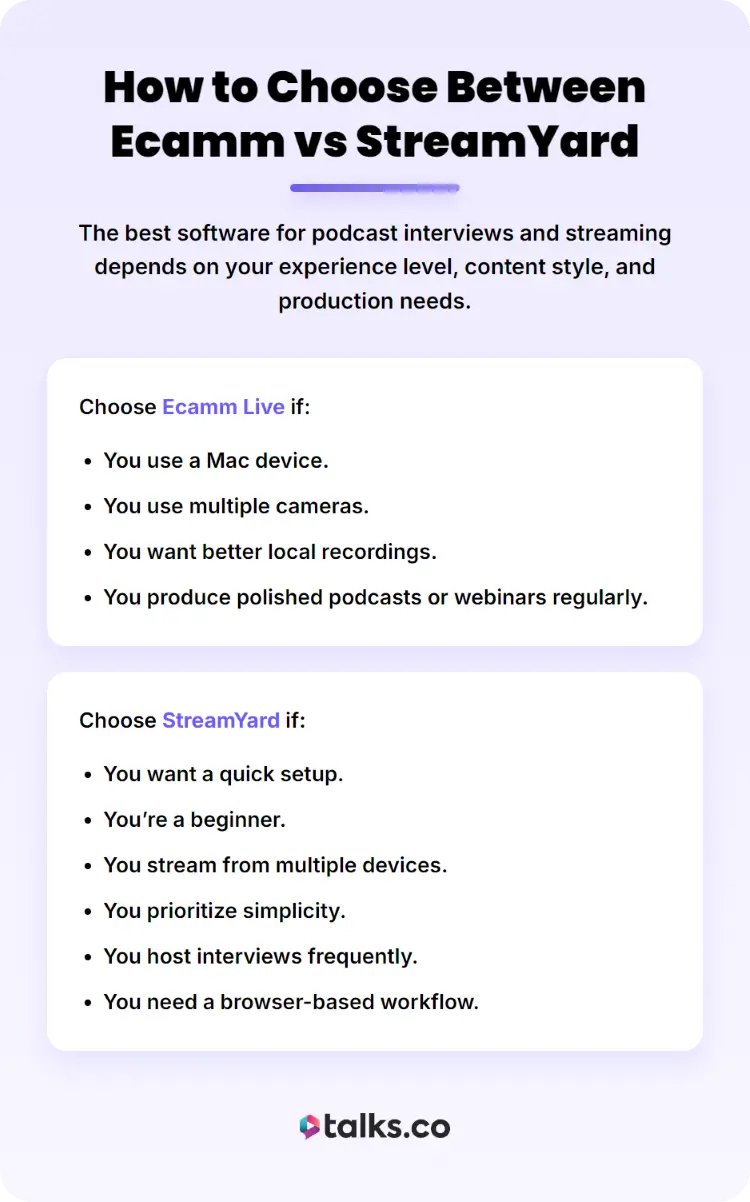
The best software for podcast interviews and streaming depends on your experience level, content style, and production needs. Some creators prioritize speed while others care more about production quality.
Choose Ecamm Live if:
- You use a Mac device.
- You use multiple cameras.
- You want better local recordings.
- You produce polished podcasts or webinars regularly.
Choose StreamYard if:
- You want a quick setup.
- You’re a beginner.
- You stream from multiple devices.
- You prioritize simplicity.
- You host interviews frequently.
- You need a browser-based workflow.
For coaches, speakers, and consultants building authority online, both tools can help grow visibility and audience reach. The right choice depends on how much time you want to spend learning production tools vs. focusing on content delivery.
What Is the Best Software for Live Video Streaming?
The best live streaming software depends on your workflow, experience level, and business goals.
For beginners, browser-based tools feel easier to manage. For advanced podcasters and production-heavy creators, a more customizable option made for their device can be more appealing.
If your focus is growing your business in 2026 through speaking, podcast interviews, webinars, or live events, the ideal platform is the one that will best support you.
What are the best Ecamm Live and StreamYard alternatives?
If neither Ecamm nor StreamYard matches your needs, there are several other streaming tools worth exploring:
- Streamlabs: A creator-focused streaming platform with overlays, monetization tools, and customizable broadcasts.
- OBS: A free open-source streaming and recording platform with advanced production controls.
- Restream: A multi-streaming platform designed to help creators stream simultaneously across multiple channels.
The Best Choice
The choice between Ecamm Live vs StreamYard comes down to how you create content. Both help you produce quality podcasts and widen your reach.
If you’re the type to build authority with visibility, I have just the platform to complete your toolkit. Create your free profile with Talks now and find online stages for experts like you.
- Podcast guest booking: Match with industry experts who can add value to your episodes.
- Host-to-host connections: Collaborate with other podcast hosts and cross-promote your show.
Using Talks, Cheryl secured a guest spot at Refine and Shine with Angelina Rivera. She enjoyed her experience, saying, “Angelina is a professional interviewer who interacts with her guests in ways to build on, engage, and provide insights for all listeners.”
Sign up for a free Talks profile now and start matching today!


