

Recording a podcast sounds simple enough.
Until your guest freezes mid-sentence, your software refuses to cooperate, and you spend eight hours twisting a $19 tool into something that sort of works.
And if you’ve scrolled through reviews, binged 37 YouTube tutorials, and still feel like you’re gambling on the best podcast recording software you’ll barely use, I get it.
You’re here because you don’t want to:
- Waste cash on podcast recording and editing features you’ll never touch
- Struggle for clean audio recording while wondering if it’s you or the mic
- Juggle multiple tools just to finish one episode
After 400+ interviews, I’ve seen it all. And in this guide? I’m giving you a decade’s worth of my insider secrets all served on a silver platter.
For absolutely free.
You’ll see which software is worth your time, which to skip, and how to record and edit audio podcasts so you’ll never yell “Why is this not working?!” ever again.
Best Podcast Software Programs (At a Glance)
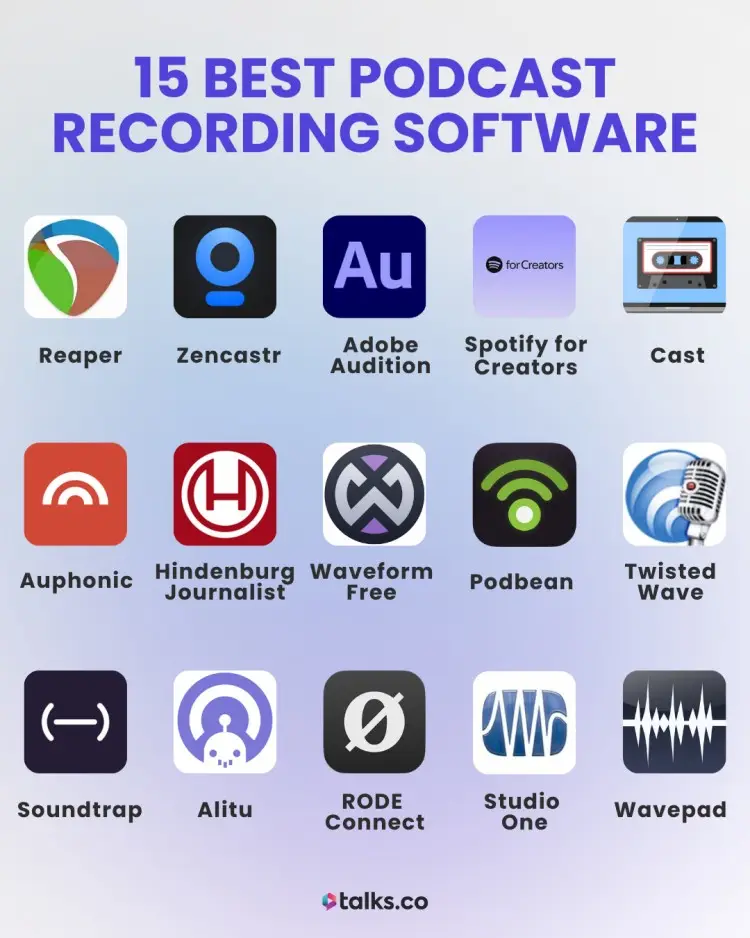
Want a quick snapshot of the best podcast tools without drowning in details? Here’s who they’re for, what they do best, and why they deserve a spot in your toolkit.
- Best for remote interviews with crystal-clear sound: Squadcast
- Best for simple, reliable recording everyone knows: Zoom
- Best for editing that feels like magic: Descript
- Best for full control over every decibel: Reaper
- Best for high-quality remote audio with AI help: Zencastr
- Best for studio-grade sound polishing: Adobe Audition
- Best for free, easy distribution to Spotify: Spotify for Creators
- Best for fast, all-in-one podcast workflow: Cast
- Best for automatic audio cleanup and leveling: Auphonic
- Best for text-based podcast editing: Hindenburg Journalist
- Best for full free DAW power: Waveform Free
- Best for beginner-friendly all-in-one platform: Podbean
- Best for Mac quick edits and clean audio: TwistedWave
- Best for collaborative cloud-based recording: Soundtrap
- Best for fully automated editing and publishing: Alitu
- Best for RODE users wanting plug-and-play simplicity: RODE Connect
- Best for advanced, customizable production: Studio One
- Best for simple, effective editing: Wavepad
- Best for free, beginner-friendly Mac recording: GarageBand
- Best for free, powerful PC recording: Audacity
- Best for free video podcasting and live streaming: OBS Studio
- Best for studio-quality remote recording online: Boomcaster
- Best for high-quality video podcasting: Riverside
What Is Podcast Recording Software?
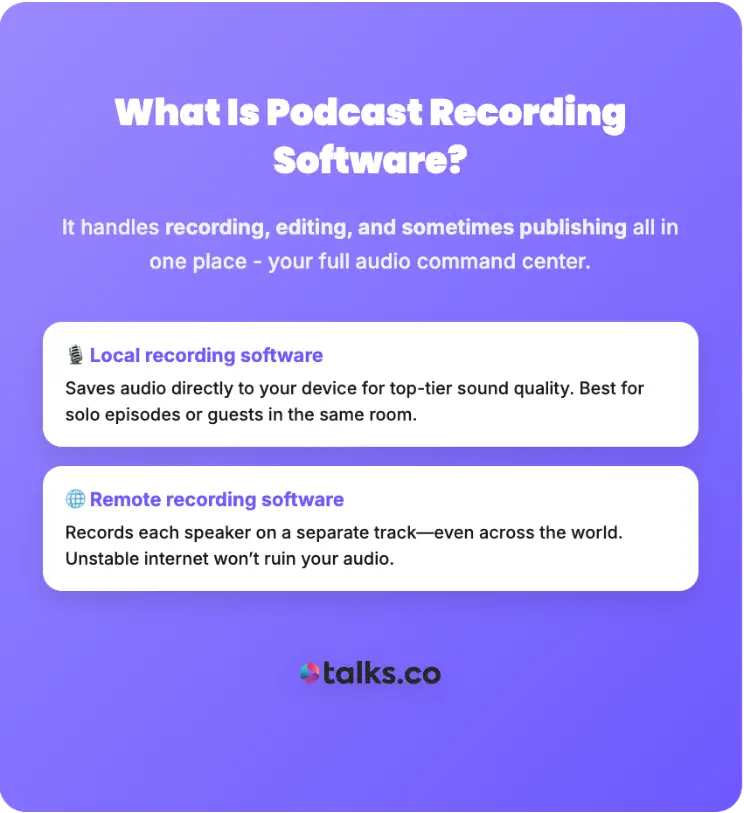
Podcast recording software is what makes your show sound like you actually know what you’re doing even if your “studio” is just your laptop and a corner of your living room. It handles recording, editing, and sometimes even publishing, all in one place.
There are two main approaches:
- Local recording software: Saves podcast audio straight to your device, giving you top-tier sound quality. Perfect if you’re recording podcast episodes on your phone, solo, or with guests in the same room.
- Remote recording software: Captures each speaker on separate tracks, no matter where they are. Bad internet won’t wreck your audio even if you record a podcast remotely.
Some software keeps it simple, while others pile on extras like automatic editing, transcripts, and even video recording.
The best software to record for you depends on your workflow and how much control you want over your final episode.
7 Types of podcast recording tools
Not all podcast recording software is built the same. Here’s a quick breakdown of the main types of podcast recording software options you’ll run into:
- Digital audio workstations (DAWs): Full-featured recording and podcast editing software for ultimate control.
- Remote interview recorders: Tools built specifically to capture high-quality audio from guests anywhere in the world.
- Mobile apps: Record and sometimes edit directly from your phone or tablet for on-the-go episodes.
- Browser-based tools: You don’t need to download anything. You can record, edit, and sometimes collaborate entirely in the cloud.
- Editing-focused software: Prioritizes post-production with built-in editing features, effects, and AI helpers. Ideal for podcasters who want polished episodes without extra apps.
- All-in-one podcast suites: Record, edit, and publish from the same platform. Great if you want fewer tools to manage.
- Live recording/streaming tools: Built for live shows or real-time interviews, often with integrated video. Useful for events or social media broadcasts.
23 Best Podcast Recording Software of All Time
Picking recording software can feel like walking into a candy store blindfolded. So many software options, so many features, so many “do I really need this?” moments.
These are the crowd-pleasers, the backstage heroes, the podcast recording software that actually makes your episodes sound sharp, clean, and totally binge-worthy (no Hollywood meltdowns or technical fires included, promise).
1. Squadcast
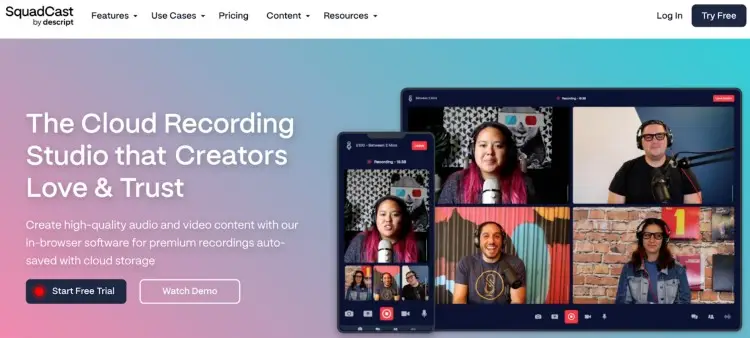
Best for: Remote podcasters who want stress-free, high-quality interviews
SquadCast is the “don’t panic, your guests sound amazing” tool. Each participant records locally, so Wi-Fi hiccups won’t ruin your episode. Files auto-back up, and separate tracks make editing painless. Video is optional, browser-based, and guest-friendly
Features:
- Local recording per participant
- Cloud backups and progressive uploads
- Separate audio and video tracks
- Video up to 1080p, audio WAV/MP3
- Green Room and Backstage
- Descript integration for AI and transcription
Price:
- Free: 1 hour/editor, 1 show, up to 10 participants, basic exports
- Hobbyist $24/month: 10 hours/editor, 5 shows, 1080p, basic AI tools
- Creator $35/month: 30 hours/editor, unlimited shows, Dolby mastering, advanced AI
- Business $65/month: 40 hours/editor, full AI suite, priority support
Pros:
- Crystal-clear audio and video
- Easy editing with separate tracks
Cons:
- Paid plans add up
- Limited native editing
2. Zoom
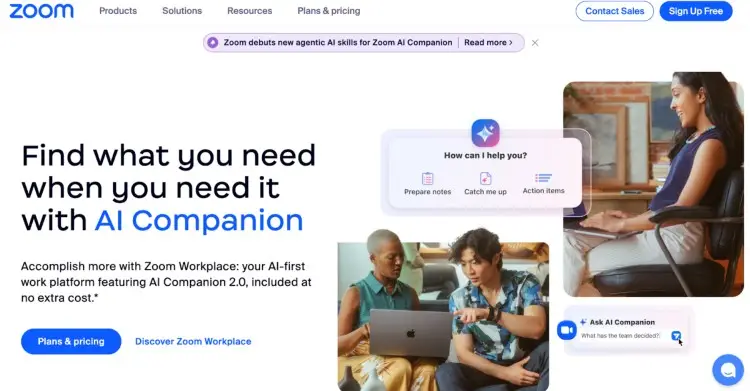
Best for: Simple, reliable recordings that most users trust
The “Familiar Face Everyone Knows and Loves” award goes to Zoom.
It won’t wow with extras, but it reliably records audio and video for types of podcasts, interviews, or remote co-host chats. Local recording keeps files safe, with optional cloud backup.
Features:
- Audio/video recording up to 1,000 participants (with add-ons)
- Local and cloud recording
- AI meeting summaries, smart chapters, next steps
- Screen sharing, Whiteboard, polls, surveys
- Team Chat, Mail, Calendar, Docs integration
- Translated captions (33 languages), multi-speaker view
- Zoom Phone cloud VoIP
Price:
- Free: 40-minute meetings, 100 participants
- Pro $16.99/month: 30-hour meetings, unlimited clips, AI tools
- Business $21.99/month: 300 participants, whiteboards, Zoom Phone, SSO
- Enterprise: Custom pricing
Pros:
- Free option available
- Reliable and great for group interviews
Cons:
- Audio quality can be inconsistent
- Limited editing tools
3. Descript
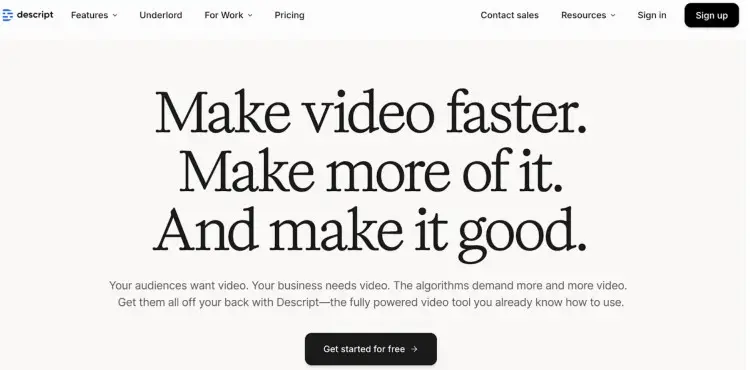
Best for: Podcasters who want editing to feel almost effortless
Descript turns tedious editing into almost magic with AI-powered transcription, filler word removal, and screen recording built in. Cloud-based and beginner-friendly, it keeps your workflow smooth from recording to publishing.
Features:
- Audio and video recording
- Multitrack editing with drag-and-drop interface
- AI transcription and overdub voice cloning
- Screen recording for video podcasts
- Filler word detection and automatic removals
- Export to MP3, WAV, or video formats
Price:
- Free: Basic recording, 3 hours transcription, watermark on video
- Creator $12/month: Unlimited transcription, screen recording, exports
- Pro $24/month: Overdub, filler word removal, advanced exports, priority support
Pros:
- All-in-one solution
- Beginner-friendly with AI tools
Cons:
- Heavy reliance on internet connection
4. Reaper
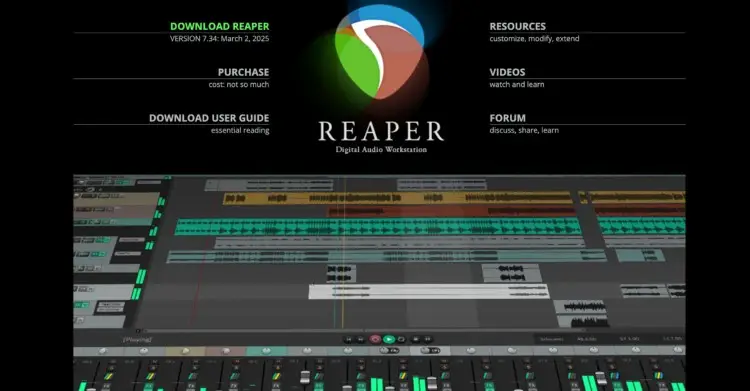
Best for: Advanced podcasters looking for full control over audio production
Reaper is for creators who want to tweak every decibel and shape audio exactly how they imagine. The learning curve is steep, but it enables a fast, flexible workflow that rivals any other DAW.
Features:
- Multitrack recording with no track limits
- Full customization: shortcuts, layouts, macros, themes
- Supports VST, AU, JSFX plugins
- Advanced automation for leveling, effects, cleanup
- Runs on low-power machines
- Optional scripts and extensions to speed editing
Price:
- $60 personal license (under $20k/year)
- $225 commercial license (over $20k/year)
- One-time payment
Pros:
- Deep control over editing workflow
- Extremely efficient and stable
- Huge community support
Cons:
- Not beginner-friendly
- No built-in podcast workflows
5. Zencastr
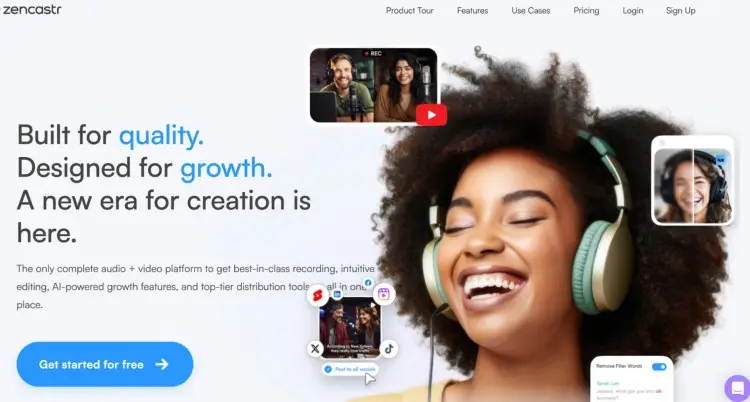
Best for: Remote podcast recording with a focus on high-quality sound
Zencastr takes the trouble out of recording guests who aren’t in the same room as you. It records each participant locally while also uploading to the cloud.
Bonus: it does some of the post-production for you automatically, saving you time without cutting corners.
Features:
- Local + cloud multitrack recording
- Up to 4K video, 16-bit 48k WAV audio
- AI editing, filler-word removal, chapters
- ZenAI clipping with captions
- Transcriptions (multi-language)
- Team collaboration + dynamic content insertion
- Unlimited hosting and embeddable players
- Up to 11 guests per session
Price:
- Free: Unlimited recording, hosting, 1080p, 90-day masters
- Grow $30/month: 4K, AI editing, ZenAI clips, auto-publish
- Scale $50/month: 7-platform scheduling, 4 shows, 2 seats
- Business $100/month: Unlimited clips + editing, 6 shows, 4 seats
Pros:
- Browser-based
- Cloud backups
Cons:
- Limited video capabilities
- Free version is… limited
6. Adobe Audition
Best for: Podcasters who want full control over every sound in their episode
If you love tinkering, polishing every clip, and making your podcast sound like it came out of a studio, Adobe Audition is your playground.
You get precise multitrack editing, spectral cleanup, and seamless integration with Premiere. It’s powerful, fast, and packed with effects, but it does come with a learning curve.
Features:
- Multitrack editor + waveform + spectral view
- Noise reduction, de-hum, de-ess, diagnostics
- Real-time clip stretching
- 50+ effects, filters, and analysis tools
- Third-party plugin support (VST/AU)
- Creative Cloud integration for video workflows
Price:
- Audition: $22.99/month (annual billed monthly)
- Creative Cloud Pro: $69.99/month
- Student/teacher: $24.99/month
- Business: $99.99/month
Pros:
- Industry-standard tools
- Powerful cleanup and restoration
Cons:
- Subscription-only
7. Spotify for Creators
Best for: New podcasters who want a simple, free platform with built-in distribution
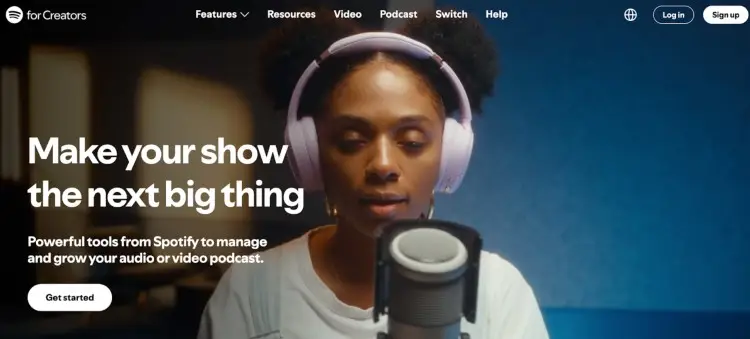
Spotify for Creators is your “start today, no excuses” podcast recording software. You can record, edit, host, and publish without paying a cent. It’s basic, but that’s the point. It removes every barrier so you can get your first episodes out fast.
Features:
- Record audio in-browser or mobile
- Basic multitrack editing
- Music and sound effects library
- Podcast hosting and RSS feed
- Q&A and polls for audience engagement
- Episode analytics and retention data
- Direct distribution to Spotify
Price:
- Free: Hosting, recording, editing, analytics, distribution
- No paid upgrade: All features included
Pros:
- Monetization options (ads, listener donations)
- Built-in distribution to major platforms (Spotify, Apple Podcasts, etc.)
- Easy-to-use interface
Cons:
- Limited editing power
- Ads placed in free versions
8. Cast
Best for: Podcasters who want easy, flexible recording
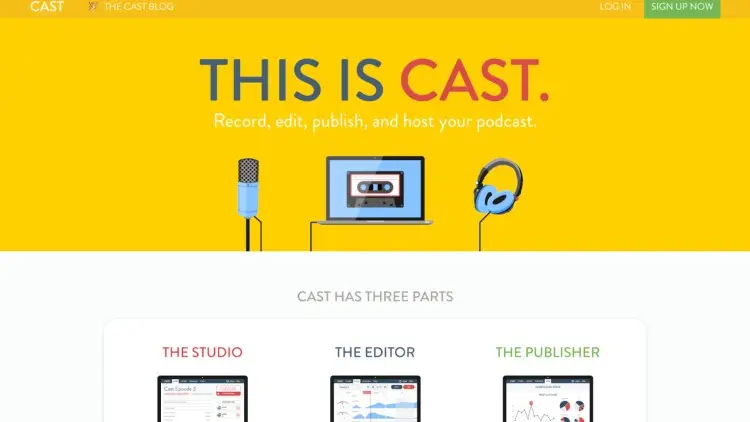
Cast handles the boring stuff so you can actually make a podcast. Record and edit fast with smart presets, then publish with hosting, RSS, and analytics already built in. You get a clean workflow without juggling a dozen apps.
Features:
- High-fidelity audio (local + remote)
- Cloud storage with automatic backups
- One-click guest access, no logins required
- Dynamic compression and intelligent noise reduction
- Built-in hosting, RSS feeds, and analytics
- Live text chat and show notes
Price:
- Hobby: $10/month (10 hours recording, unlimited editing and hosting, 1 RSS feed)
- Pro: $30/month (100 hours recording, unlimited feeds, Dropbox sync, advanced stats)
Pros:
- All-in-one workflow
- Ridiculously easy to use
Cons:
- No video recording
- Basic editing tools
9. Auphonic
Best for: Podcasters who want automatic audio post-production and optimization
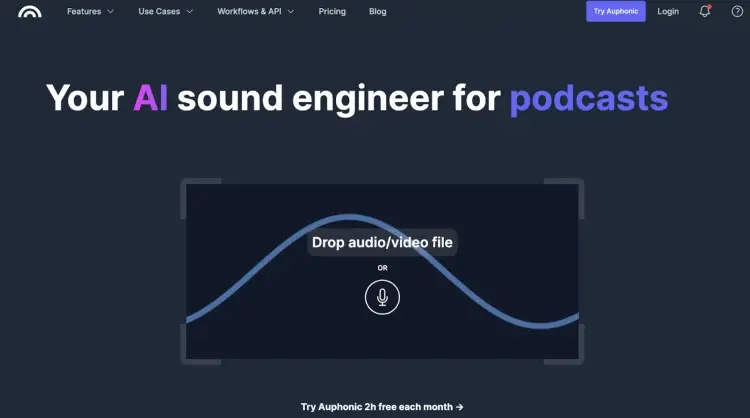
Auphonic is like a tiny, hyper-efficient sound engineer that lives in your computer. Just upload your raw audio and it automatically balances levels, removes background noise, trims awkward silences, and optimizes loudness for every platform
Features:
- Intelligent leveler for consistent volume across speakers and music
- Noise and reverb reduction
- Automatic EQ, de-essing, and plosive removal
- Filler word, cough, and silence cutting
- Multitrack processing with automatic ducking
- Support for chapters, podcast script templates, show notes, and video/audio exports
- API and automated workflow integrations
Price:
- Free: 2 hours/month
- S $13/month: 9-hour processing
- M $29/month: 21-hour processing
- L $59/month: 45-hour processing
- XL $119/month: 100-hour processing
- One-time credits available
Pros:
- Powerful multitrack processing
- Beginner-friendly
Cons:
- Limited free plan
- No live recording
10. Hindenburg Journalist
Best for: Podcast creators who need professional-level automation the easy way
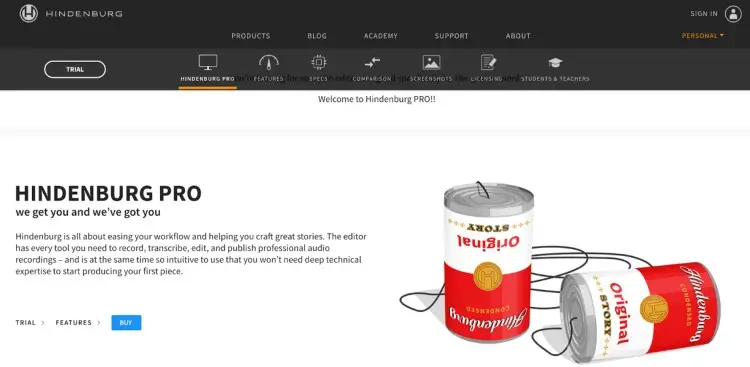
Hindenburg Journalist is the “set it and forget it” editor for spoken-word creators. It automatically levels audio, reduces noise, and transcribes recordings, letting you move segments around like a Word doc
Features:
- Automatic leveling and noise reduction
- Intuitive, story-focused interface
- Edit like a text document with transcription-based workflow
- Multitrack recording and editing
- One-click delivery to multiple formats and platforms
- Plug & Play mic recognition and EQ fine-tuning
- Built-in sound library
Price:
- Standard: $12/month
- Plus: $15/month
- Premium: $30/month
Pros:
- Automatic audio leveling
- Easy-to-use interface
Cons:
- Pricey for a basic version
- Lacks certain high-end features
11. Waveform Free
Best for: Podcasters who want full DAW power without paying for it
Waveform Free is the kind of editor engineers love because nothing is capped, stripped down, or “lite.” You get unlimited tracks, a rebuilt low-CPU audio engine, and a cleaner UI that’s actually enjoyable to edit in.
It’s powerful, fast, free, and brutally flexible.
Features:
- Unlimited tracks, clips, folders, submixes
- 14 refreshed audio FX (compressor, EQs, reverbs, delays, more)
- 8 MIDI FX + 11 utility plugins
- 4 built-in instruments
- VST3/VST2/AU/LV2 support
- Retrospective record, loop/take recording, comping
- Elastique time-stretching, slice-to-drum-loop
- Unified browser + customizable actions panel
- Codec-free video engine
- Rewritten low-CPU audio engine
Price:
- Waveform Free: $0
- Feature expansions: From $30
- Waveform Pro: From $99
Pros:
- Full DAW capability at no cost
- Strong mixing and editing tools
Cons:
- Takes time to learn
- Some tools need expansions or Pro
12. Podbean: Best record podcast software
Best for: Podcasters who want an all-in-one platform for hosting, recording, and distributing
With Podbean, you can record your podcast, edit, host, distribute, and even monetize without touching another app. Audio quality isn’t pro-engineer level, but for beginners and busy creators, it gets episodes out fast.
Features:
- In-app recording (desktop + mobile)
- Basic editing and background music
- Built-in hosting + RSS feed
- Live streaming with listener call-ins
- Analytics, ads, and premium episodes
- Distribution to Spotify, Apple, Google, etc.
Price:
- Free: 5 hours storage, basic recording
- Unlimited Audio $14/month: Unlimited storage + bandwidth
- Unlimited Plus $39/month: Video podcasts + monetization tools
- Business $129/month: Advanced analytics, multiple admins, SSO
Pros:
- Monetization features
- Easy for beginners
Cons:
- Free plan has limited storage space
13. TwistedWave
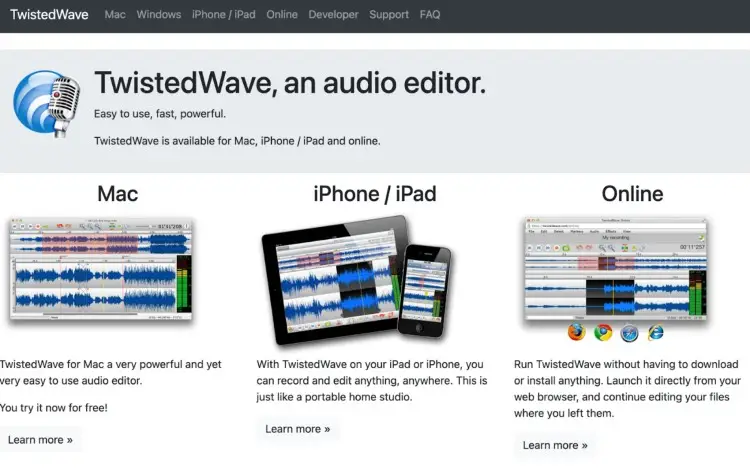
Best for: Mac users who want quick edits and clean audio
TwistedWave is a fast, lightweight editor built for people who don’t need a full DAW just to trim, clean, and export great-sounding audio. It’s simple, snappy, and reliable. Perfect for podcasters who want to work fast.
Features:
- One-window editing with instant processing
- Local recording
- High-quality audio support (up to 32-bit/192kHz on Pro plans)
- Optional Video & Speech add-on (video sync + speech recognition for text-linked editing)
- Cloud storage (varies by plan)
- Browser-based “TwistedWave Online” with tiered limits
- Perpetual fallback license after 12 months paid
Price:
- Desktop audio-only: $59.90-$99.90
- Desktop with video & speech: $89.90-$149.90
- Online plans: Free-$20/month
Pros:
- Fast and easy-to-use
- Great audio quality
- Optional video tools
Cons:
- No multi-track editing
14. Soundtrap: Best podcast production software
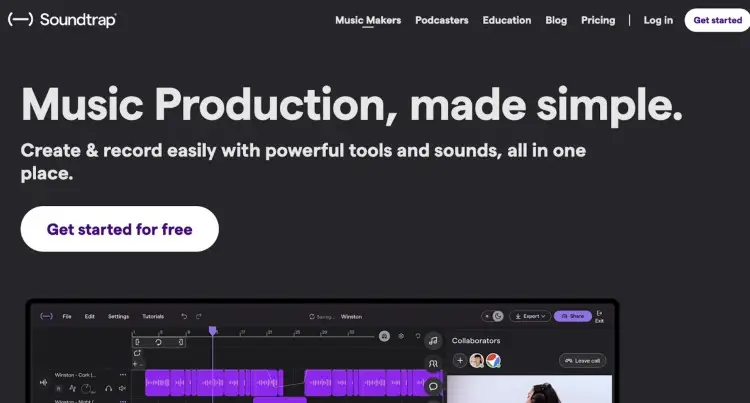
Best for: Collaborative podcasting teams who need remote access and cloud-based recording
Soundtrap is a web-based recording platform that lets multiple users to hop in, record on separate tracks, and edit podcasts in real time. You can even upload your episodes and transcripts straight to Spotify, which is a nice little discoverability boost.
Features:
- Cloud-based recording for seamless remote collaboration
- Interactive transcript editing: cut, move, or tweak audio like a text doc
- Multiple users can record simultaneously on separate tracks
- Create jingles and add sound effects from freesound.org
- Upload episodes + transcripts directly to Spotify
Price:
- Sound Starter: $11.99/month
- Music Production/Vocals & Songwriting: $16.99/month
- Production & Vocals: $19.99/month
Pros:
- Supports real-time editing
- Multiple users can record at once
Cons:
- No local recording
- Subscription required for full features
15. Alitu
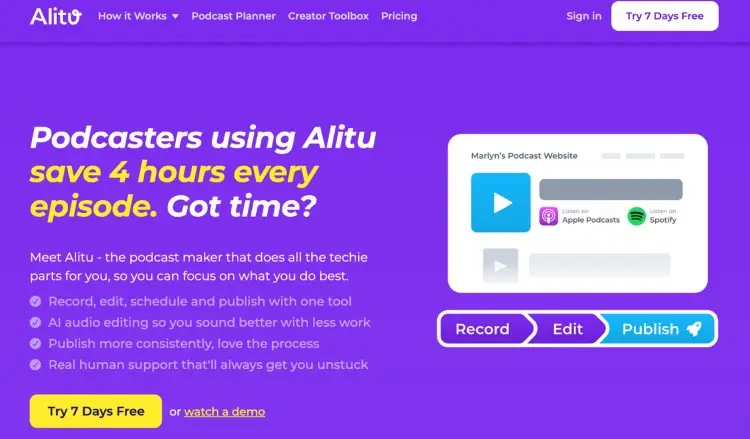
Best for: Podcasters who want editing and publishing handled automatically
Alitu handles the boring stuff automatically so you can start your podcast and get your episode out faster. It’s not for deep-dive manual editing, but for most podcasters, that’s a good thing. If you hate tech in general, this one’s your bread and butter.
Features:
- Local and cloud recording for audio and video
- Automated audio cleanup: noise, hum, volume, filler words
- Drag-and-drop episode builder + text-based editor
- Built-in hosting and free podcast website
- Transcription in multiple languages
Price: $38/month
Pros:
- Super easy to use
- Handles publishing and hosting
Cons:
- Limited control for advanced edits
- Video isn’t the main focus
16. RODE Connect
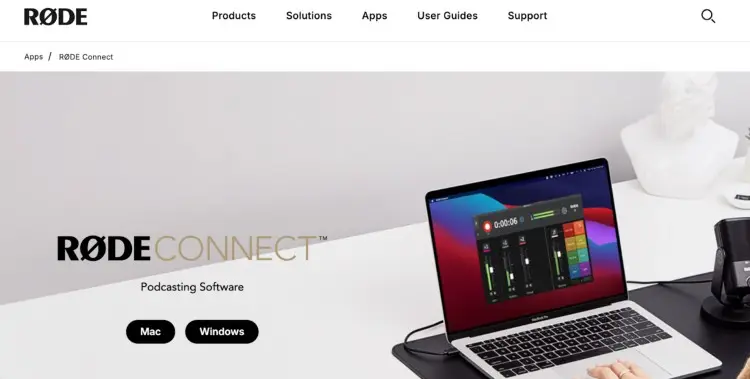
Best for: RODE mic users who want a simple, all-in-one setup for multiple hosts and remote guests
RODE Connect is the “plug in, hit record, and everything just works” recording app for RODE users.
Got four NT-USB Minis or a couple of Wireless GO II’s? Connect them, balance your levels, and suddenly your co-hosts and remote guests sound crystal clear during podcast creation.
Features:
- Connect up to 4 RODE mics on one computer
- Built-in DSP: compressor, noise gate, APHEX Aural Exciter and Big Bottom
- Automatic mix-minus for remote guests
- Sound pads with 3 playback modes and 8 banks
- Simple interface with faders, level meters, mute/solo buttons
- Virtual channel to route Zoom/Skype calls
Price: Free for RODE users
Pros:
- Simple setup
- Sound pads for quick effects
- Free
Cons:
- Limited to RODE hardware
- Basic editing features
17. Studio One
Best for: Advanced podcasters and audio professionals who want a powerful, customizable recording and editing software.
With Studio One, the drag, drop, tweak, mix, and master features are all under one roof. Built-in instruments, effects, and workflow tools let you go from idea to polished track without leaving the software.
Features:
- Multitrack recording and editing with unlimited tracks
- Drag-and-drop workflow for fast production
- Built-in instruments: synths, samplers, drum machines
- Full mixing console with effects chains
- Mastering suite to finish your tracks
- Templates, macros, and shortcuts to speed up your workflow
Price:
- Studio One Prime: Free
- Studio One Artist: $99
- Studio One Professional: $399
Pros:
- Fast, intuitive workflow
- Built-in instruments and effects
Cons:
- Professional version is pricey
18. Wavepad
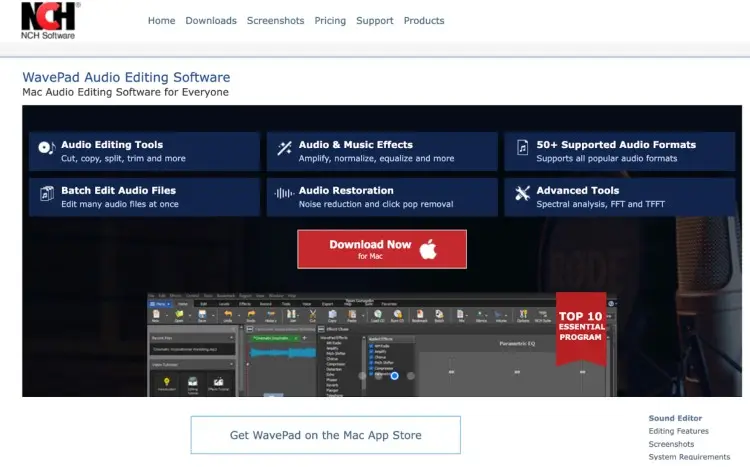
Best for: Beginner to intermediate podcasters who want a simple yet effective audio editor.
Wavepad is the “let’s get this episode out today” kind of audio editor. When you want more power, paid versions unlock fancy effects, batch editing, and all the nerdy audio stuff that makes your episodes sound like you hired a studio.
Features:
- Record, trim, split, join, and clean up audio
- Amplify, normalize, compress, and add effects like reverb or echo
- Noise and click/pop removal for audio
- Batch edit multiple files at once
- Spectral analysis, FFT/TFFT, AI-powered text-to-speech, and voice changer
- Works with over 50 audio formats: MP3, WAV, FLAC, AAC, and more
- Compatible across Windows, Mac, iOS, Android, and Chromebook
Price:
- Free: Non-commercial use, basic editing features included
- Standard: $60 one-time (unlocks more effects and power)
- Master’s Edition: $99 one-time (full professional suite)
Pros:
- Easy-to-learn interface
- Supports wide range of formats
Cons:
- Limited features in free version
19. GarageBand: Best podcast recording software for Mac
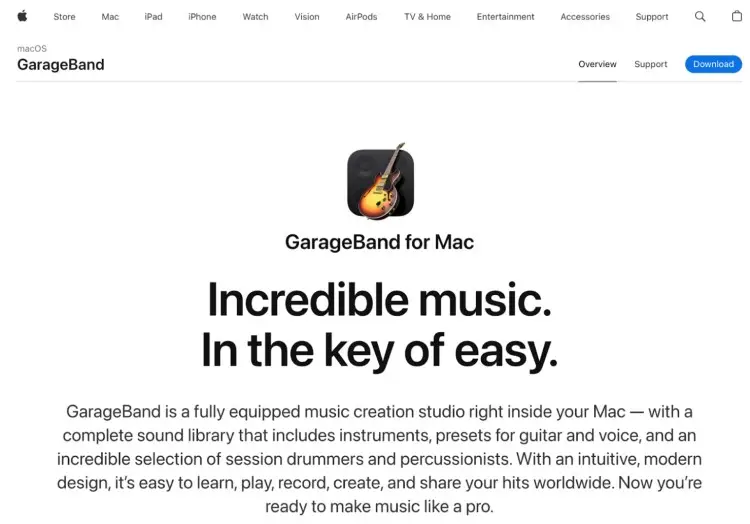
Best for: Mac users looking for a simple, free recording tool with built-in editing features
GarageBand is a fully loaded, beginner-friendly studio on your Mac. Record multiple tracks, fix timing, add effects, loop takes, and even throw in a virtual drummer or instrument. It’s free, fast, and surprisingly powerful for starting a podcast.
Features:
- Record, edit, and mix up to 255 tracks
- Effects: compression, reverb, EQ, stereo panning
- Flex Time for perfect timing
- Multi-take recording and looping
- Virtual drummers in multiple genres
- Export to Music app, share online, or make custom ringtones
- iCloud integration for Mac, iPhone, iPad
Price: Free for Mac users
Pros:
- Easy to use
- Great built-in editing tools
Cons:
- Limited compared to professional DAWs
20. Audacity: Best podcast recording software for PC
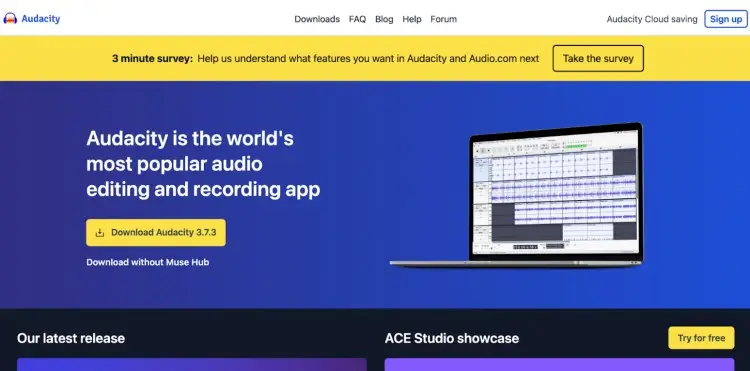
Best for: PC users who want powerful, free, open-source recording software with advanced features
Audacity is a solid, no-cost option for beginners or anyone who wants control without paying a dime. It handles recording, editing, and exporting audio with all the essentials, though it’s not flashy and the interface can feel dated.
Features:
- Multitrack recording and editing
- Noise reduction, compression, and basic effects
- Supports WAV, MP3, and AIFF files
- Keyboard shortcuts for faster workflow
- Plugins for extra effects
Price: Free
Pros:
- Completely free and open-source
- Supports multiple formats and plugins
Cons:
- Not newbie-friendly
21. OBS Studio: Best free podcast recording software
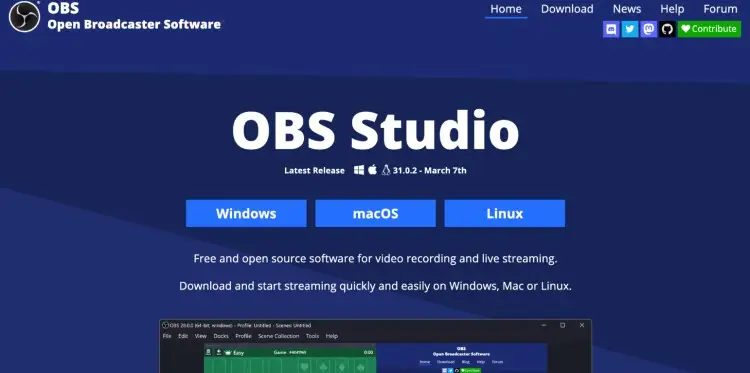
Best for: Podcasters who want a powerful, free tool for video recording, live streaming, and mixing
OBS Studio is open-source, free, and ridiculously flexible. Studio mode lets you tweak everything before it goes live, and modular docks let you arrange your interface however you like.
Features:
- Video/audio capture and mixing in real time
- Unlimited scenes with custom transitions
- Audio mixer with noise filters and VST support
- Studio mode for previewing scenes
- Hotkeys for recording, scene switching, push-to-talk
- Customizable modular layout
Price: Free
Pros:
- Streams to all major platforms
- Works on Windows, Mac, Linux
Cons:
- Steep learning curve
- No built-in editing tools
22. Boomcaster: Best remote podcast recording software
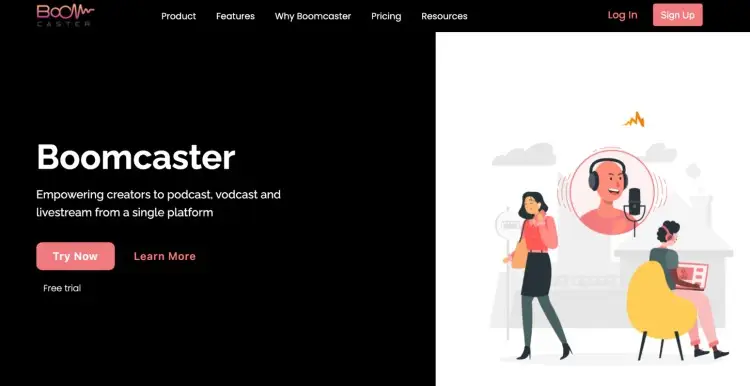
Best for: Podcasters who want the best software for podcast interviews
Boomcaster is browser-based, simple to schedule, and brandable, it’s a complete remote recording solution. Everything is backed up automatically in the cloud, and you can livestream at the same time to Facebook, YouTube, or LinkedIn.
Features:
- Local recording for each participant (Double-Ender)
- Automatic cloud backups
- Up to 4K video, 48 kHz audio
- Livestream to social platforms while recording
- Custom studio branding and colors
- Browser-based, no downloads required
- Automatic transcriptions and real-time captions
Price:
- Starter $20/month: 5 hours of studio-quality recording + livestreaming, $0.07/min extra
- Indie $45/month: 15 hours, $0.06/min extra
- Pro $75/month: 30 hours, $0.05/min extra
Pros:
- No downloads required
- Intuitive interface
Cons:
- Monthly subscription required
23. Riverside: Best video podcast recording software
Best for: Podcasters creating high-quality video podcasts with excellent video and audio sync
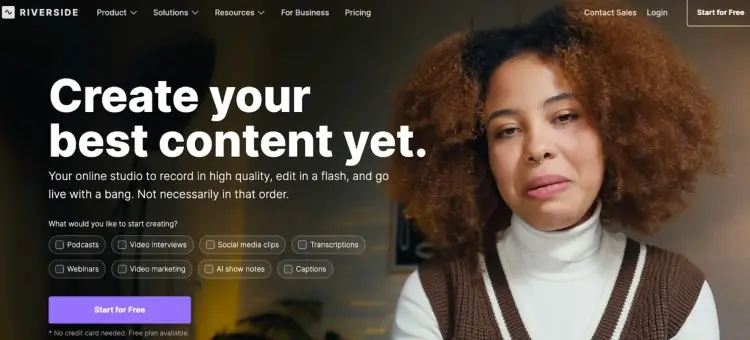
Riverside makes remote podcasting actually fun. Each guest records locally, so even shaky Wi-Fi can’t ruin your show. Invite up to 9 guests in a browser and hit publish or stream live without breaking a sweat.
Features:
- Local recording per guest
- Separate tracks for easier editing
- 4K video + 48kHz audio
- AI tools: remove filler words, clean audio, auto-transcribe
- Text-based editing: cut clips, add captions and b-roll
Price:
- Free plan: Test it, no credit card
- Pro $29/month: 15 hours multi-track recording, AI tools
- Live $39/month: HD livestream, multistream
- Webinar $99/month: Host, record, and brand
Pros:
- Cloud upload and one-click publishing
- Teleprompter built in
Cons:
- Paid subscription required
- Livestreaming needs decent internet
(Check out the difference between Zencastr vs Riverside to help you decide the best podcast recording programs for you.)
How to Select the Right Podcast Recording Software (Checklist)
Picking software is less about hype and more about what actually works for your setup, style, and workflow. Keep it simple, focus on the essentials, and you’ll land on the right tool.
☐ Know your platform: Mac, PC, or browser. Pick one that works with your setup.
☐ Define your recording style: Solo, co-host, or remote interviews? Make sure the software supports it. (Grab my free podcast interview tips to nail every recording.)
☐ Check audio quality: Look for local recording or high-bitrate options for clean, professional sound before you even find podcast guests.
☐ Editing needs: Do you want quick AI fixes or full control over every clip?
☐ Budget constraints: Free or paid, make sure the features justify the cost.
☐ Video requirements: If you plan to record video podcasts, check for video and livestream support.
☐ Ease of use: Choose an interface that’s straightforward and won’t slow you down.
☐ Collaboration features: Recording with guests? Cloud backup and guest-friendly access make life easier. (Don’t forget your podcast guest release form!)
☐ Publishing workflow: Hosting, distribution, and analytics in one place save time.
☐ Support and updates: Active support and frequent updates keep things running smoothly.
At the end of the day, the right software is the one that fits your workflow and helps you experience all the benefits of podcasting.
Say It Loud, Play It Even Louder
Even with the best podcast recording software on your lap, your podcast isn’t going to record itself, and shouting into the void gets old fast.
If you feel like your dream shows are locked behind an invisible velvet rope, #beenthere. It’s frustrating.
But here’s the twist: Talks turns all of that into…well, nothing. No chasing. No guessing. Just results.
How simple is it?
Create a profile, browse matches, show interest, send messages, book a slot, record, share, review.
Eight steps. Done.
You could keep pitching, emailing, and guessing… or you could let Talks do the heavy lifting and finally get on the podcasts that matter.
Sign up for your FREE Talks profile today and start being heard. Your future listeners are waiting. (And yes, they really want to hear what you have to say.)


