
Think about all the podcast shows you’ve ever listened to. A lot of these experts started with just an idea and the courage to record.
If you’re a coach, consultant or entrepreneur looking to do the same, you’re most likely thinking about what you need to get started. And a big factor to consider is the equipment to start a podcast.
The good news is that starting a podcast doesn’t require a studio filled with expensive gear. You can launch a show that sounds professional while staying true to your budget.
Whether you’re planning a simple audio show or a video podcast, this guide will walk you through every piece of equipment needed to start a podcast.
Let’s break down different setups, costs and factors to consider, so you can start recording ASAP.
What Equipment Do You Need to Start a Podcast?
Before you dive into shopping, it’s important to understand what each podcast equipment actually does.
They serve specific purposes from capturing your voice, managing sound levels and keeping distractions at bay. That way, you can identify what you need, especially if you’re just testing the waters.
The beauty of podcasting is that you can start simple and upgrade as you grow.
List of equipment needed to start a podcast
Here’s the essential equipment you’ll encounter on your podcasting journey:
- Microphone: This is your most important investment. A quality podcast microphone captures your voice clearly and reduces background noise.
- Headphones: Good podcast headphones help you monitor audio quality during recording. They prevent audio bleed where your guest’s voice gets picked up by your mic.
- Computer or laptop: You need a device to run your podcast recording software and editing software.
- Pop filter: This accessory reduces plosive sounds when you say words with hard p and b sounds. It’s a small investment that makes a big difference in sound quality.
- Mic stand or boom arm: A mic stand or boom arm keeps your microphone stable and positioned correctly. A boom arm offers more flexibility than a basic stand or boom arm setup.
- Audio interface or mixer: A podcast mixer offers more control for multi-person shows. If you use an XLR mic, you’ll need an audio interface to connect to your computer.
- Podcast recording and editing software: Your digital audio workstation is where you record your podcast and polish each podcast episode.
- Cables: XLR cables connect professional mics to interfaces. Meanwhile, USB cables connect USB mic models directly to your computer.
- Acoustic treatment: Blankets, curtains, or foam panels improve your recording environment. Even the best podcast equipment sounds poor in an echoey room.
What Equipment is Needed for a Podcast?
With a long list of possible podcast equipment you can buy, your choice depends on what setup you want to have. Hobbyists and beginners set up their podcast studios differently from seasoned podcasters looking to upgrade.
It’s also important to consider specific brands and what they’re known for when looking at specific features for each type of equipment.
Let’s get down to specific recommendations for equipment needed to start a podcast.
Equipment required to start a podcast
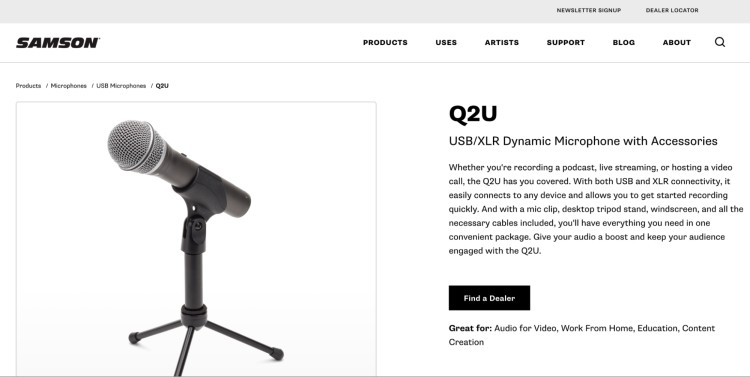
Microphones are the holy grail of any podcasting setup. Here are the different microphone types and what makes each one suitable for podcasting:
- USB microphones: These are plug-and-play mics you can use to record directly into your computer. Perfect for solo shows and remote interviews because they’re simple to set up. Both the Samson Q2U and Blue Yeti are popular options.
- XLR microphones: Professional podcasters prefer XLR connections because they offer superior audio quality and flexibility, but require an audio interface or mixer. Many prefer RODE PodMic and Shure SM7B but they require strong preamp power.
- Dynamic microphones: They reject background noise, making them ideal for home recording. They’re the better choice unless you have a treated podcast studio. Look at Sennheiser MD 421 or Elgato Wavdx.
- Condenser microphones: They capture more detail but also pick up room noise and ambient sounds. Consider Audio-Technica AT2020 and Rode NT1-A.
- Wireless and lavalier mics: If you record a podcast while moving around, wireless options like the Rode Wireless Pro give you freedom. Lavalier mics are also good because you can clip them to your clothing and they work well for video equipment setups.
Basic equipment to start a podcast
You don’t need to invest too much to launch your podcast show. Here’s a basic equipment for beginner podcasters setup:
- Microphone: Start with the Samson Q2U ($100). This dynamic USB mic plugs into any computer and includes a mic stand, windscreen, and cables. It sounds great for the price and you can upgrade to XLR later if needed.
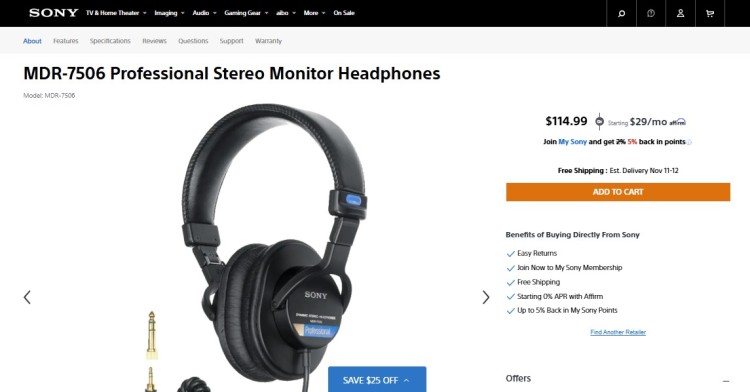
- Headphones: Wired headphones eliminate the latency issues you get with Bluetooth. The Sony MDR7506 ($115) offers flat response and is comfortable for long recording sessions. Apple EarPods also work fine if you’re on a tight budget.
- Pop filter: Any pop filter between $10-15 will reduce plosives. Attach it to your microphone stand for cleaner audio recording.
- Basic mic stand: The Samson Q2U comes with a desktop stand, but a boom arm like the Elgato Wave Mic Arm LP ($100) keeps your mic out of the way and looks better on camera.
- Recording software: Audacity is a free podcast editor that handles recording and podcast editing. GarageBand also comes free on Mac computers. Both work well for basic podcast production.
- Hosting platform: Buzzsprout offers a free plan with two hours of upload per month. If you need more storage, their $12 monthly plan covers most needs.
This podcast setup for beginners costs roughly $350 total. When starting out, what matters is making sure your audio quality is good so listeners won’t be too distracted.
Best equipment to start a podcast
Ready to upgrade your podcast gear? Here’s what experienced podcasters invest in when they want studio-level audio quality for a great podcast:
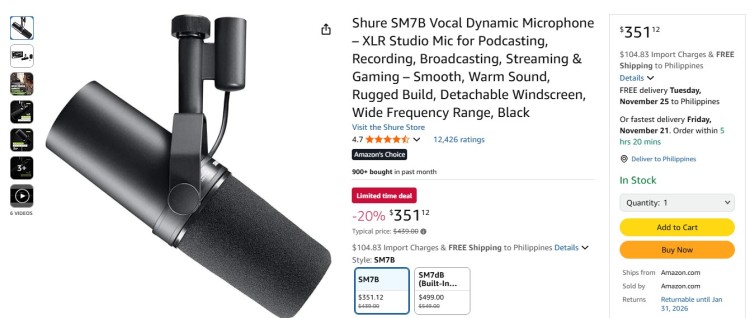
- Microphone: The Shure SM7B ($439) is the best microphone many pros use, or you can get the SM7dB ($549) with a built-in preamp. For budget-conscious upgraders, the RODE PodMic ($99) also provides excellent value when paired with a good interface.
- Audio interface: The Focusrite Vocaster Two ($290) is designed for podcasters with two XLR inputs and automatic processing. The Motu M2 ($200) or M6 ($450) also provides superior converters for pristine audio quality.
- Mixer: The RODECaster Duo ($500) and RODECaster Pro II ($585) are complete podcast production tools. They offer built-in processing, sound pads, and can record a podcast directly to an SD card. For shows with multiple podcast hosts, the Zoom PodTrak P4 ($170) handles four mics and runs on batteries.
- Boom arm: The RODE PSA1+ ($139) handles heavy mics smoothly. Meanwhile, the OC White Ultima ($333) costs more but offers low-profile positioning that looks great for video podcasts.
- Headphones: The Beyerdynamic DT 770 Pro ($179) and Audio-Technica ATH-M50x ($159) help with accurate monitoring.
- Advanced editing software: Adobe Audition ($22 monthly) offers professional tools, while Reaper ($60 one-time) provides power at a reasonable price.
This advanced podcast setup ranges from $800 to $1,000+ depending on your choices.
Equipment needed to start a video podcast
If you want to experiment with video podcasting, here is additional equipment you need beyond just recording audio:
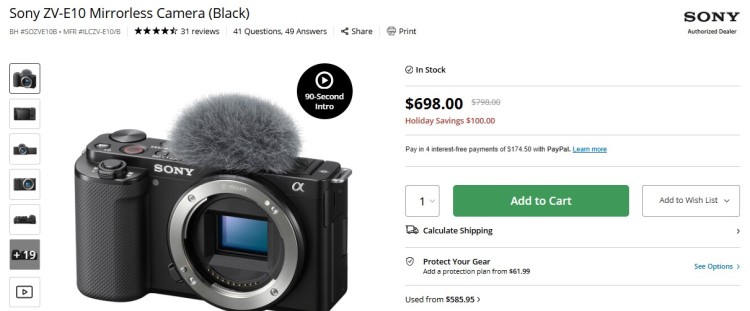
- Camera: Your smartphone probably shoots high-quality video already. But if you want a dedicated camera, try the Sony ZV-1 ($900) or Sony Alpha ZV-E10 ($798) with interchangeable lenses.
- Webcam: If you need something small to attach to your laptop, the Logitech C920 webcam ($70) works fine for video podcasts.
- Lighting: Good lighting can up your video quality. The NEEWER 2 Pack NL660 Bi-Color 660 LED Video Light and Stand Kit ($240) has adjustable brightness and color. But if you’re looking for something that takes up less space, check the Elgato Key Light ($180).
- Tripod: The Manfrotto BeFree Live Lever Kit ($220) pans smoothly for dynamic shots. Meanwhile, the Manfrotto MTPIXI-B PIXI ($25) works great for tabletop setups.
- Video switcher: The Blackmagic ATEM Mini Pro ($325) lets you switch between multiple cameras in real-time. If you need an all-in-one solution, the RODECaster Video ($1,120) combines audio mixing with video switching.
- Background: A clean, uncluttered background or a simple backdrop improves your overall look. You don’t need expensive sets, just intentional choices.
How Much Does Podcast Equipment Cost?
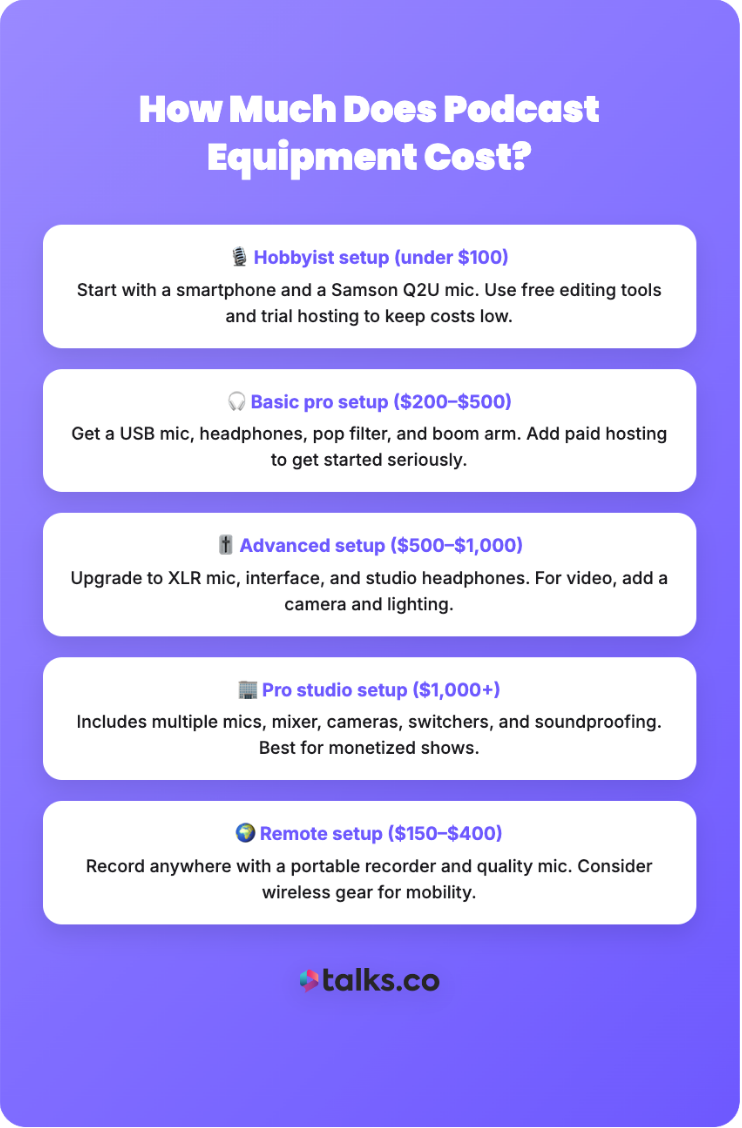
Let’s break down the real costs of podcasting equipment based on different podcast setup levels.
- Hobbyist setup (under $100): You can start a podcast with just a smartphone and the Samson Q2U mic. Free editing software and a free hosting trial also keep costs minimal.
- Basic professional setup ($200-$500): This covers a USB microphone, decent headphones, a pop filter, and boom arm. Add paid hosting and you’re ready for serious podcast production.
- Advanced setup ($500-$1,000): An XLR microphone, audio interface, premium headphones, and quality accessories deliver studio-level sound. For video, add a camera and lighting to this setup.
- Professional studio setup ($1,000+): For more broadcast-quality production, you need multiple mics, a mixer, cameras, video switchers, and acoustic treatment. Consider investing more if you’re monetizing your show.
- Remote podcaster setup ($150-$400): To record your podcast from anywhere, you don’t need a lot. Just a trusty portable recorder and a good mic (consider going wireless).
How to start a podcast without equipment
Is it possible to start a podcast even without all that gear? Short answer: Yes.
Long answer: You can start with what you own and look for free tools to record audio. Here’s a simple guide to do that:
- Use your smartphone’s voice recorder app: Modern phones capture surprisingly good audio in quiet environments.
- Find a quiet space with soft surfaces: Record in a closet full of clothes, in a carpeted room with curtains, or under a blanket fort to reduce echo.
- Use free recording software: Try platforms like Spotify for Creators which lets you record, edit, and host entirely from your phone.
- Wear wired earbuds when recording: You’d be surprised at how good it captures sound. Just position it well and speak at a consistent volume.
- Edit using free apps: Explore GarageBand on iOS or Audacity on desktop. This can help you remove background noise, long pauses and mistakes.
This approach lets you validate your concept before spending money. Many successful podcasters started exactly this way.
What Is the Best Equipment to Start a Podcast?
Here’s the truth about best podcasting equipment: it depends entirely on your specific needs, budget, and goals.
Consider the following when deciding what equipment to buy:
- Choose based on format: Solo shows need one mic and simple recording equipment. Meanwhile, multi-host shows need mixers and multiple mics.
- Match quality to goals: If you’re using podcast content to attract high-end clients, invest in quality audio. If you’re experimenting, start simple but make sure you’re creating something meaningful.
- Consider your upgrade path: Think about how your tech can grow with you. Hybrid mics make sure you don’t waste equipment when you expand.
- Factor in your space: Dynamic mics work better in untreated rooms. If you can’t control noise, choose gear that doesn’t pick up background sounds.
- Budget for hosting: Great recording equipment means nothing if you can’t distribute your show. Factor hosting costs into your equipment budget.
Which equipment is essential to create a podcast?
Thinking about which equipment is essential means a lot of decision-making. Each one comes with a trade-off that you need to consider so you invest wisely.
- Budget-friendly vs. high-end trade-offs: If budget is tight, you can always start with the best starter gear, test and upgrade from there. But the extra cost makes sense if you really want to hear the difference and sound like a professional.
- USB vs. XLR decision: USB microphones are simple and good for starting up easily. But XLR mics give you better control and sound (even with extra setup).
- Acoustic treatment vs. gear: Spending a couple of bucks on DIY room treatment is sometimes a better decision than buying a new mic. An expensive mic in an echoey room won’t work.
- Time vs. money: There are free podcast software you can use but it takes time to learn them. Meanwhile, you can hire an editor to do the work for you at a significant cost.
- Flexibility vs. quality: Portable setups sacrifice some audio quality for convenience. Meanwhile, studio setups deliver better sound quality but limit where you record your podcast.
- Buying individual gear vs. podcast equipment bundles: Choosing tools one-by-one won’t be too heavy on your wallet and you can make sure you personally check the gear you buy. But with a podcast starter kit, you only make one big purchase and are sure that every part works seamlessly together.
Gear Up for Podcasting
Your equipment to start a podcast doesn’t have to be perfect or expensive. Once you have the basics, it’s your message that will make you stand out.
Create content worth sharing, like an interesting interview that’s impossible to pause.
You might be thinking, “I want to grow my podcast. But I don’t have time to connect.”
For a busy podcaster like you, Talks takes care of all of that. This platform gives you a simple and streamlined solution to match with guests who match your show.
Host the interview of your dreams. Find today’s top experts and personalities and invite them on your podcast.
Create a Free Talks Creators Profile Today and Join the Network.