
You have a story worth sharing with the world, whether you are a coach transforming lives or a consultant with business-changing insights.
Getting your voice out there through podcasting is one of the smartest moves you can make today.
But before you hit record and edit your first episode, you need the right audio recording and editing software in your corner.
That’s where the question of Audacity vs GarageBand comes in. These two podcast editing software are the top options for beginners.
I’ll walk you through a comparison of key features, pricing, and pros and cons, so you can find the solution that’s best for you.
Which Is Better for You? Audacity vs GarageBand
Picking between these two popular free tools feels like choosing between two solid players for your team. Both can help you win, but they play different positions on the field.
- GarageBand is a digital audio workstation that comes built-in on every Mac device, while
- Audacity is a digital audio editor that works across all operating systems.
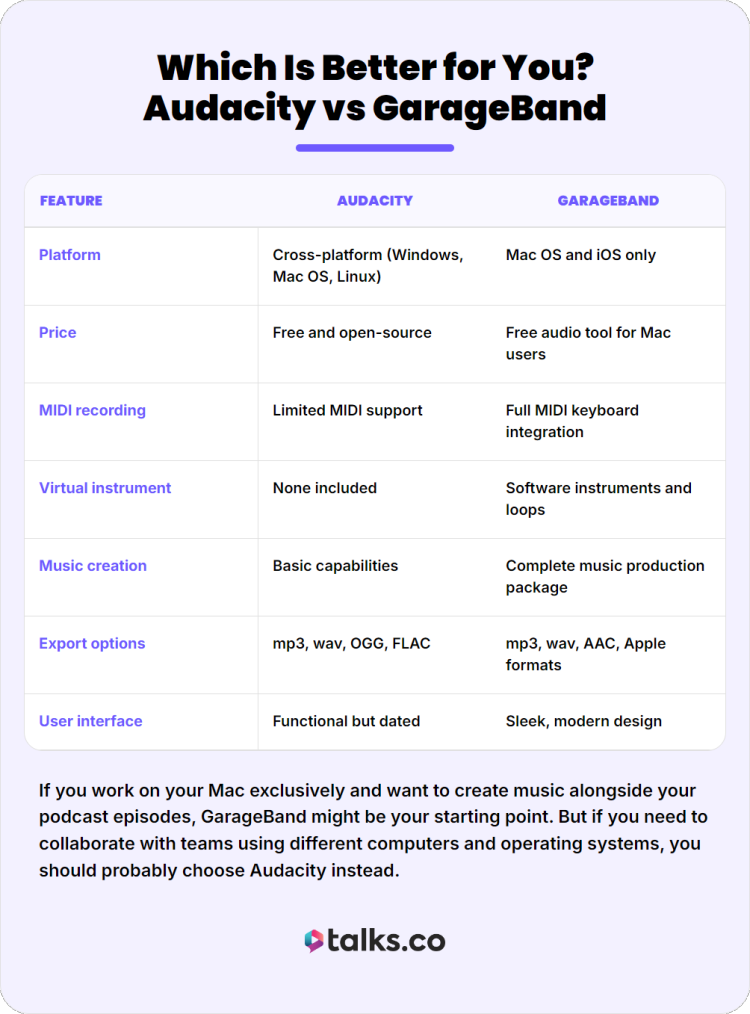
Here’s a quick side-by-side comparison to help you see the difference between Audacity and its Apple competitor at a glance:
| Feature | Audacity | GarageBand |
| Platform | Cross-platform (Windows, Mac OS, Linux) | Mac OS and iOS only |
| Price | Free and open-source | Free audio tool for Mac users |
| MIDI recording | Limited MIDI support | Full MIDI keyboard integration |
| Virtual instrument | None included | Software instruments and loops |
| Music creation | Basic capabilities | Complete music production package |
| Export options | mp3, wav, OGG, FLAC | mp3, wav, AAC, Apple formats |
| User interface | Functional but dated | Sleek, modern design |
If you work on your Mac exclusively and want to create music alongside your podcast episodes, GarageBand might be your starting point. But if you need to collaborate with teams using different computers and operating systems, you should probably choose Audacity instead.
What is Audacity?
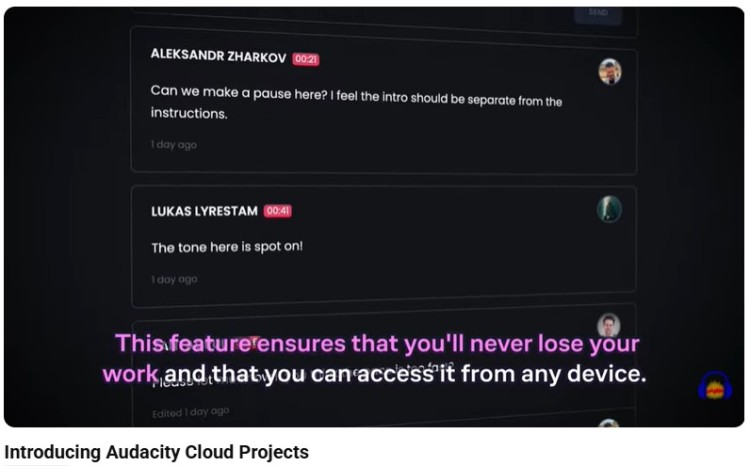
Audacity is a digital audio editor that has been helping creators produce content since 2000. This open-source software gives you the power to record and edit audio file without spending a dime, making it accessible to anyone with a computer and a dream.
For podcasters who need a reliable editing tool, Audacity:
- Provides a straightforward way to clean up voice recording and remove background noise from interviews.
- Lets you import and export various file formats including mp3 and wav, making it flexible for any podcast production workflow.
The learning curve is gentle enough that you can produce your first show within hours of downloading.
Key features include:
- Ideal for cleaning background noise and enhancing voice quality
- Multiple tracks for layering background music under spoken content
- Reverb and noise reduction effects for professional sound
- Open-source architecture allowing community plugins
- Support for pre-recorded audio recording segments
- Batch processing capabilities for handling multiple podcast episodes
Users consistently praise how Audacity offers flexibility without complexity.
- “It can be used by different people with varying levels of expertise and can solve many simple problems in audio manipulation with ease.” – Deepak M.
- “Unlike expensive audio software, it’s easy to use. It’s consistently being updated to give the best results. I can’t do business without it.” – Margaret L.
- “This is a must have for freelancers. Occasionally I hit snags but that’s common and is to be expected with open software.” – Sassica C.
Simply, this digital audio editing solution delivers professional sound without requiring you to be a technical wizard.
What is GarageBand?
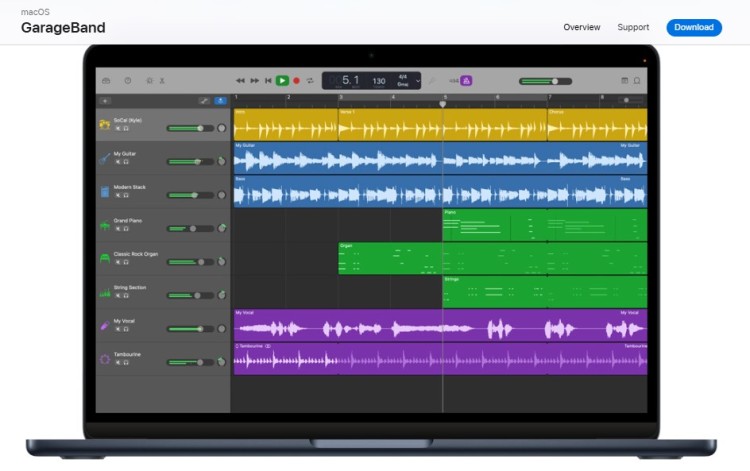
GarageBand is a digital audio workstation developed by Apple that turns your computer into a full recording software suite. This Apple software comes pre-installed on most Mac devices, making it instantly accessible to any Mac user who wants to dive into audio production.
For entrepreneurs and speakers diving into music and podcast creation, GarageBand provides an intuitive way to create original music and polish podcast recordings.
- The ease of use is remarkable, with drag-and-drop functionality that feels natural from the first click.
- Using virtual drummers and smart guitar amps, you can produce professional software quality intros without hiring a composer.
You can go from zero to a finished podcast episode with background music in under an hour.
Key features include:
- Offers a full complete music production package
- Easy drag-and-drop user interface
- Software instruments and smart drums for music from scratch
- Music production guide built right into the application
- Seamless integration with MIDI keyboard controllers
- Professional reverb and visual editing features
- Ability to create music with virtual guitars, keyboards, and drums
Reviewers love that GarageBand supports their creative journey without overwhelming them.
- “It makes producing music fun and easy and it makes a good entry point for learning the craft.” – Claudio G.
- “I like the way in which GarageBand breaks down the complex world of audio production into easy to use elements.” – Joel O.
- “When I want to create music on a sudden go or at a moment where I don’t have any instruments, this GarageBand app helped me a lot to lock my tune.” – Durga Shankar D.
For podcasters who want their show to stand out with branded scoring, this complete music production package delivers incredible value.
Audacity or GarageBand (Pros and Cons)
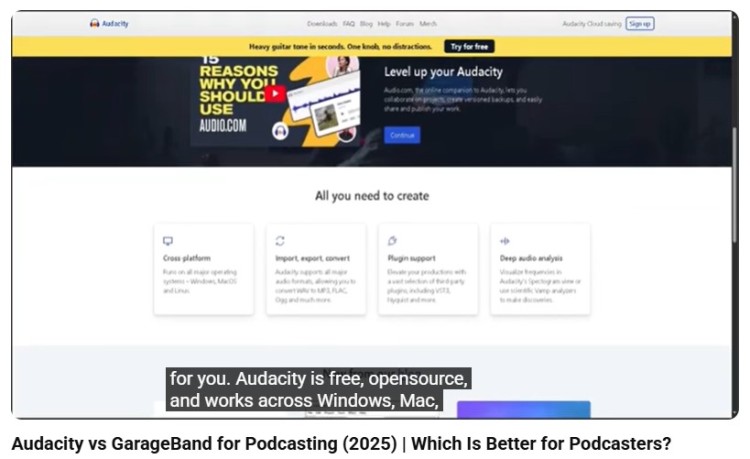
Every tool has its strengths and weaknesses, just like every player has good days and bad days on the field. Understanding when to use Audacity and when to use GarageBand can save you hours of frustration and help you avoid common beginner mistakes.
Audacity’s a top choice of beginner podcasters who want a quick edit for cutting audio and removing background noise.
Pros:
- Free and open-source with no hidden costs or subscription tiers
- Excellent for podcast editing with precise waveform manipulation
- Lightweight and fast for pre-recorded content
- Strong community support
- Ideal for voice-focused podcasts
Cons:
- Doesn’t support MIDI sequencing or virtual instrument libraries
- User interface looks dated compared to competitors
- No mobile app version for editing on tablets or phones
- No built-in music tools or virtual instrument support
GarageBand goes beyond just audio editing and is a good choice for aspiring music producers.
Pros:
- Complete music production package
- Built-in support through music lessons and tutorials
- Modern, visually appealing workspace that encourages creativity
- Easy import and export to Logic Pro for advanced users
- Great for music creation and storytelling podcasts
Cons:
- Only available on Apple device ecosystems
- Can be too much if you’re just editing voice recordings
- Limited format options compared to Audacity
- Resource-intensive on older Mac devices
- Larger file size for GarageBand projects
Audacity vs GarageBand similarities and differences
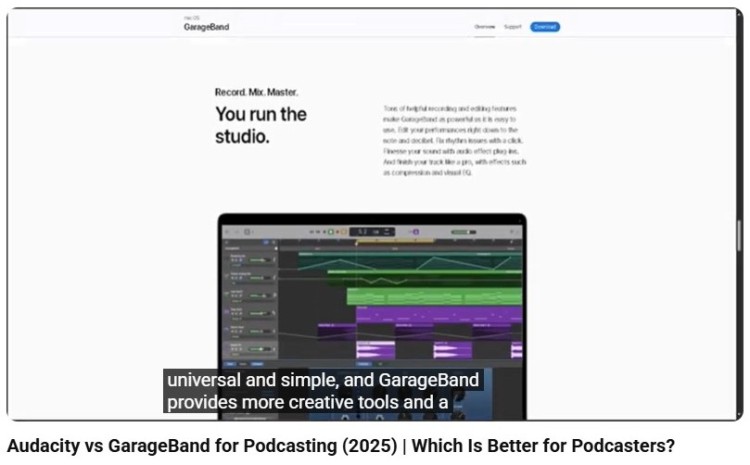
Both GarageBand and Audacity serve as digital audio workstation solutions for creators who want professional software results without the price tag. To understand which is better for you, let’s dive into their similarities and differences.
Similarities:
- Both free to download and use
- Supports multiple tracks of audio recording
- Offers basic effects like reverb and equalization
- Allows you to record and edit podcasts with professional sound quality
- Supports common audio file types like mp3 and wav
Differences:
- GarageBand specializes in music creation while Audacity stays in the lane of audio editing
- GarageBand works exclusively on Mac while Audcaity works for multiple systems
The choice comes down to whether you need to create music or simply clean up raw recordings. Both handle voice recording well, but they differ when you want to add instrumental layers.
Audacity vs GarageBand pricing comparison
Let’s talk money, because budgets matter when you are building your brand.
The good news is, Audacity and GarageBand are both free. Because of that, it’s a matter of exploring which one is worth the effort of exploring.
Audacity is free and open-source, meaning you can download it today on any of your operating systems and never pay a cent.
- There are no premium tiers, no locked editing features, and no subscription traps.
- The developers rely on donations, but you never face paywalls for export options or import capabilities.
Garageband is a free audio workstation included with every Mac OS installation and available as a free download for iOS.
- If you own an Apple device, you already own GarageBand.
- Apple makes money when you buy their hardware, so they give away this recording software to keep you in their ecosystem.
When it comes to budget, what you really have to consider is the hardware. GarageBand is only free is you and your team already own Mac devices. But if you’re stuck with a ten-year old Windows laptop, Audacity can perfectly meet your needs without spending extra.
Is Audacity Better Than GarageBand?
So which one should you actually pick for your specific situation? The answer depends on your goals, your existing equipment, and how deep you want to go into music production.
Here are practical scenarios to help you decide whether to use Audacity or use GarageBand when starting a podcast:
- If you are a Windows user or collaborate with team members on different platforms, Audacity vs GarageBand is no contest. You need the cross-platform flexibility that only open-source software like Audacity can provide.
- If you plan to create music with software instruments and layer complex musical beds under your spoken content, you should choose GarageBand for its virtual instrument library.
- When you need to quickly clean up podcast recordings and get them published fast without making your own music, Audacity provides the streamlined podcast editing experience you need.
- For those who dream of graduating to Logic Pro someday, starting with GarageBand makes sense because of the similarities in interface.
Audacity vs GarageBand for podcast
Let’s walk through what actually happens when you sit down to make a podcast episode with each tool. Think about how it’d go after you finished interviewing a podcast guest. You load each tool and here’s what happens:
Using Audacity, you can see the waveforms clearly and make millisecond-accurate cuts.
- You import your pre-recorded interview files into separate multiple tracks.
- You select a section with background noise and apply noise reduction.
- You add background music by importing a royalty-free track underneath your voice.
- You trim the beginning and end with precise cuts, then export the final mp3 ready for upload.
The entire process feels like using a precise editing tool designed specifically for audio recording and editing.
Using GarageBand, the workflow feels like conducting an orchestra where every virtual instrument has its place.
- You start a new podcast production template that automatically sets up your voice recording track when you plug in your budget microphone.
- You drag in your intro jingle from the built-in loop library.
- You record your introduction using the reverb preset that makes your voice sound radio-ready.
- You arrange segments by dragging colored blocks around the timeline.
- You export directly to your preferred format with one click.
Both workflows get you to a finished audio file, but they feel completely different. Audacity lets you control every detail, while GarageBand is like a creative studio where inspiration flows easily.
Audacity vs GarageBand Alternatives
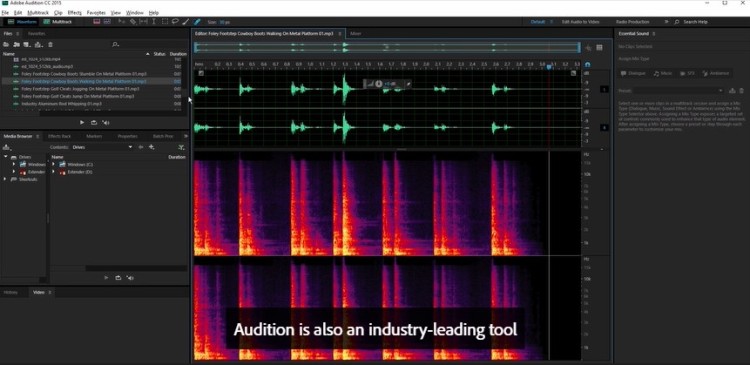
Aside from Audacity and GarageBand, there are more podcast editing software you can explore.
- Adobe Audition: A professional-grade audio editing software with advanced noise reduction and multi-track capabilities for serious podcasters.
- Logic Pro: The big brother to GarageBand with expanded features for creators ready to graduate from the basics.
- Reaper: An affordable digital audio workstation that offers professional features at a fraction of the cost of industry standards.
- Hindenburg Pro: A podcast editing tool designed spoken word audio editing to help journalists and storytellers.
- Descript: A text-based audio editor that lets you edit audio file by editing transcript text, which makes it great for interview-heavy shows.
- Spotify for Creators: A free solution that handles recording and hosting in one place, that’s perfect for beginner creators.
- Pro Tools: The entry-level version of the industry standard used in major studios, offering limited track counts but professional format compatibility.
Want to know what popular podcasts use? Check this guide for the best software for podcast interviews.
Create Polished Podcasts
Choosing between Audacity vs GarageBand isn’t about which tool is better, but which one helps you show up consistently and sound clear. The faster you can record and edit, the sooner you can publish and grow your reach through podcasts.
If your goal is visibility, the next step isn’t just tools. It’s getting heard.
Ready to get your message out there and gain the exposure you deserve? Create your free Talks profile today and connect with shows looking for experts just like you.
Whether you want to hop on as an expert guest or you want to find guests to join your show, Talks lets you match and connect in minutes. That means more relevant recordings and platforms to make you known.
Dinesh has over 50 guests lined up for recording. Laura booked a top 1.5% podcast on her first try.
Register to a free Creators Profile today and expand your reach with Talks!