

Ready to share your voice with the world? Starting a podcast is one of the best ways to build authority and reach new audiences.
But with so many podcasting software and tools out there, finding the right podcast production software can feel overwhelming.
Don’t worry, I did the heavy lifting for you.
Whether you want to record podcasts and edit solo episodes or interview guests remotely, this guide breaks down the 21 top podcast production software so you can focus on creating great content.
21 Best Podcast Production Software (2027 Snapshot)
Here’s a quick look at the best podcast recording and editing software available for your production:
- Talks: Best for finding guests and getting booked on top shows.
- Riverside: Best for high-quality remote video recording.
- Spotify for Creators: Best for hosting and basic analytics.
- Audacity: Best for free and open-source audio editing.
- GarageBand: Best for Mac users starting their podcast journey.
- Zencastr: Best for easy remote interviews.
- SquadCast: Best for reliable cloud recording.
- Podcastle: Best for AI-powered editing features.
- Alitu: Best for automated podcast production for beginners.
- Boomcaster: Best for high-fidelity live streaming and recording.
- Cleanfeed: Best for live audio recording in the browser.
- Iris: Best for high-quality encrypted audio.
- Pro Tools: Best for professional-grade audio editing.
- Adobe Audition: Best for advanced noise reduction and restoration.
- Reaper: Best for customizable and affordable multi-track editing.
- Hindenburg Pro: Best for journalists and storytellers into podcasting.
- Auphonic: Best for automated post-production leveling.
- StreamYard: Best for live streaming video podcasts.
- Descript: Best for text-based editing.
- VEED.io: Best for creating social media clips from video.
- DaVinci Resolve: Best for professional video color grading and editing.
What Does Podcast Software Do?
Podcast software is a digital tool you use to create your show. It handles everything from capturing your voice to polishing the final audio file for publishing.
The best tools streamline your workflow, making sure you get high-quality audio and video, even without a degree in sound engineering.
Some tools focus solely on recording, while others are full-service platforms that help you record and edit a podcast.
What is podcast production?
Podcast production is the entire process of making a podcast episode, from the initial idea to the final upload. It involves:
- Planning your concept and episodes
- Buying equipment for your setup
- Recording using software
- Editing out mistakes
- Mixing in music
- Preparing the file for distribution
Think of it as the technical magic that turns a raw recorded conversation into a professional-sounding show.
What are the stages of the podcast production process?
Creating a great podcast episode involves four key steps:
- Pre-production: Plan your topic and book guests for interviews.
- Recording: Capture audio and video using your chosen recording tools and software.
- Post-production: Involves editing and mixing to remove background noise, cut filler words, and add intro and outro music.
- Publishing: You upload your finished episode to a podcast hosting platform for the world to hear.
21 Top Podcast Creation Software
With the right podcast creation software in your toolkit, it’s easy to record audio and make your podcast interesting to listeners. From booking guests, recording interviews, to editing and creating a polished episode, there are many software options that simplify the process.
I went ahead and compared the key features, compatibility, and pricing of the 21 best podcast creation software for beginners and seasoned hosts.
Pick, scan, and choose whichever you like (and need) best.
1. Talks (Best podcast tools examples)
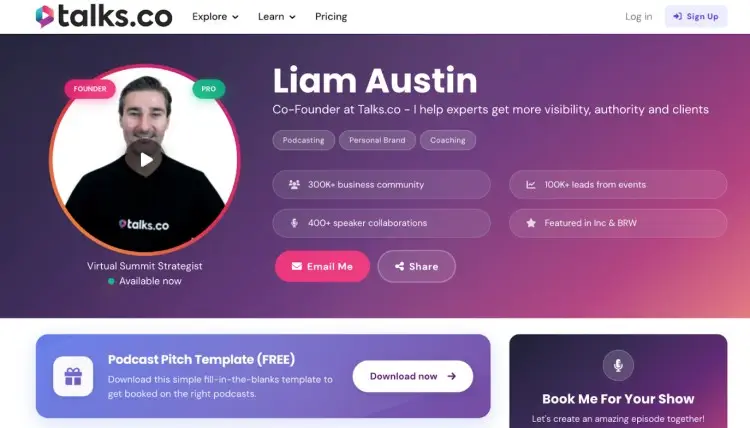
Planning to produce an interview show? Talks is the first platform you need.
With AI and advanced search features, finding podcast guests is quick and simple. You can even hop on another podcast yourself and get in front of new audiences.
- Key features: Personalized profiles where you can embed previous guest appearances, a strong AI matching algorithm, a direct connection with podcast hosts, and booking on the platform.
- Compatibility: Web browser
- Price: Forever free to try out, premium features start at $19/month
2. Riverside
Riverside is one of the best podcast software for remote video recording.
You can record a podcast locally on each participant’s device, making sure the podcast audio quality stays high even if the internet connection glitches.
Compared to Zoom, you get more HD quality that captures recording reliably.
- Key features: Local 4K video and 48kHz audio recording, separate tracks, and Magic Clips to create social media clips.
- Compatibility: Web browser, iOS, Android
- Price: Free plan available, paid plans start from $24/month
3. Spotify for Creators
Formerly known as Spotify for Podcasters, this platform lets you create and host your podcast directly. It also works as a recording studio where you can record and edit your podcast.
Great starting point for beginners who want an all-in-one solution.
- Key features: Unlimited hosting, analytics, basic creation tools, and supports video podcast format.
- Compatibility: Web browser, iOS, Android
- Price: Free
4. Audacity (Free podcast production software)
Audacity is one of the best podcast recording software programs. It’s an open-source multi-track recording and audio editing software.
Even without a fee, this software includes a lot of helpful tools for recording and editing.
- Key features: Noise reduction, a library of plugins, and many file formats.
- Compatibility: Windows, macOS, Linux
- Price: Free
5. GarageBand
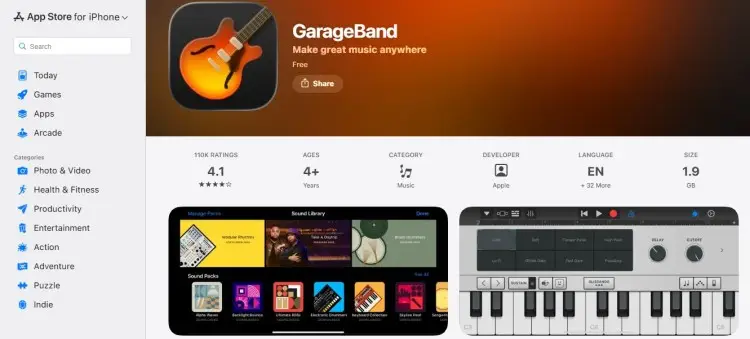
If you own a Mac, you already have powerful recording software in your device. It’s intuitive for beginners but powerful enough to produce professional-sounding audio.
Because of this, it’s often compared to Audacity as a top free platform.
- Key features: Built-in sound library, pre-set voice filters, and easy music integration.
- Compatibility: macOS, iOS
- Price: Free
6. Zencastr
Zencastr is a browser-based tool for high-quality remote interviews that’s often compared to Riverside. It saves files locally to prevent audio dropouts during internet glitches.
- Key features: Local recording, built-in VoIP, and separate tracks for editing.
- Compatibility: Web browser
- Price: Free plan available, paid plans start from $30/month
7. SquadCast
SquadCast is now part of Descript, meaning you get powerful recording and editing in one package. It’s known for its “Green Room” feature that’s helpful for managing guests.
- Key features: Cloud backups, progressive uploading, and integration with Descript for editing.
- Compatibility: Web browser
- Price: Free plan available, paid plans start from $16/month
8. Podcastle
Podcastle makes podcast creation easy with AI tools. It can clean up noisy audio and even clone your voice for quick fixes.
- Key features: Magic Dust noise removal, text-to-speech, remote recording, and royalty-free music library.
- Compatibility: Web browser, iOS
- Price: Free plan available, paid plans start at $11.99/month
9. Alitu
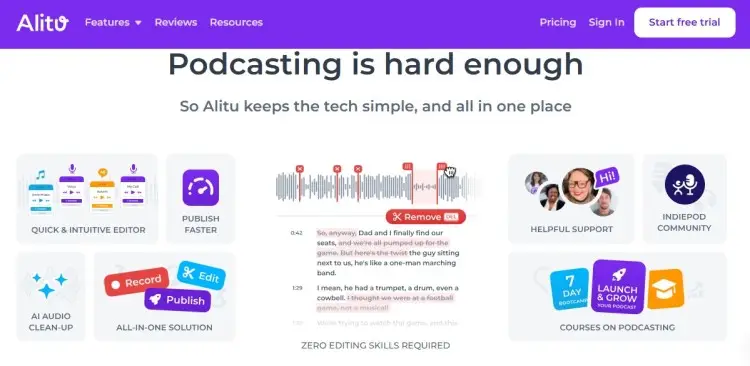
Alitu is designed for those who want to automate the technical side of things. It handles leveling, noise reduction, and publishing automatically.
- Key features: Alitu automations, drag-and-drop episode builder, theme music maker, and hosting included.
- Compatibility: Web browser
- Price: $38/month
10. Boomcaster
Boomcaster offers high-quality audio and video recording for podcasters and musicians. It focuses on keeping the signal chain clean for the best sound.
- Key features: Local recording, live streaming capabilities, and separate WAV and MP4 tracks.
- Compatibility: Web browser
- Price: Starts at $20/month
11. Cleanfeed
Cleanfeed is a browser-based tool used by radio professionals. It offers crystal-clear audio recording with very low latency.
- Key features: Multi-party recording, built-in clip cart, and technically advanced audio engine.
- Compatibility: Web browser, Android
- Price: Free unlimited use (for two guests), Pro plans start from $36/month
12. Iris
Iris focuses on providing encrypted, high-fidelity audio and video. Great option if security and privacy are top priorities for your show.
- Key features: HD video, uncompressed audio, dual recording (local and cloud), and custom branding.
- Compatibility: Web browser
- Price: Free plan available, paid plans start from $9/month
13. Pro Tools (Top podcast editing tools)
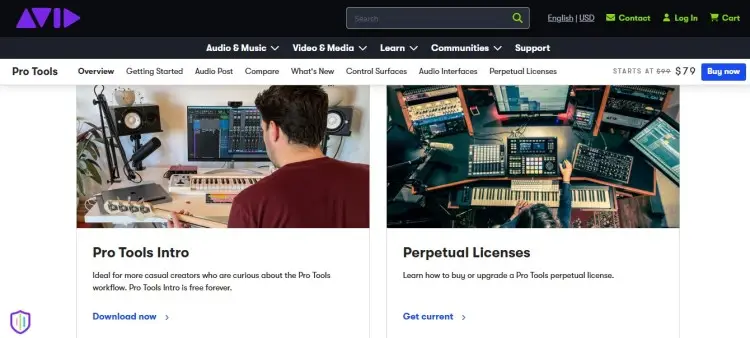
Pro Tools is the industry-standard podcast editing software for professional music production and post-production studios. It offers incredibly advanced editing tools for complex projects.
- Key features: Advanced mixing, huge plugin library, professional automation, and used in major studios.
- Compatibility: Windows, macOS
- Price: $79 (artist tier), $239 (studio tier), $474 (ultimate tier)
14. Adobe Audition
Adobe Audition is a powerhouse for audio editing and production that’s way more advanced compared to basic software like Audacity.
It excels at restoration, helping you save bad recordings with advanced noise reduction.
- Key features: Spectral display, noise reduction, and seamless integration with Premiere Pro.
- Compatibility: Windows, macOS
- Price: $22.99/month
15. Reaper
Reaper is a fully customizable digital audio workstation (DAW) that’s often compared to Audacity. It’s lightweight, fast, and very affordable, unlike other professional tools.
- Key features: Highly customizable interface, supports VST plugins, and has efficient CPU usage.
- Compatibility: Windows, macOS, Linux
- Price: $60 (discounted license), $225 (commercial license)
16. Hindenburg Pro
Hindenburg Pro is built specifically for spoken-word audio. It handles levels automatically, making it faster to edit your podcast than traditional music DAWs.
- Key features: Auto-leveling, a clipboard for organizing clips, one-click publishing, and voice-profiler.
- Compatibility: Windows, macOS
- Price: Subscriptions start at $13.44/month.
17. Auphonic
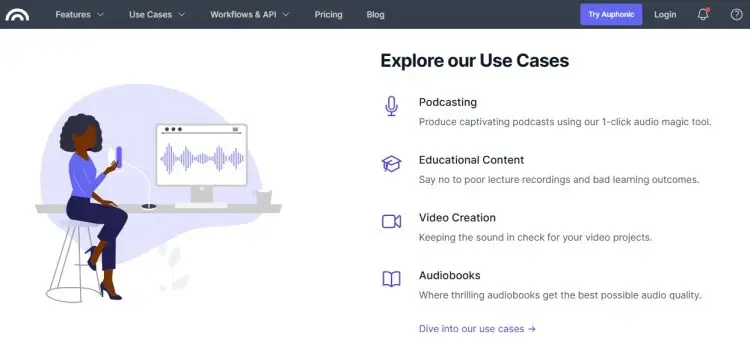
Auphonic is an automated post-production web service. You upload your file, and it levels the volume, reduces noise, and adds metadata automatically.
- Key features: Intelligent leveler, loudness normalization, noise and hum reduction, and automatic transcription.
- Compatibility: Web browser, desktop app
- Price: Free plan available, paid plan starts at $13/month
18. StreamYard
StreamYard is the go-to tool for live streaming your podcast. It’s easy to use and lets you broadcast to platforms like YouTube, LinkedIn, and Facebook simultaneously.
- Key features: Live streaming to multiple platforms, on-screen comments, custom branding, and local recording.
- Compatibility: Web browser
- Price: Free plan available, paid plans start from $25/month
19. Descript
Descript changed the game and the rules with text-based editing. You edit your audio and video by editing the transcript, just like a word processor.
- Key features: Overdub (voice cloning), studio sound noise removal, screen recording, and filler word removal.
- Compatibility: Windows, macOS, Web browser
- Price: Free plan available, paid plan starts at $24/month
20. VEED.io: Podcast editor app
VEED is a video editor that’s perfect for making social clips. It automatically generates subtitles and lets you resize videos for TikTok or Instagram.
- Key features: Auto-subtitles, progress bars, screen recording, stock library, and easy resizing.
- Compatibility: Web browser
- Price: Free plan available, paid plan starts at $19
21. DaVinci Resolve
DaVinci Resolve is a professional video editing suite you can use to produce the best video podcast. This is a software that offers a range of technical features, like Fairlight, a powerful audio post-production tool.
- Key features: Professional color grading, Fairlight audio engine, multi-cam editing, and advanced visual effects.
- Compatibility: Windows, macOS, Linux
- Price: Free plan available, $295 for paid plan
How to Choose the Right Podcast Production Software (Checklist)
When starting your podcast, having good podcast production tools makes the process easier. That’s why choosing the best podcast recording and editing platform is important.
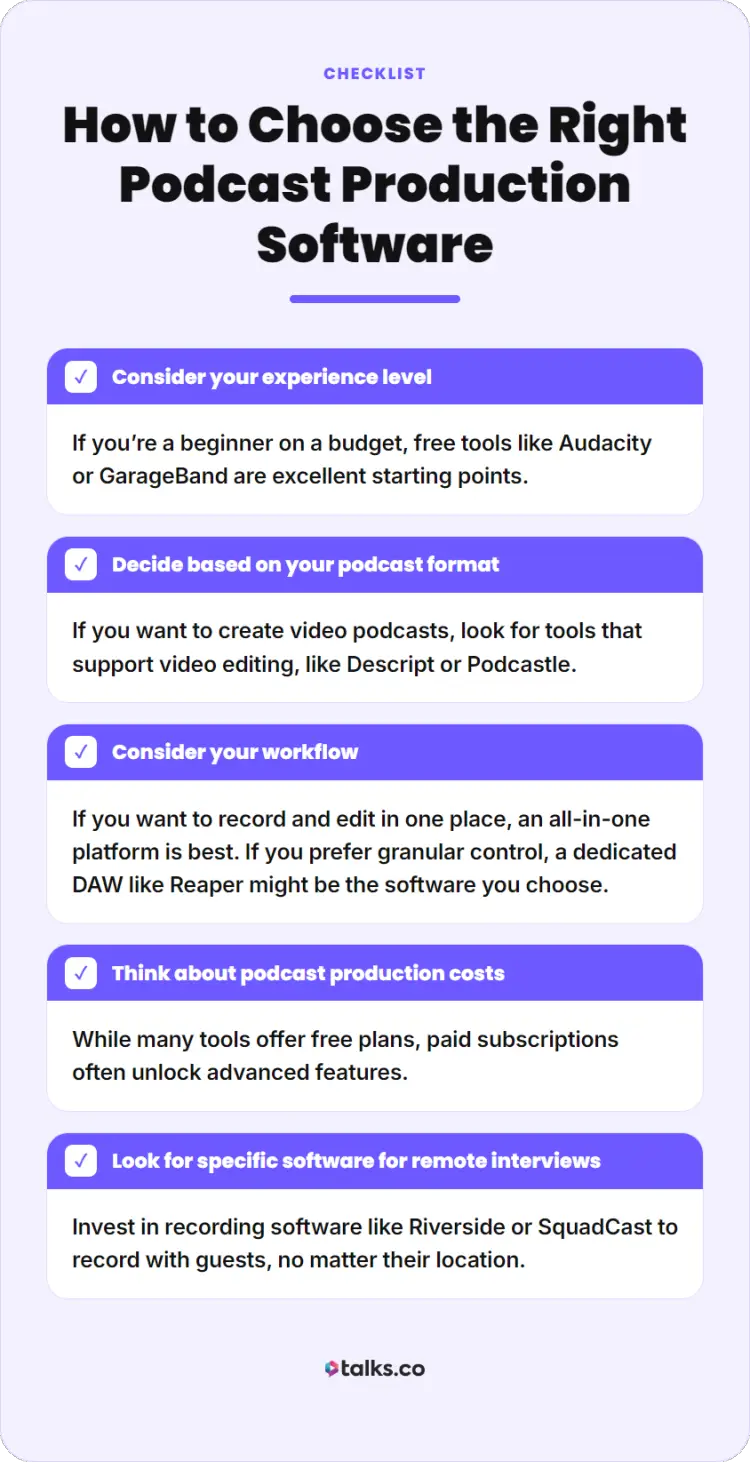
Here’s how you can find the best software for your podcast depending on your specific goals:
☐ Consider your experience level: If you’re a beginner on a budget, free tools like Audacity or GarageBand are excellent starting points.
☐ Decide based on your podcast format: If you want to create video podcasts, look for tools that support video editing, like Descript or Podcastle.
☐ Consider your workflow: If you want to record and edit in one place, an all-in-one platform is best. If you prefer granular control, a dedicated DAW like Reaper might be the software you choose.
☐ Think about podcast production costs: While many tools offer free plans, paid subscriptions often unlock advanced features.
☐ Look for specific software when conducting remote interviews: Invest in recording software like Riverside or SquadCast to record with guests, no matter their location.
How to Get Into Podcast Production
Starting a career in podcast production is exciting. If working to polish an episode appeals to you, here’s how you can become a podcast producer:
- Get basic skills: Learn how to start a podcast and master one or two pieces of editing software.
- Build your portfolio: Practice by offering to edit your podcast for friends or local non-profits. Slowly, you’ll expand your skills for audio engineering and video editing.
- Explore the resources available: You can read guides on podcast recording programs or explore the best software for podcast interviews to deepen your technical knowledge.
Podcast production services pricing
If you decide to hire a producer or offer services yourself, pricing varies. The type of software used and the producer’s experience level impact the final price.
- Basic audio editing: $50-$150 per podcast episode
- Full-service production: $200-$500 per episode
Now You Know How the Best Produce Professional Podcasts
The right podcast production software can make your voice sound professional and help you reach a global audience.
Whether you choose a simple audio recording tool or an advanced editing and recording suite, the most important step is to start creating.
Ready to podcast? Begin your journey with the right tech and connections. Find interview guests quickly and hassle-free with Talks.
Edie had her first interview and found the process fast and professional. Elaine recorded with 4 guests already, with more on the way.
Their results can be your results too. All it takes is a FREE profile, and you’re in.
Yes! I want my free Talks profile to start recording with top-quality experts and guests right now!


