

You already know your voice matters. The goal now is getting more people to hear it.
A well-designed, quality podcast studio helps you sound professional, stay consistent with sound quality, and create content people want to watch and share.
After 400+ podcast interviews, one thing stands out: the perfect podcast studio setup is the one that fits your space, budget, and goals.
This guide covers podcast studio costs, podcast equipment like quality recording studio types of microphones, soundproof layouts, and podcasting studio setup ideas so you can record and edit with confidence and grow your reach post-production.
What Is a Podcast Studio?
A podcast studio is a dedicated room, a rented production space, or a small corner at home designed to record high-quality audio or video podcasts without distractions, echo, or background noise.
The core purpose of a podcast recording room is simple: consistent sound + clean visuals. A podcast audio setup that lets you focus on the conversation instead of figuring out the hottest new podcast recording software of the month.
Most common podcast recording studio setup
The most common setup is a home podcast studio in a spare room, office, or quiet corner. It’s affordable, simple, and easy to maintain.
Typical elements include:
- USB or XLR microphone
- Headphones
- Audio interface or mixer
- Pop filter
- Laptop with recording software
- Basic acoustic treatment like foam panels, curtains, rugs
- Optional lighting and camera for video
You don’t need a huge space or expensive gear. What matters is controlled sound, consistent lighting, and a setup you don’t have to rebuild every time you sit down to record.
Podcast Studio Requirements (Checklist)
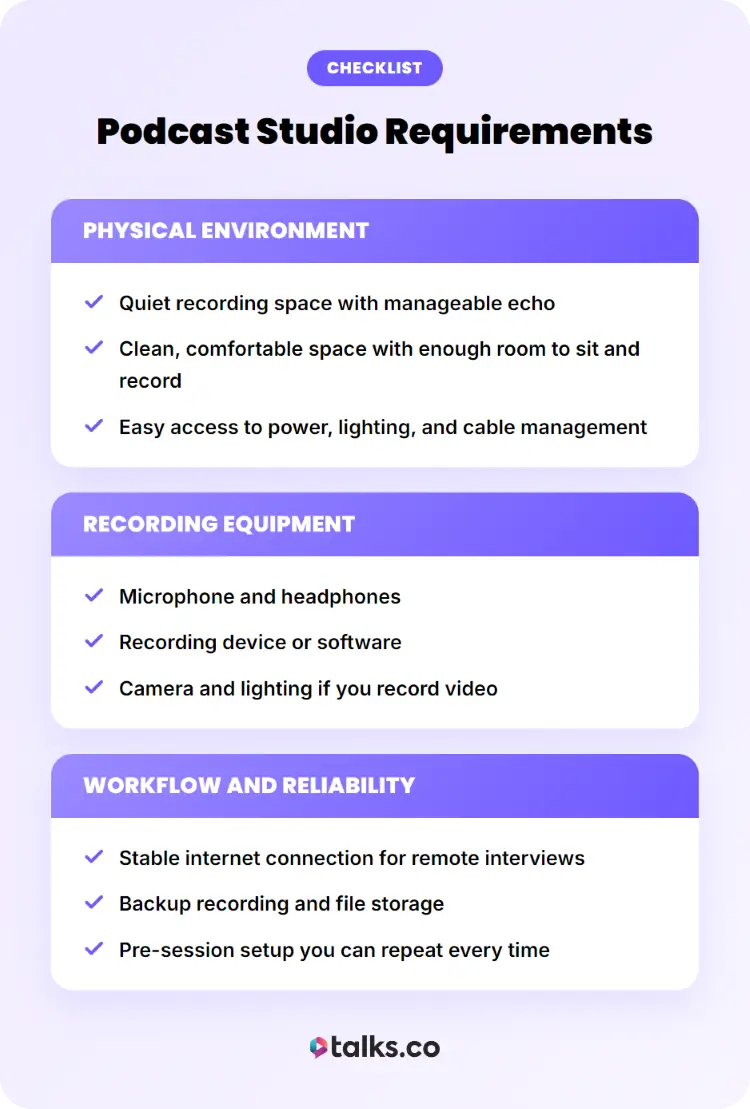
A podcast studio should support clear audio, professional visuals, and a smooth recording experience. Use this checklist to make sure your space, equipment, and recording process are ready before every episode.
Physical environment:
☐ Quiet recording space with manageable echo
☐ Clean, comfortable space with enough room to sit and record
☐ Easy access to power, lighting, and cable management
Recording equipment:
☐ Microphone and headphones
☐ Recording device or software
☐ Camera and lighting if you record video
Workflow and reliability:
☐ Stable internet connection for remote interviews
☐ Backup recording and file storage
☐ Pre-session setup you can repeat every time
A studio that covers these areas gives you a strong foundation for producing high-quality podcast episodes consistently.
Best Podcast Studio Setup
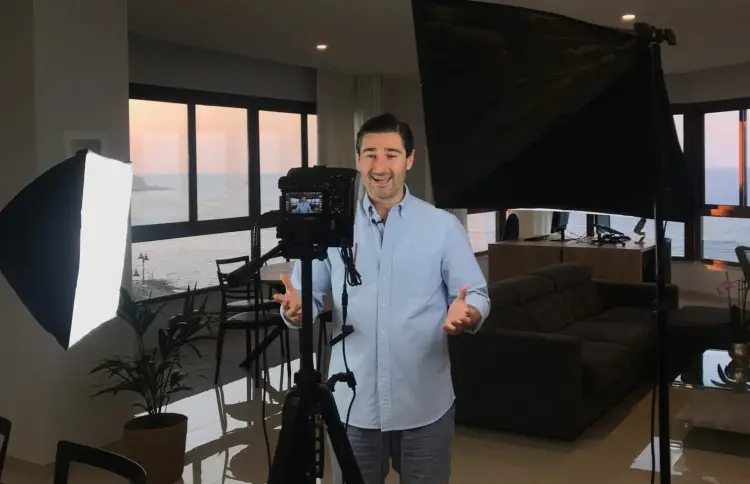
The best podcast studio setup depends on the type of content you create. An audio-only show has different requirements than a video podcast or a YouTube-first production.
Use these examples as starting points and adjust based on your budget, available space, and production goals.
Professional podcast studio setup
This setup is ideal for coaches, authors, speakers, agencies, and businesses producing high-quality interviews with multiple guests.
Recommended equipment:
- Microphone: Shure SM7B ($109)
- Audio interface: Rodecaster Pro II ($595)
- Headphones: Audio-Technica ATH-M50x ($149)
- Boom arm: Rode PSA1+ ($159)
- Camera: Sony A7 IV ($2,499.99)
- Lens: Sony FE 20mm f/1.8 G ($899.99)
- Lighting: Elgato Key Light Air ($130 each)
- Acoustic treatment: GIK Acoustics panels ($64-$999)
- Recording software: Riverside, Adobe Audition, or Descript
Estimated cost:
- Audio-only setup: $1,500-$2,500
- Full professional video setup: $5,000-$8,000+
Video podcast studio setup
This is designed for creators who want high-quality video clips for social media, websites, and marketing campaigns.
Recommended equipment:
- Microphone: Shure MV7+ ($279)
- Audio interface: Focusrite Scarlett 2i2 ($149.99-$159.99)
- Camera: Sony ZV-E10 II ($999.99)
- Lens: Sigma 16mm f/1.4 ($464)
- Lighting: Neewer 660 LED kit ($269.99)
- Tripod: SmallRig Heavy Duty Tripod ($559)
- Headphones: Sony MDR-7506 ($114.99)
- Recording software: Riverside or Ecamm Live
Estimated cost:
- Single-camera setup: $2,000-$3,000
- Multi-camera setup: $4,000-$6,000+
YouTube podcast studio setup
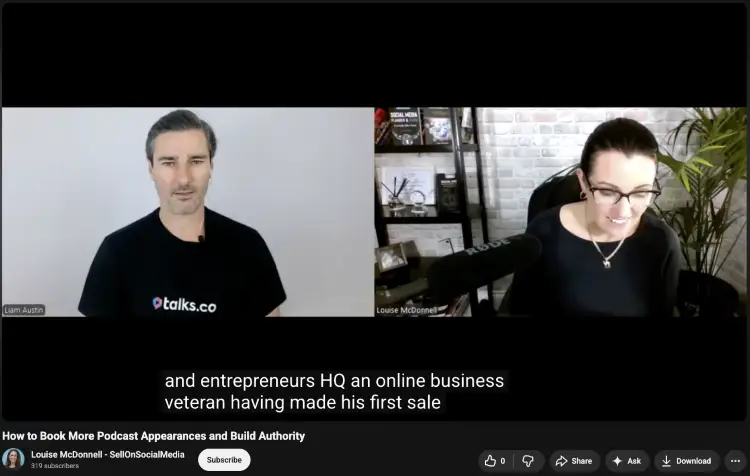
Here’s how to setup a podcast studio that prioritizes visual quality, audience engagement, and long-form YouTube content.
Recommended equipment:
- Microphone: Rode PodMic USB ($180)
- Audio interface: Rodecaster Duo ($431.75)
- Primary camera: Sony ZV-E10 II ($1,199.99)
- Secondary camera: DJI Osmo Pocket 3 ($499)
- Lighting: Elgato Key Light ($49.99 each)
- Background lighting: Govee Smart Light Bars ($59.99)
- Teleprompter: Elgato Prompter ($203.99)
- Acoustic treatment: Pi Bass Trap – Low Frequency Sound Absorbing Panel ($101)
- Editing software: Adobe Premiere Pro, Final Cut Pro, or DaVinci Resolve
Estimated cost:
- Creator setup: $3,000-$5,000
- Professional YouTube studio: $6,000-$10,000+
Home Podcast Studio Setup
Many successful podcasts are recorded from spare bedrooms, home offices, and even converted closets. A home podcast studio can produce excellent audio and video quality when the space is set up intentionally.
Can you build a podcast studio setup at home?
Yes. Most podcasters start a podcast home because it’s affordable, convenient, and available whenever inspiration strikes.
A home podcast studio typically includes:
- A dedicated room: A spare bedroom, office, guest room, or finished basement.
- Basic acoustic treatment: Rugs, curtains, bookshelves, or acoustic panels to reduce echo.
- Podcast equipment setup: A podcast microphone, headphones, computer, and recording software.
- Lighting and camera: Optional additions if you need a cheap podcast setup for video podcasts.
- Dedicated workspace: A setup that stays ready between recording sessions.
Podcast studio setup small room example
A small room often produces better audio than a large open space because there are fewer surfaces for sound to bounce around.
Example small room layout:
- Desk placement: Position your desk against a side wall rather than directly in the center of the room.
- Microphone placement: Keep the microphone 4-8 inches from your mouth.
- Acoustic treatment: Place panels or soft furnishings behind and beside your recording position.
- Lighting setup: Position a key light slightly above eye level and angled toward your face.
- Camera placement: Mount the camera at eye level for a natural viewing angle.
- Background setup: Use bookshelves, plants, artwork, or branded elements to create visual interest.
A room as small as 8′ x 10′ can comfortably support a professional podcast setup.
Small podcast studio setup
This example balances affordability, quality, and ease of use for most creators.
Recommended equipment:
- Microphone: Blue Yeti USB Mic ($139.99) (paired with a Blue Yeti mic boom arm)
- Headphones: Audio-Technica ATH-M20x ($49)
- Boom arm: Elgato Wave Mic Arm LP ($99)
- Camera: Logitech MX Brio ($199.99)
- Lighting: Elgato Key Light Neo ($79)
- Acoustic treatment: 12-pack acoustic foam panels ($14.99)
- Recording software: Audacity, Riverside, or Descript
Estimated cost:
- Audio-only setup: $300-$500
- Audio and video setup: $700-$1,000
Podcast Studio Setup for Beginners
Your first podcast studio doesn’t need a huge budget or a dedicated podcast room setup immediately. Focus on clear audio, a recording space, and equipment that’s easy to use.
DIY podcast studio setup
A DIY podcast studio is one of the most affordable ways to start a podcast. Many creators build their first setup using a combination of entry-level equipment and items they already have at home.
Recommended beginner setup:
- Microphone: Audio-Technica ATR2100x-USB ($89)
- Headphones: Audio-Technica ATH-M20x ($49)
- Boom arm: InnoGear Microphone Arm ($16.99)
- Recording software: Audacity (Free)
- Acoustic treatment: Existing rugs, curtains, couches, and bookshelves
- Computer: Existing laptop or desktop
Estimated cost:
- DIY audio setup: $150-$300
Simple podcast studio setup
A simple podcast studio focuses on reliability and ease of use. The goal is to spend more time recording and less time troubleshooting equipment.
Recommended setup:
- Microphone: Rode PodMic USB ($180)
- Headphones: Sony MDR-7506 ($99)
- Recording software: Riverside or Descript
- Lighting: Neewer Ring Light ($89.99) for video podcasts
- Camera: Logitech MX Brio ($199) for video recording
- Workspace: Desk, comfortable chair, and quiet room
Estimated cost:
- Audio-only setup: $300-$400
- Audio and video setup: $600-$800
Do’s and Don’ts When You Set Up a Podcast Studio
A few smart habits can improve your recording quality and help you avoid common setup mistakes. Keep these in mind as you build your studio.
Do:
- Leave room for future upgrades: Plan your layout with additional equipment in mind.
- Use consistent microphone placement: Consistency helps maintain audio quality between episodes.
- Document your setup: Save camera positions, audio settings, and lighting arrangements.
Don’t:
- Place lights directly behind you: Backlighting can make video footage look dark.
- Mix multiple audio sources unnecessarily: Simpler signal chains usually create fewer problems.
- Ignore battery levels and storage space: Check both before every recording session.
5 Tips to setting up podcast studio software
Your software setup affects recording quality, file organization, and production efficiency. A few adjustments upfront can save time every week.
- Create a recording template: Save your preferred tracks, settings, and layouts.
- Set automatic file backups: Protect recordings with local and cloud storage.
- Use clear file naming conventions: Keep episodes organized as your library grows.
- Confirm recording inputs before every session: Make sure the correct microphone is selected.
- Review software updates carefully: Test recordings after major updates before interviewing guests.
Check out my full guide on the best software for podcast interviews to help you make the right pick.
Easy Podcast Studio Setup Guide
A few layout and design changes can make a podcast studio look more professional without spending thousands on equipment. The goal is to create a space that looks intentional on camera and feels comfortable during long recording sessions.
Podcast studio setup ideas
The easiest way to improve a podcast studio is to think about what appears on camera. Small adjustments often create a bigger impact than expensive upgrades.
| Before | After |
|---|---|
| Blank wall behind the host | Bookshelf, plants, framed artwork, or branded decor |
| Harsh overhead lighting | Soft key light positioned slightly above eye level |
| Visible cables and clutter | Clean desk and hidden cable management |
| Camera positioned too low | Camera placed at eye level |
| Large empty room | Smaller recording area with soft furnishings to improve sound |
Podcast studio setup design tips and common mistakes
A well-designed studio helps viewers focus on the conversation instead of distractions in the room.
Design tips:
- Create visual depth: Leave a few feet between yourself and the background when possible.
- Use layered lighting: Combine key lights, lamps, and accent lighting.
- Choose a consistent color palette: Keep furniture, decor, and branding visually connected.
Common design mistakes:
- Pushing your chair directly against a wall: Creates a flat, uninteresting shot.
- Overfilling shelves: Draws attention away from the host.
5 Podcast studio setup background ideas
Your background becomes part of your brand. A clean, intentional backdrop can immediately improve the perceived quality of your content.
- Bookshelves: Great for authors, coaches, and educators.
- Plants: Add color and make the space feel more inviting.
- Branded signs: Reinforce your podcast or company identity.
- Accent lighting: Create separation between you and the background.
- Minimalist office setup: Professional and easy to maintain.
Podcast studio setup images
When looking at podcast studio images online, focus on the layout and design decisions rather than the equipment itself.
Pay attention to:
- Camera placement: Notice how most professional setups position cameras at eye level.
- Background depth: Watch the distance between the host and the wall behind them.
- Lighting direction: Look at where shadows fall and how faces are illuminated.
The best podcast studio images usually share the same qualities: clear lighting, an organized background, thoughtful spacing, and a layout designed around the camera view.
Podcast Studio Setup Equipment
The right equipment should improve your recording quality, simplify your workflow, and last through years of podcasting. Start with dependable gear that matches your recording style instead of buying everything at once.
Podcast studio equipment list
Most podcast studios need the following equipment:
- Dynamic microphone: Electro-Voice RE320 ($265) delivers warm, detailed speech with excellent off-axis rejection.
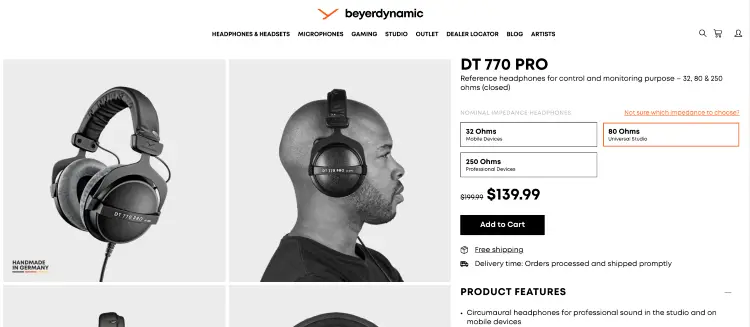
- Closed-back headphones: Beyerdynamic DT 770 Pro ($199.99) help you monitor recordings without audio bleed. (Still looking? These are the best headset microphones to help you decide.)
- Podcast mixer: Zoom PodTrak P4 ($179) records multiple speakers and remote guests without a complex setup.
- MicroSD recorder: Zoom H1essential ($109.99) provides a portable backup recording option.
- Adjustable boom arm: Gator Deluxe Boom Arm ($119.99) keeps your microphone stable while freeing up desk space.
- Shock mount: Rode SM6 ($69) minimizes vibrations caused by typing, bumps, or desk movement.
- Memory cards: SanDisk Extreme Pro SDXC ($51) provide fast, reliable storage for cameras and recorders.
- Power protection: APC Back-UPS 600VA ($112.37) helps prevent lost recordings during power interruptions.
- Cable organizer: J Channel Cable Raceway Kit ($11-$209) keeps your recording area tidy and easier to manage.
- Streaming monitor: ASUS ProArt Display PA248QV ($199) gives you extra screen space for scripts, guests, and recording software.
Podcast studio lighting setup
Good lighting can make a bigger difference to video quality than an expensive camera. A simple three-point setup works well for most podcasters.
Recommended lighting equipment:
- Premium key light: Aputure Amaran 100x S ($249) delivers adjustable brightness and color temperature.
- Compact fill light: Zhiyun Molus X100 ($224) works well in smaller home studios.
- Hair light: Godox KNOWLED MS60R RGB LED Light ($429) adds separation between you and the background.
Lighting placement tips:
- Place the key light at a 45-degree angle: Creates natural-looking facial lighting.
- Keep lights slightly above eye level: Helps avoid harsh shadows.
- Add separation lighting: Creates depth between the host and the background.
- Diffuse harsh light sources: Produces a softer, more professional image.
Podcast studio camera setup
The best podcast camera setup depends on whether you’re recording solo interviews, remote guests, or YouTube content.
Recommended cameras:
- Entry-level mirrorless: Canon EOS R50 ($679 body)
- Content creator camera: Fujifilm X-S20 ($1,399 body)
- Professional production camera: Panasonic Lumix GH7 ($2,199.99 body)
- Overhead camera: Insta360 Link 2 ($199.99) for demonstrations or desk views
Camera setup tips:
- Frame from mid-chest upward: Keeps attention on the speaker.
- Use manual focus or eye tracking: Helps maintain a sharp image.
- Record in 1080p or 4K: Provides flexibility when editing clips.
Podcast Studio Setup Cost
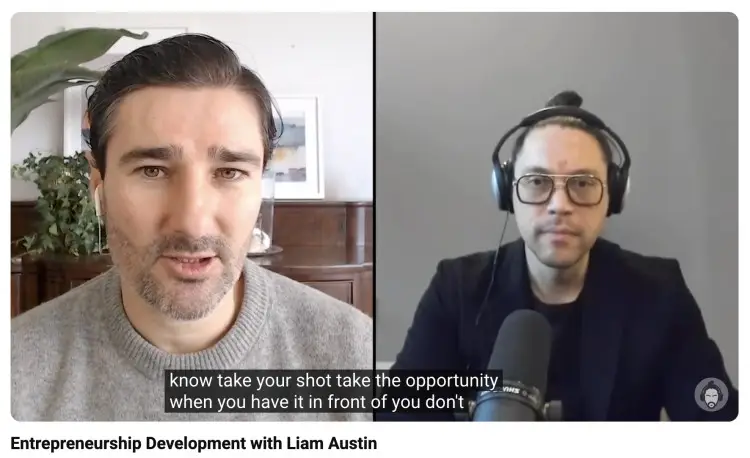
Podcast studio costs vary based on your goals, equipment, and recording format. A simple audio-only setup can cost a few hundred dollars, while a professional video studio can easily reach several thousand.
How much does it cost to build a podcast studio?
Most podcasters can build a solid studio for somewhere between $500 and $5,000.
Typical costs include:
- Best budget microphones: $80-$400
- Headphones: $50-$200
- Audio interface: $100-$300
- Camera: $0-$1,500+
- Lighting: $50-$500
- Acoustic treatment: $50-$1,000+
- Recording software: Free-$30/month
- Accessories and cables: $50-$300
The final cost depends on whether you’re creating an audio podcast, video podcast, or full content studio.
How much does it cost to setup a podcast studio?
Your total investment depends on the type of podcast you’re producing. Here are three common budget ranges to help you estimate your costs and get the answer to “How do podcast studios make money?”
Starter audio podcast setup
This podcast setup idea is ideal for solo podcasters recording audio-only episodes from home.
- Microphone: $75-$150
- Headphones: $50-$100
- Boom arm and pop filter: $30-$60
- Recording software: Free-$20/month
- Basic acoustic treatment: $50-$100
- Accessories and cables: $25-$75
Estimated total: $300-$500
Video podcast setup
Designed for creators producing podcasts for YouTube and social media.
- Microphone: $150-$300
- Audio interface: $150-$300
- Mirrorless camera or webcam: $200-$1,000
- Lighting kit: $150-$400
- Tripod and mounting gear: $75-$200
- Acoustic treatment: $100-$300
- Storage and accessories: $100-$300
Estimated total: $1,500-$2,500
Professional podcast studio
Built for businesses, agencies, and production teams recording multiple hosts or guests.
- Multiple microphones: $800-$2,000
- Multi-channel mixer or audio interface: $600-$1,500
- Multiple cameras and lenses: $2,000-$6,000
- Professional lighting system: $500-$2,000
- Acoustic treatment: $500-$2,000
- Studio furniture, monitors, and accessories: $600-$2,500
Estimated total: $5,000-$15,000+
What’s the cost of setting up a podcast studio at home?
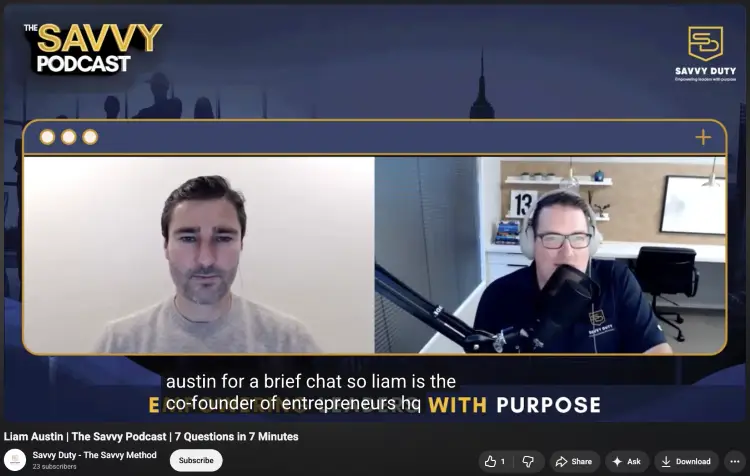
Most home podcast studios fall between $300 and $2,000 because the room already exists and doesn’t require commercial lease costs.
Examples include:
- Basic home office setup: $300-$700
- Dedicated spare-room studio: $1,000-$3,000
- Professional creator studio: $3,000-$10,000+
Many successful podcasters start with a desk, a microphone, and a spare room before upgrading over time.
How much does a podcast studio setup service cost?
Hiring professionals to design and install a podcast studio adds labor and consulting costs on top of equipment expenses.
Typical pricing includes:
- Remote setup consultation: $200-$1,000
- Equipment recommendations and planning: $500-$2,000
- Full studio installation: $2,000-$10,000+
- Commercial podcast studio buildout: $10,000-$50,000+
The larger the space and the more complex the production requirements, the higher the overall investment.
Small or Pro, You Deserve an Audience
You built the podcast studio setup (Most people? They stop there).
Meanwhile, someone with a cheaper microphone and a smaller audience is getting booked on the podcasts your future clients already trust.
The difference isn’t better gear. It’s getting in front of more people.
Create your free Talks Creator Profile and start connecting with podcast hosts looking for guests like you.
With instant matches and new automation tools working in the background, booking interviews has never been easier.
Don’t let your next opportunity go to someone else.
Yes! Sign Me Up for Talks Now!


